
Wonder Town › Guides › How-to guides
The Wonder Town Passport, coins and your profile
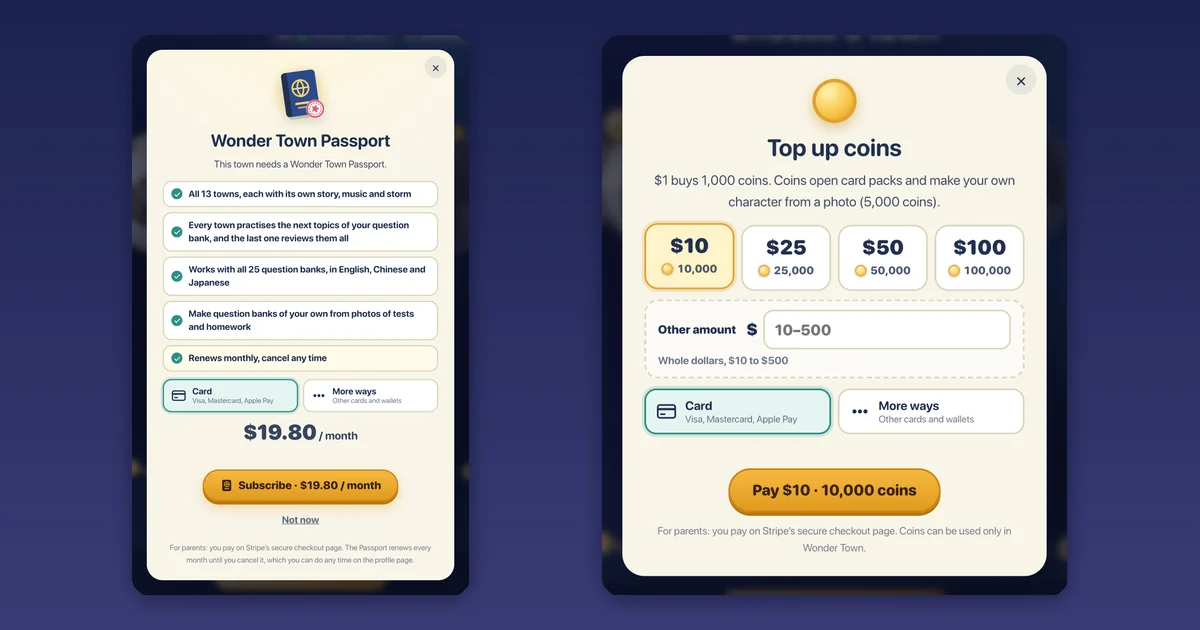
There are three ways to play Wonder Town: a guest without an account can try the first town; a free account plays the first 3 towns; with a Wonder Town Passport all 13 towns open, and you can make question banks of your own from photos of tests. The game's coins open character packs, make custom characters and pay for reading test photos.
What the Passport includes
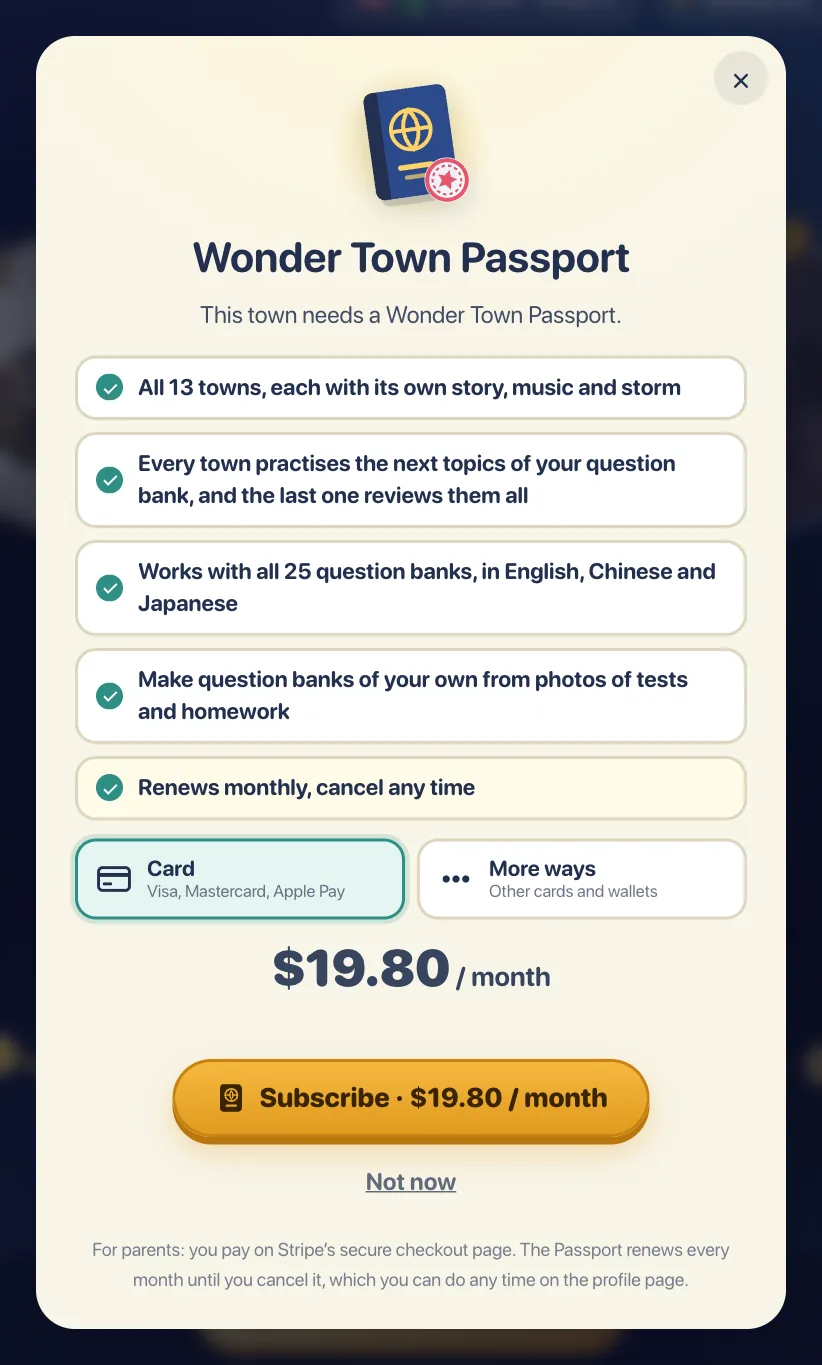
- All 13 towns, each with its own story, music and storm.
- Every town practises the next topics of your question bank, and the last one reviews them all.
- All 25 question banks, with questions in English, Chinese and Japanese.
- Question banks of your own from photos of tests and homework; see turn photos of tests into a question bank of your own.
It costs $19.80 a month, renews monthly, and can be cancelled any time.
How to get it
At the top of the character screen is Get a Passport, next to your coins (click the coins to top up). It opens your Passport book, and the Get a Passport button on its first page opens the Passport offer; see Passport stamps for the book itself.

On the town screen, the towns from the 4th on carry a "Passport" tag. Pick one and the button below becomes Unlock with a Passport. Saving the 3rd town also offers it in the result box.
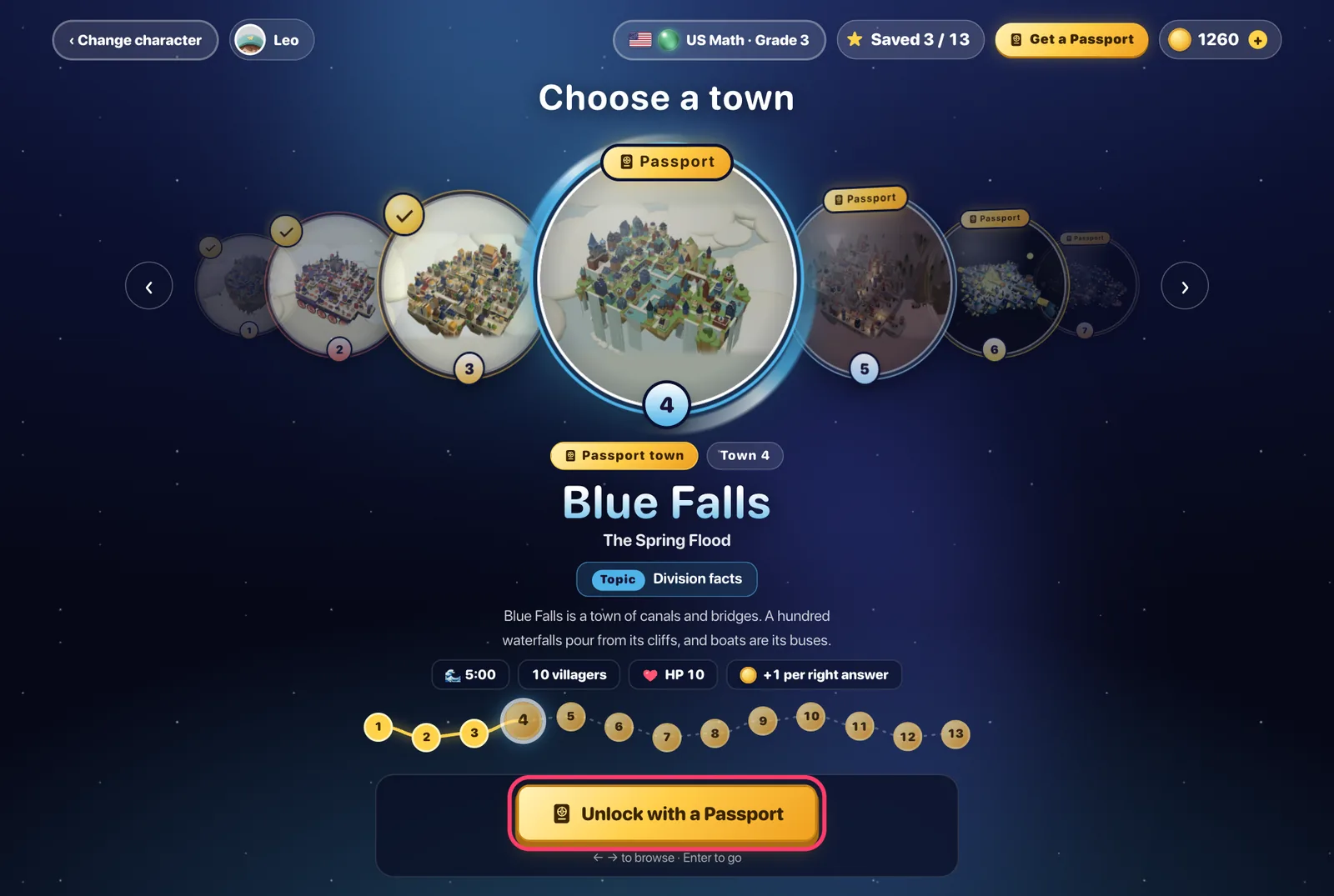
The button opens the Passport. Choose how to pay (card or more ways), then click the subscribe button below.
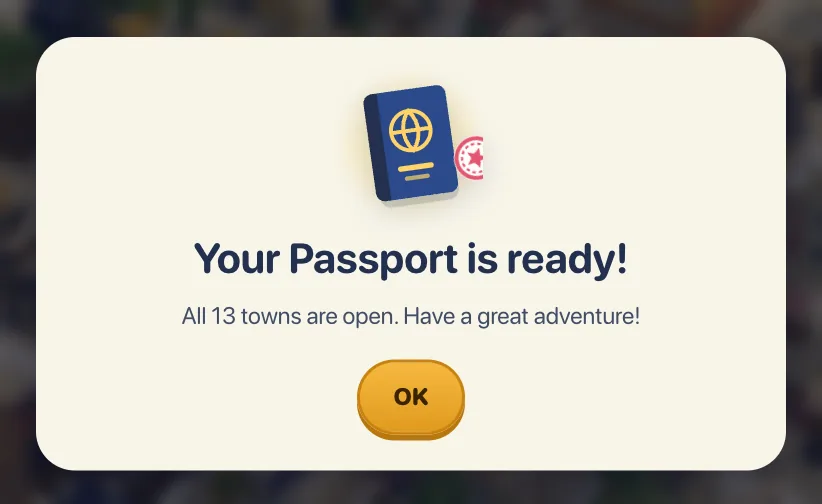
You pay on the payment platform's secure checkout page and come straight back to the game. "Your Passport is ready!" means every town is open.
Earning and using coins
| Earn coins | |
|---|---|
| Signing up | 100 coins |
| Every right answer in a town | 1 coin (kept even if the town is lost) |
| Drawing a character you already have | 20, 40 or 80 coins back (by rarity) |
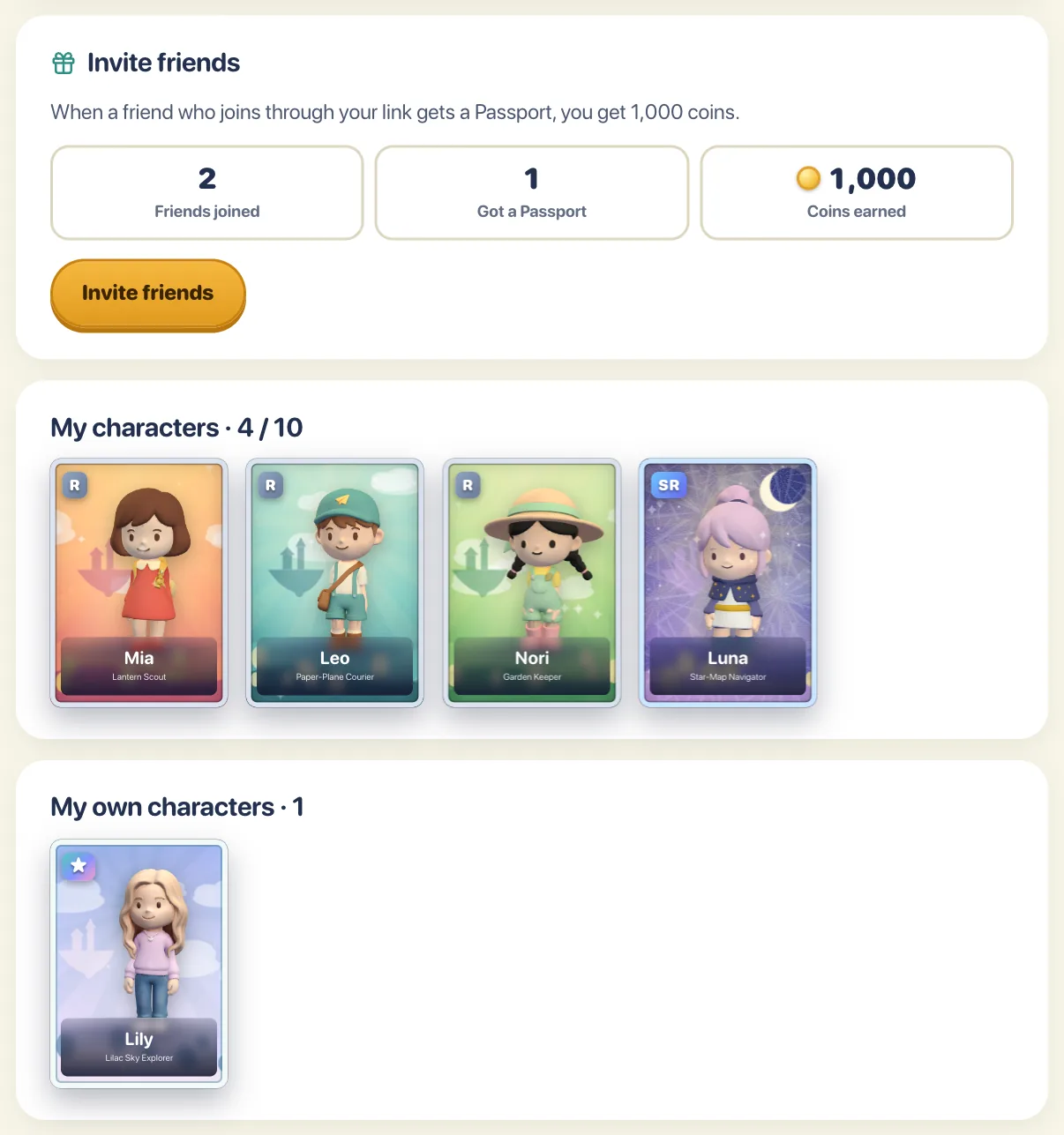
| A friend you invited gets a Passport | 1000 coins; see invite friends and get help |
| Topping up | $1 = 1000 coins |
| Use coins | |
|---|---|
| A character pack | 100 coins |
| A character of your own from a photo | 5000 coins; see make a 3D character from one photo |
| Reading a photo of a test | by how much the AI reads, usually under 30 coins |
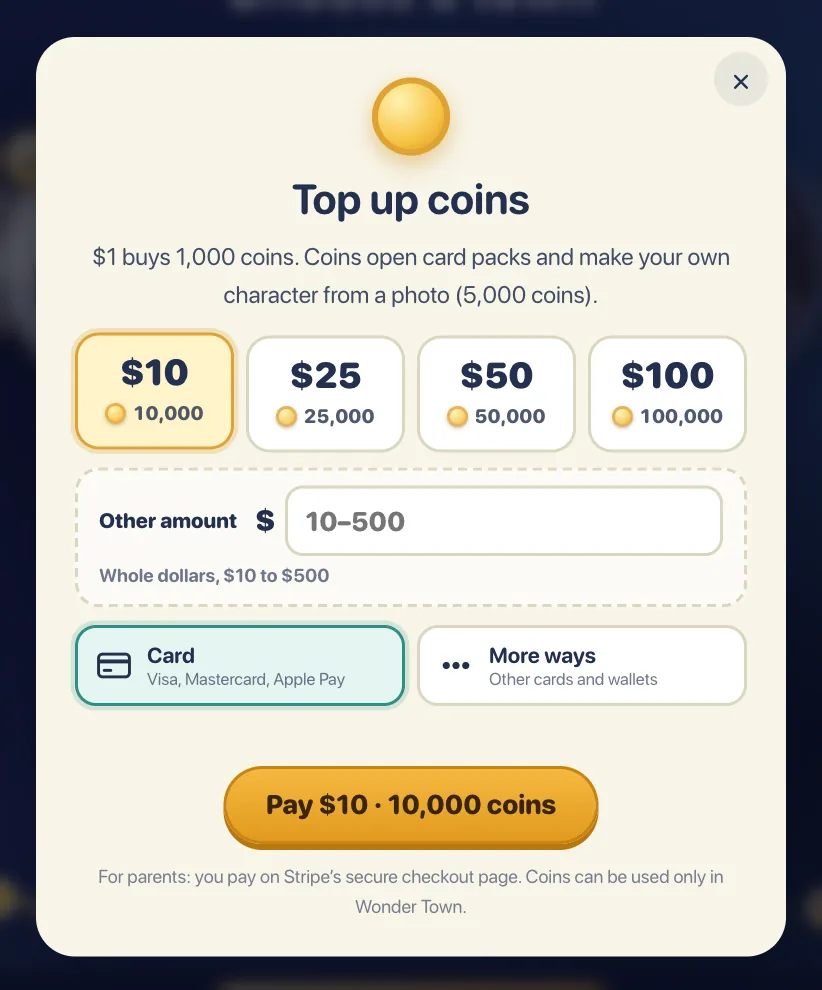
Click your coins (on the character screen, the town screen, or Top up on the profile page) to open the top-up box: $10, $25, $50 or $100, or any whole-dollar amount from $10 to $500.
The profile page
Click the profile icon in the site's header or in the game.
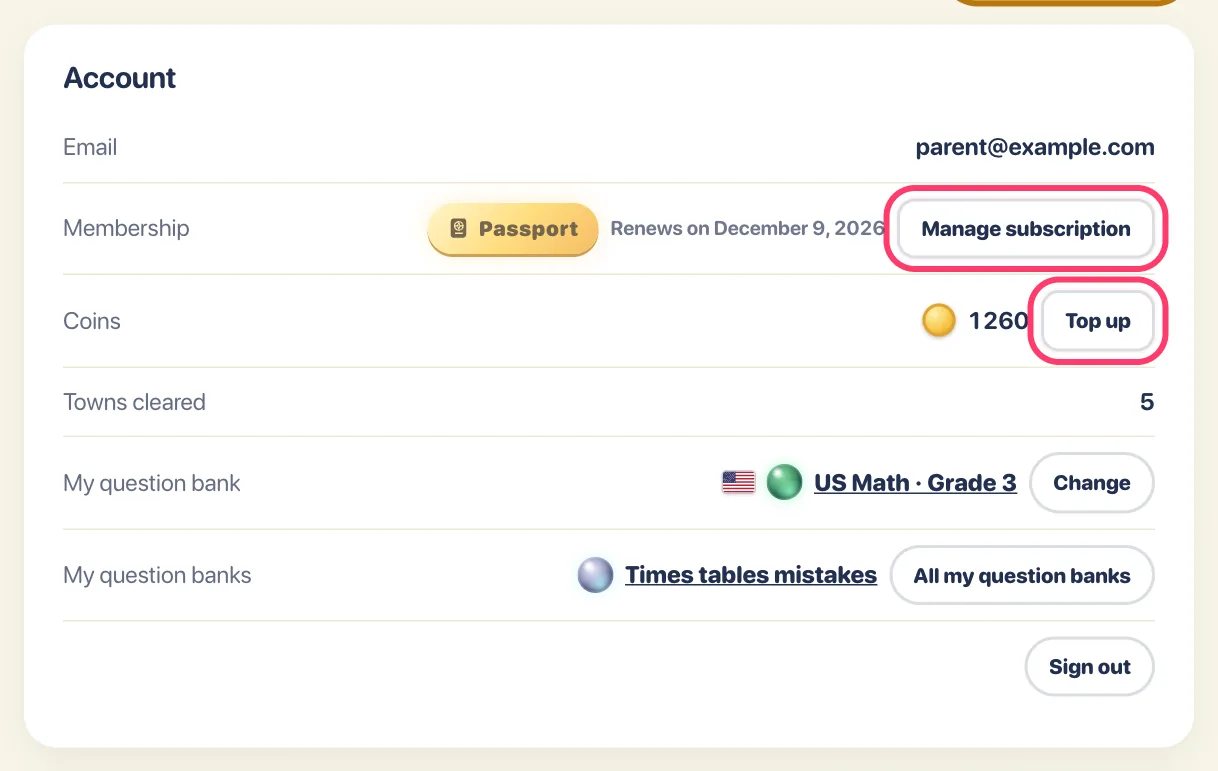
- Membership: your Passport and the date it renews (or ends). Manage subscription opens the billing page, where you can change the card, see invoices and cancel.
- Coins: how many you have; Top up buys more.
- My question bank: the bank loaded now; Change goes to the question banks page. The next row lists the banks you made from photos.
Further down: your invites, the characters you have collected, and your own characters.
Cancelling and when it ends
- After you cancel under Manage subscription, nothing more is charged and the month already paid for runs to its end; then the account is a free one again.
- The first 3 towns stay open and every bank's progress is kept, so getting a Passport again carries on where you left off.
- The question banks you made stay too: they can still be played and get new photos; only making new ones needs the Passport.
More guides
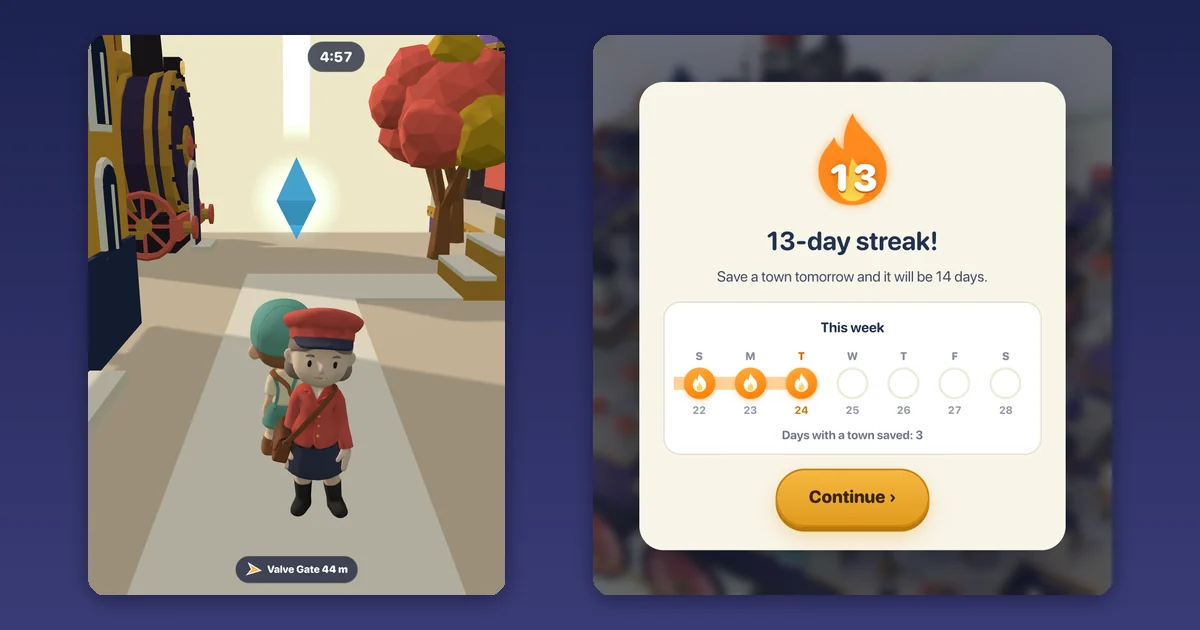 How-to guidesDaily streak and freeze gems: save a town every daySave any town in Wonder Town on a day and that day counts for your daily streak. Where to see the streak and the week, how freeze gems keep it through a missed day, and where the gems hide.November 24, 2026 · 6 min read
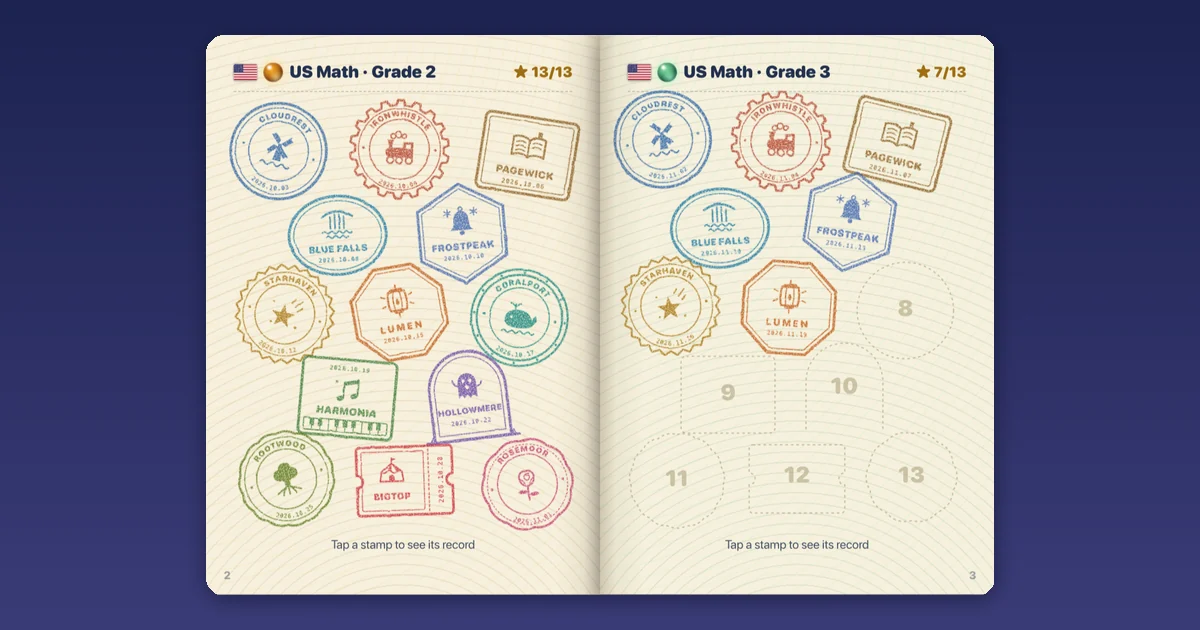 How-to guidesPassport stamps: one for every town you saveEvery town saved in Wonder Town puts a stamp in your Passport, a little book with a page per question bank. How to open it, turn its pages and read each stamp.November 22, 2026 · 6 min read
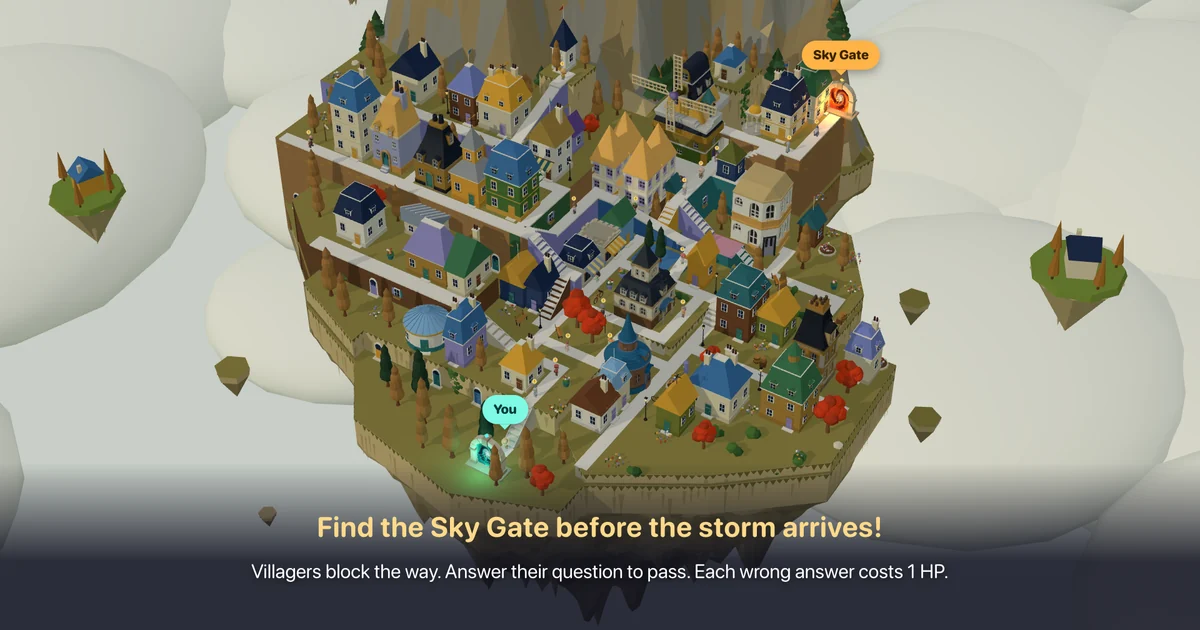 How-to guidesGetting started with Wonder Town: from the free trial to your first saved townNo download and no sign-up needed to start. A step-by-step walk through choosing a question bank, opening a card pack, answering the villagers and reaching the Sky Gate, with screenshots of every step.November 21, 2026 · 4 min read