
Wonder Town › 1st grade math games
Math games for 1st graders, played as an adventure
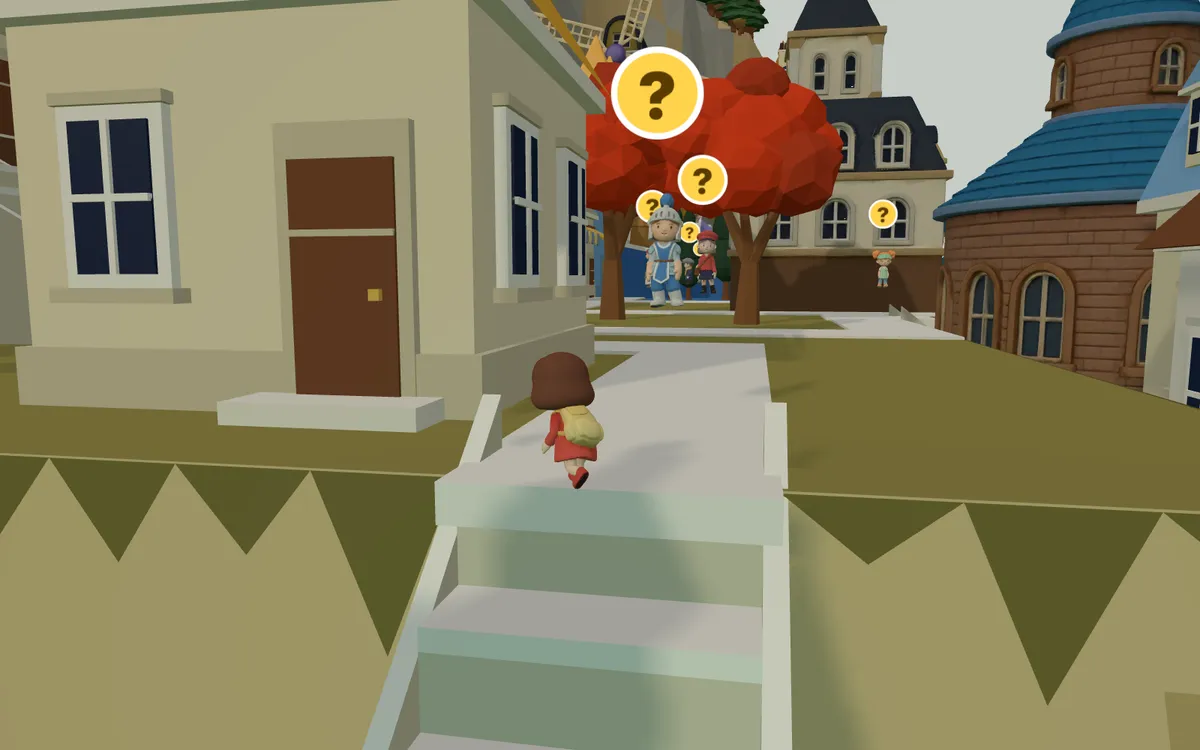
First grade math is about making numbers move: counting on, taking away, seeing 14 as a ten and four ones. In Wonder Town those questions come from the villagers of a floating town. Your child picks a hero, walks the streets and answers each one to clear the road to the Sky Gate.
First town: no account needed · First 3 towns free · No download
Plays onComputersiPad and tabletsiPhone and Android
Wonder Town at a glance
- What it is
- A 3D math adventure game for kids in grades 1–5 (ages 6–11)
- Free
- The first 3 towns
- Account
- None needed for the first town; a free account for towns 2 and 3
- Passport
- $19.80 a month: all 13 towns, cancel any time
- Own question banks
- With the Passport, from photos of tests and homework
- Towns
- 13, each with its own story; the last one reviews every topic
- Ads and chat
- None
- Plays on
- Computers, iPad and other tablets, iPhone and Android phones, in the browser; no download
What 1st graders practise in the game
Addition within 20
Sums such as 8 + 7, explained by counting on from the larger number.
Subtraction within 20
Differences such as 15 − 6, explained by counting back.
Missing addends
Find the unknown in 6 + ? = 13 by thinking of the matching subtraction.
Tens and ones
How many tens are in a two-digit number such as 47.
Addition word problems
A villager has some apples and gets more: how many now?
Town by town
Each of the first twelve towns practises one topic of the 1st grade question bank, in order, and the thirteenth reviews them all. The first town needs no account, a free account opens the first three, and the Passport opens the rest.
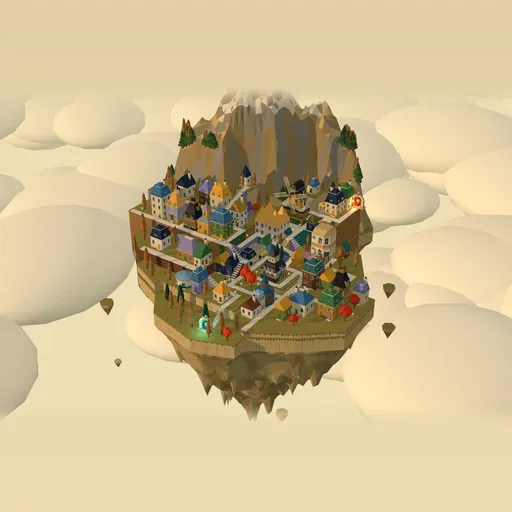 Town 1CloudrestAddition within 20Free · no account needed
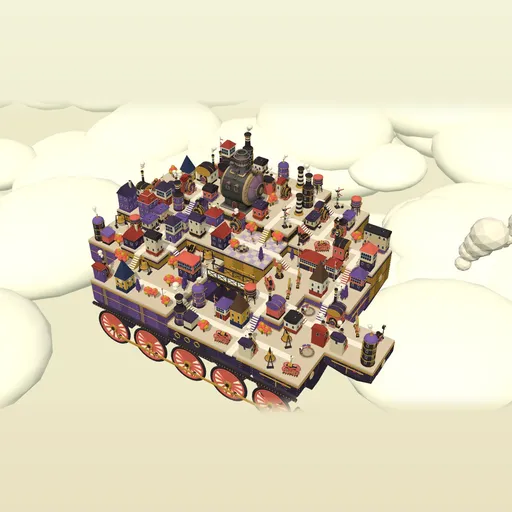 Town 2IronwhistleAddition within 20Free
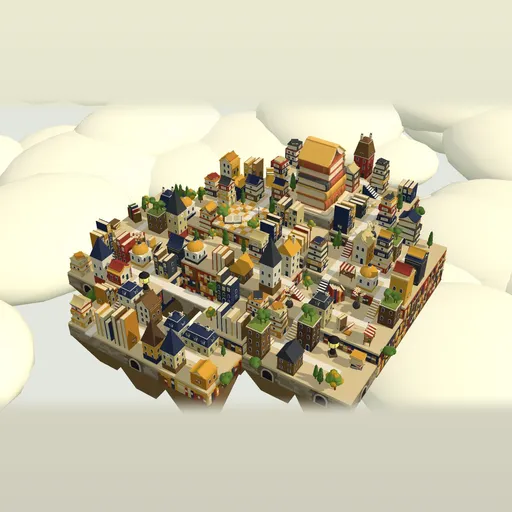 Town 3PagewickAddition within 20Free
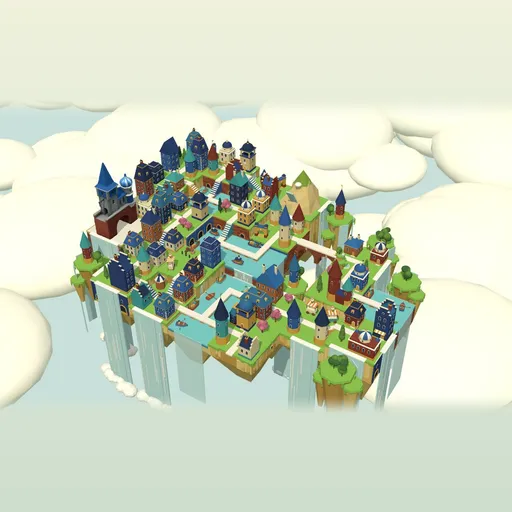 Town 4Blue FallsSubtraction within 20Passport
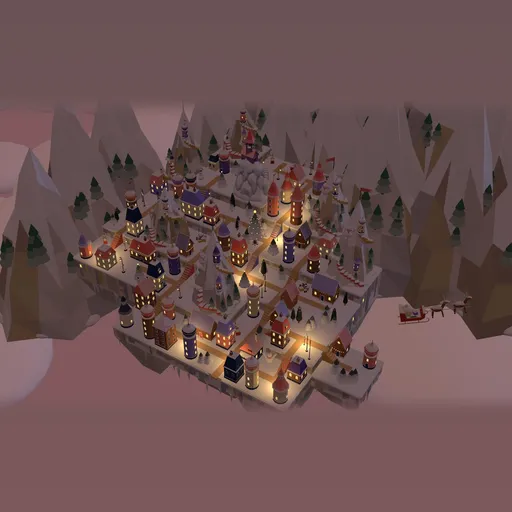 Town 5FrostpeakSubtraction within 20Passport
 Town 6StarhavenSubtraction within 20Passport
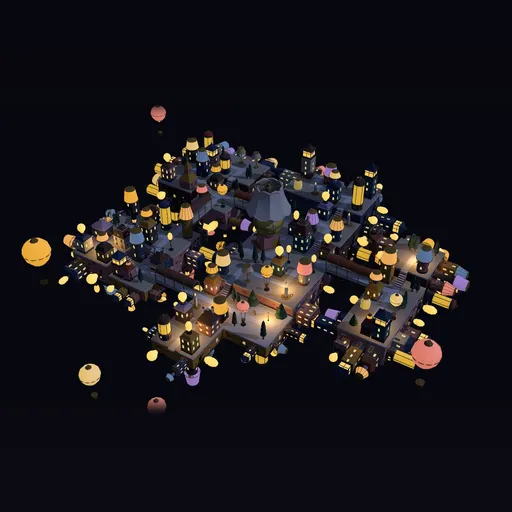 Town 7LumenMissing addendsPassport
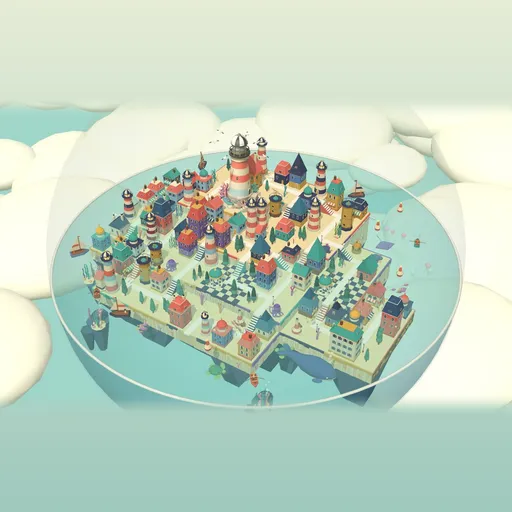 Town 8CoralportMissing addendsPassport
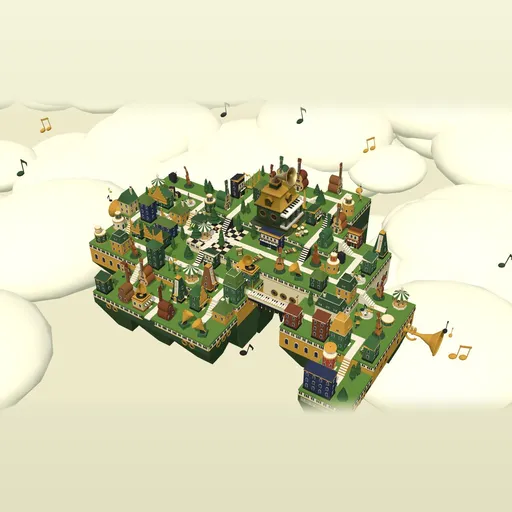 Town 9HarmoniaTens and onesPassport
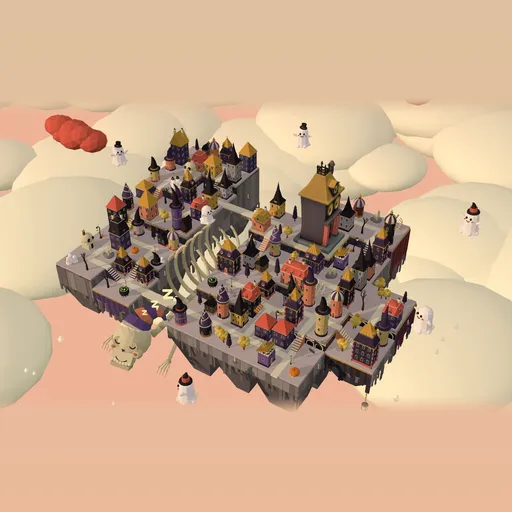 Town 10HollowmereTens and onesPassport
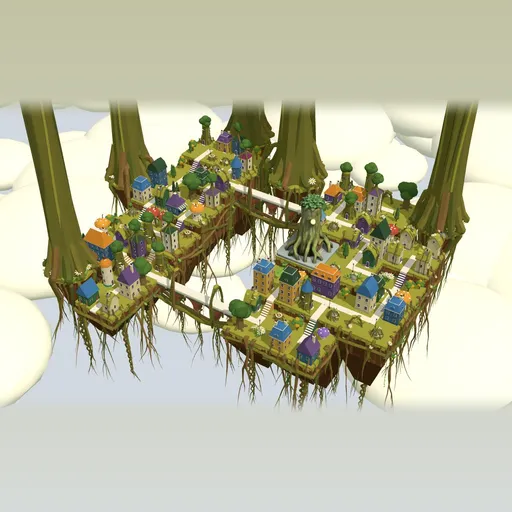 Town 11RootwoodAddition word problemsPassport
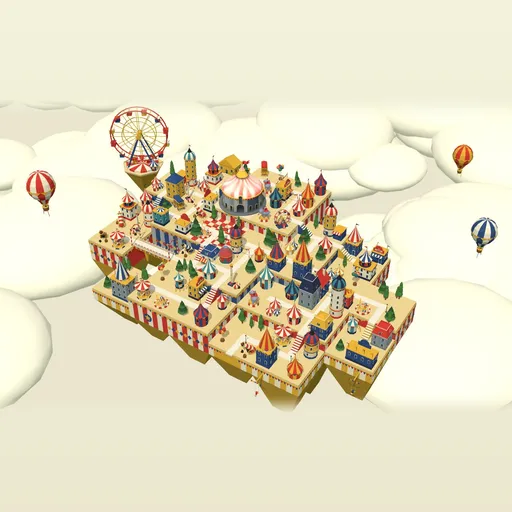 Town 12BigtopAddition word problemsPassport
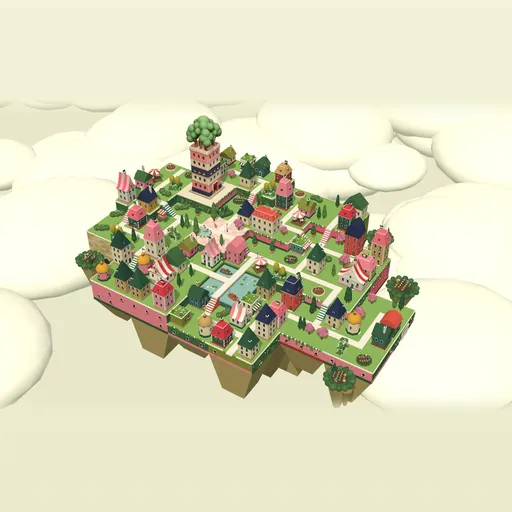 Town 13RosemoorReview of all 5 topicsPassport
Sample questions from the game
These were made by the same generator the game uses, so your child will see questions like them, always with fresh numbers. Every question is multiple choice with four options.
9 − 8 = ?
- 4
- 3
- 1
- 5
How to think about it: Start at 9 and count back 8: you land on 1.
7 + ? = 8
- 4
- 2
- 5
- 1
How to think about it: Think: 8 − 7 = 1. So 7 + 1 = 8.
A villager has 3 lanterns and gets 6 more. How many now?
- 9
- 12
- 13
- 7
How to think about it: "Gets more" means add: 3 + 6 = 9.
A villager has 6 loaves of bread and gets 2 more. How many now?
- 10
- 8
- 9
- 11
How to think about it: "Gets more" means add: 6 + 2 = 8.
A villager has 3 seeds and gets 7 more. How many now?
- 6
- 10
- 9
- 7
How to think about it: "Gets more" means add: 3 + 7 = 10.
What a round looks like
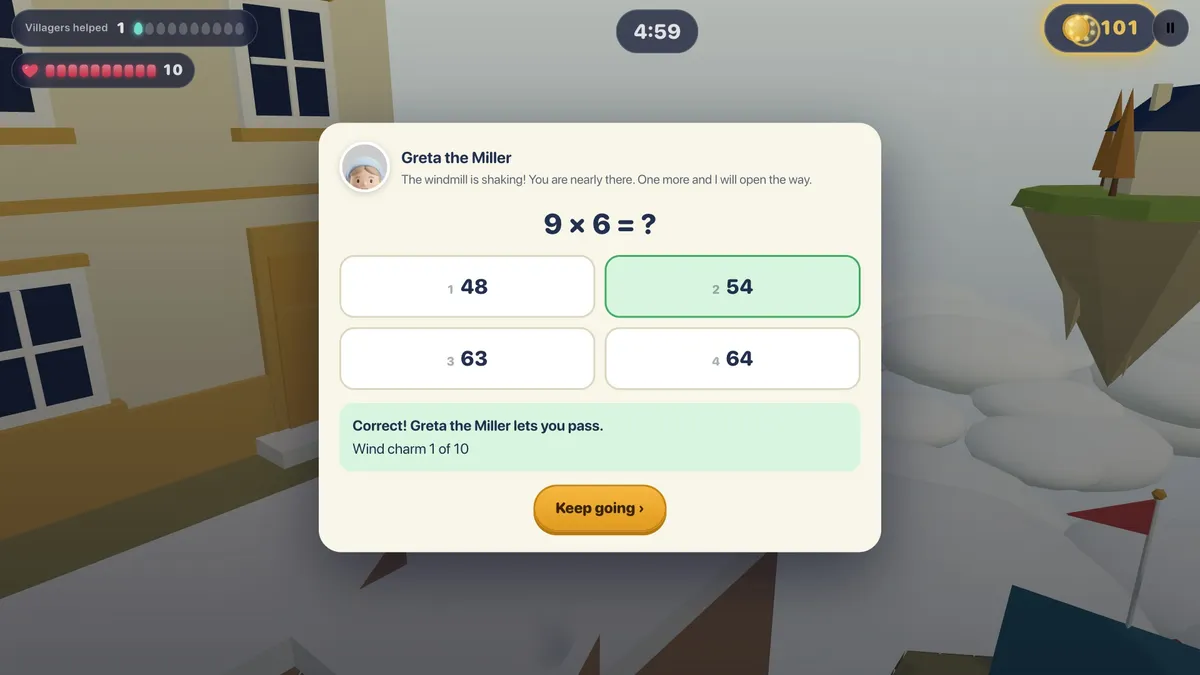
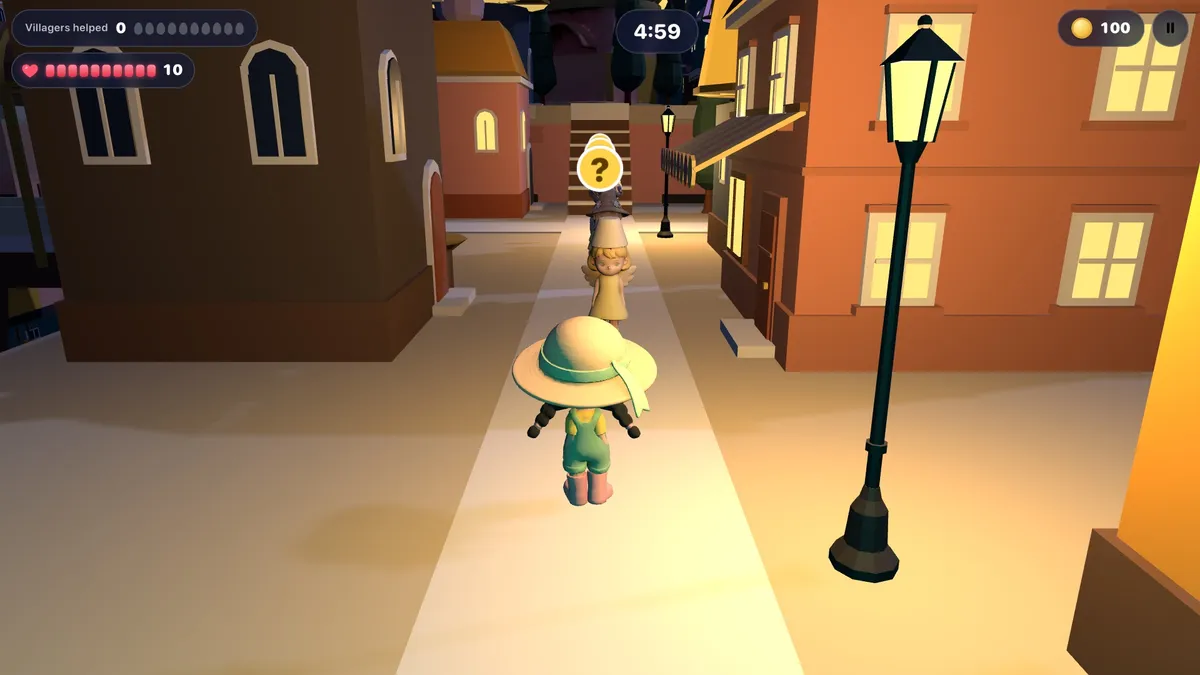
Why an adventure helps with 1st grade math
A villager stands between your child and the next street, so even a reluctant counter has a reason to work out 8 + 7 instead of skipping it.
Most questions are a short number sentence with four big answer buttons. The word problems are one or two short sentences, so an early reader may want them read aloud at first.
A wrong answer costs one of ten hearts and brings a short explanation, such as counting on from the larger number, followed by a fresh question of the same kind.
Tips for parents
- Sit with your child for the first round: moving with the keys or the joystick takes a minute to learn, and the word problems may need reading aloud at first.
- Start with your child’s own grade. If a question often takes more than about twenty seconds, play a few rounds of the grade below, then come back.
- With a Passport, photos of your child’s own worksheets and tests become a question bank of their own: an AI reads the questions, and the villagers ask the missed ones again until they are known.
Questions about 1st grade math games
Can a 1st grader play on their own?
Many can after a round or two with an adult. Most questions are short number sentences with four answer buttons; the addition word problems in towns 11 and 12 have one or two short sentences, so early readers may want help with those.
What 1st grade math does the game cover?
The 1st grade question bank follows the US Common Core: addition within 20, subtraction within 20, missing addends, tens and ones, and addition word problems. Each of the first twelve towns practises one topic, in order, and the thirteenth reviews them all.
Is it free?
The first three towns are free. The first town, which practises addition within 20, plays in the browser without an account, and towns 2 and 3 need a free account. The Passport ($19.80 a month) opens all thirteen towns and question banks of your own, made from photos of your child’s tests.
How long does a round take?
Each town gives five minutes on the clock to reach the gate, and the clock stops while a villager’s question is open, so answers are never rushed. Reach the gate in time and the town is saved; lose all ten hearts or run out of time and you try again. Two or three rounds make a good daily session.
What happens after a wrong answer?
The villager shows how to think about the problem in a sentence or two, then asks a new question of the same kind. A wrong answer also costs one of ten hearts.
Can my child play on an iPad or a phone?
Yes. It runs in the browser on computers, iPad and other tablets, and iPhone and Android phones, with nothing to download. Use W A S D or the arrow keys on a keyboard, or the on-screen joystick on a touch screen. There are no ads and no chat.
Further reading
- Turn your child’s worksheets into a math game
- The learning ideas behind Wonder Town
- Math games: questions parents ask