
Wonder Town › Guides › How-to guides
Turn photos of tests into a question bank of your own
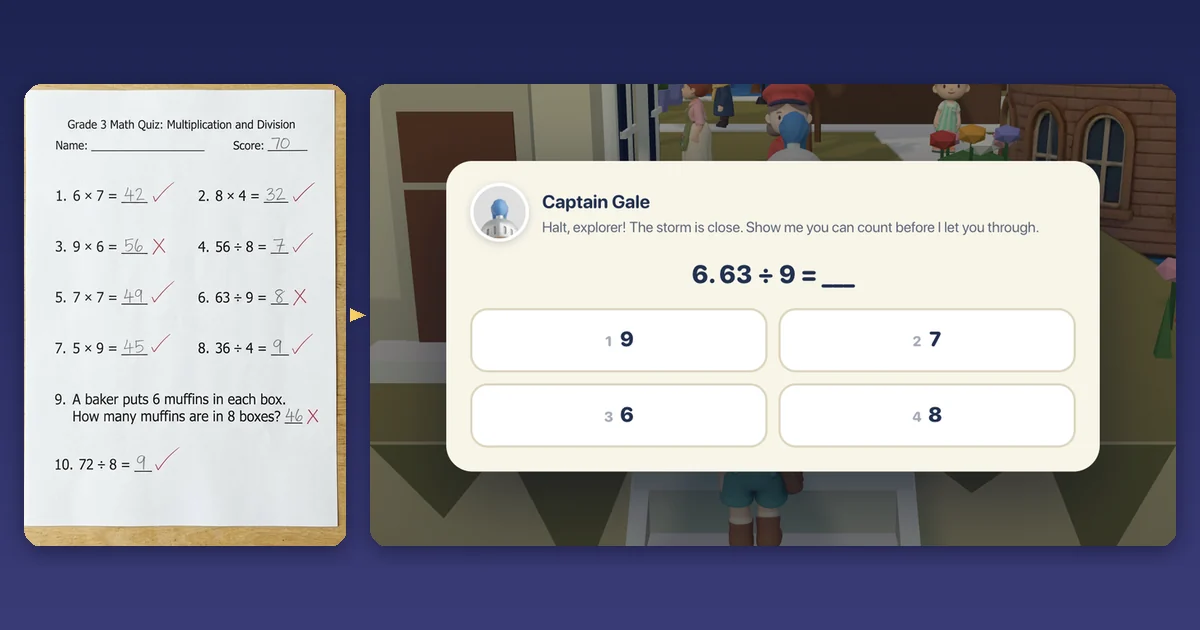
Take a photo of your child's test, worksheet or homework, and the AI reads the questions on it, turns them into multiple-choice questions for the game and puts them in a question bank of your own. Load that bank and the villagers ask those questions: the ones missed come back soon, the ones known come back less and less often, until your child really has them.
- Question banks of your own come with the Wonder Town Passport. Making a bank is free, up to 20 banks of up to 500 questions each.
- Reading a photo costs coins by how much the AI had to read, usually only a few.
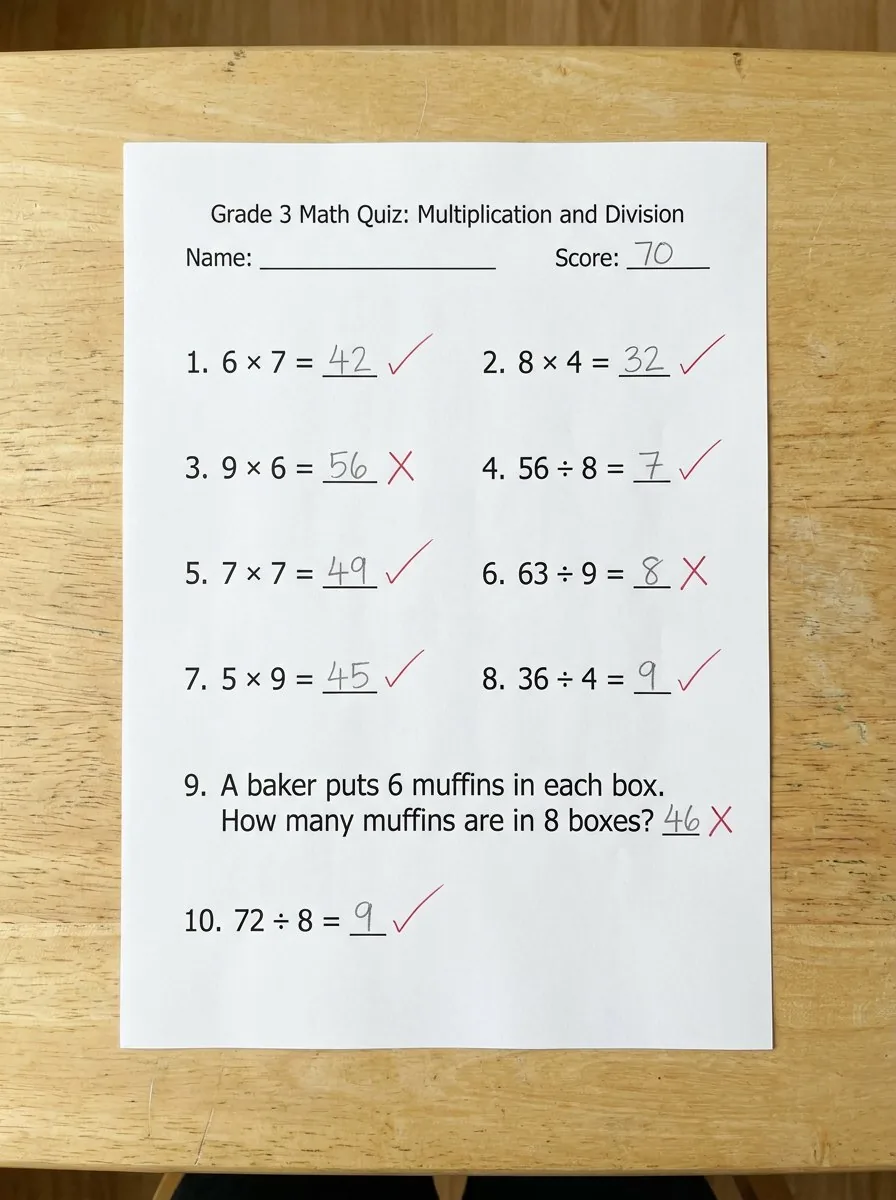
Here is the whole thing with a grade 3 multiplication and division quiz. The photo is an AI-made example; the reading is real. The teacher marked questions 3, 6 and 9 wrong.
1. Make a question bank
Open My question banks (or the "My question banks" part of the question banks page) and click New question bank.
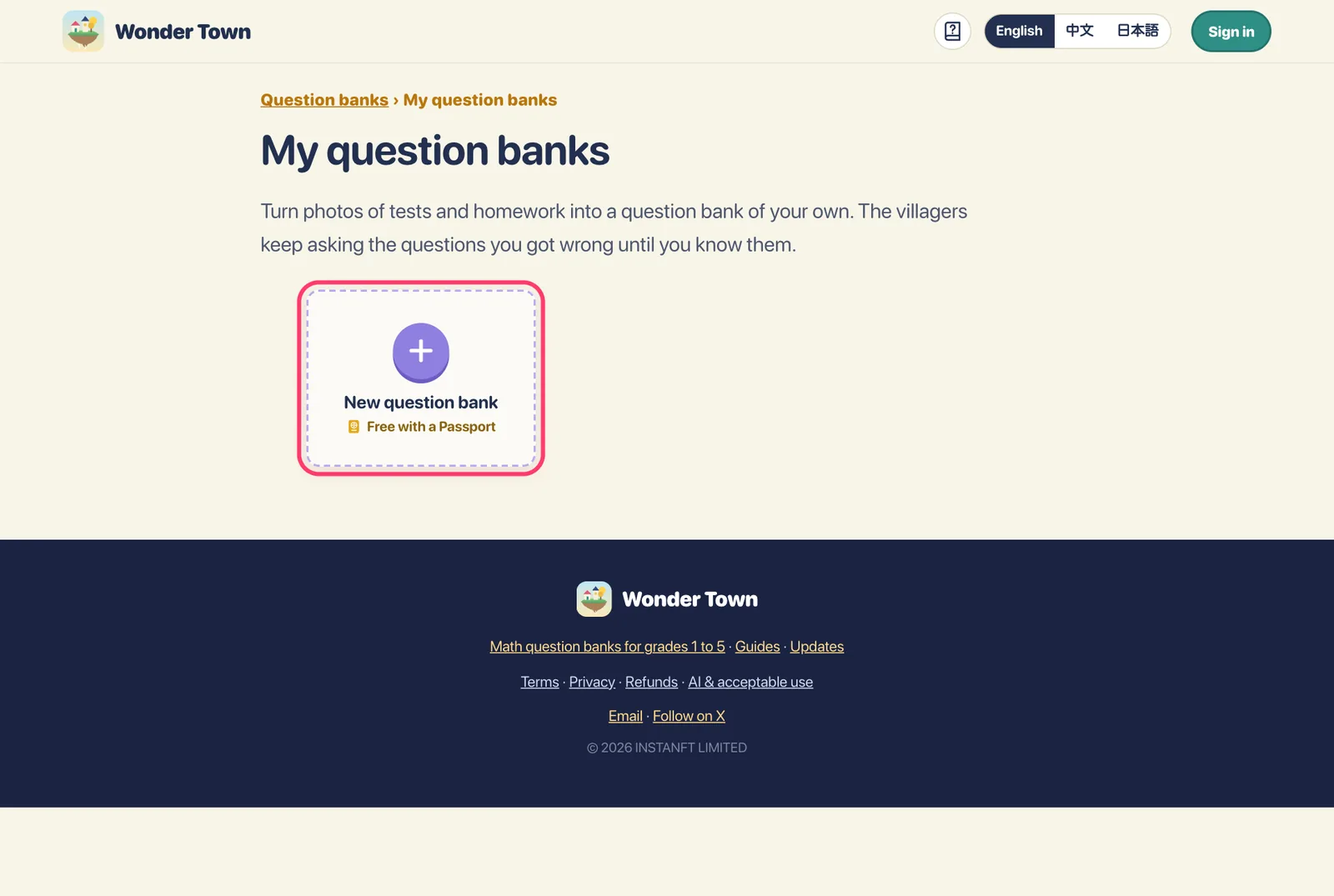
Give it a name, such as "Times tables mistakes", and click Create.
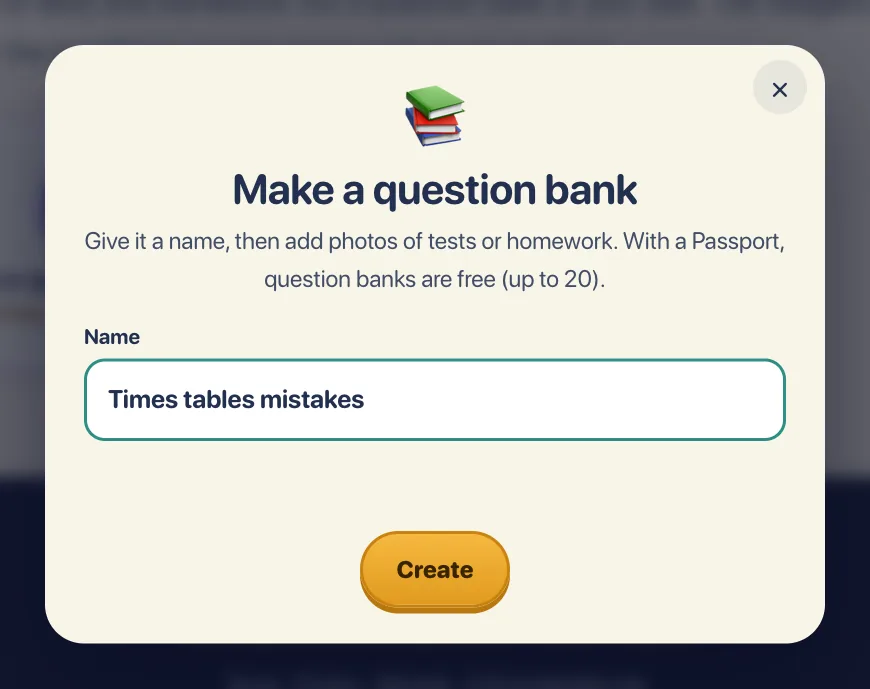
Without a Passport, "New question bank" first shows the Passport; once you have it, coming back here opens the name box straight away.
2. Take or choose photos
On the bank's page click Take a photo (on a phone the camera opens) or Choose photos (several at once is fine).
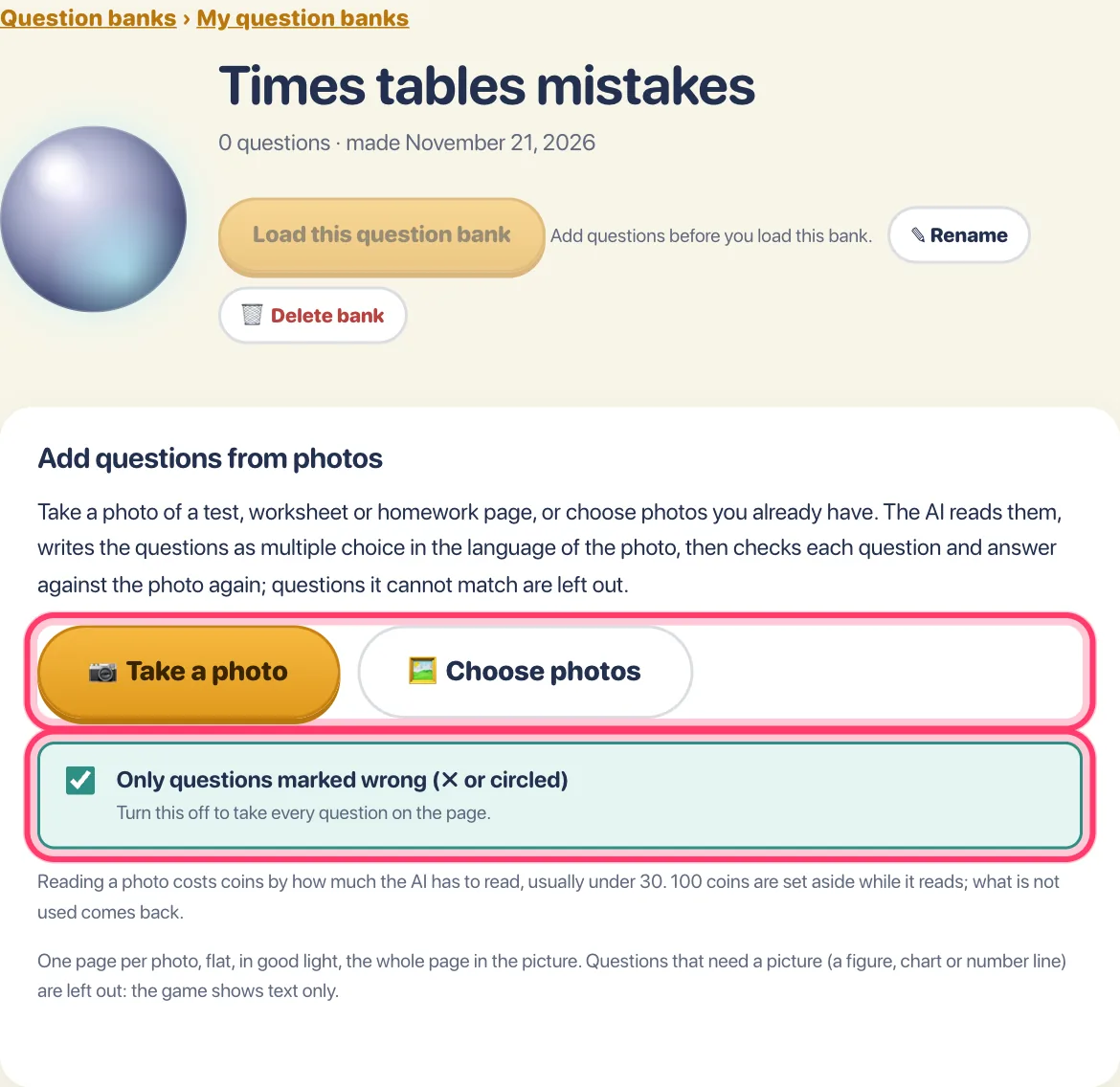
Only questions marked wrong (✗ or circled) is on to begin with: only the questions the teacher crossed or circled are taken. Turn it off to take every question on the page.
Tips for the photo:
- One page per photo, flat, in good light, with the whole page in the picture.
- Questions that need a picture (a shape, a chart, a number line) are left out, because the game shows text only.
3. Let the AI read it
After the upload the photo shows "Reading and checking the photo…". 100 coins are set aside while it reads.
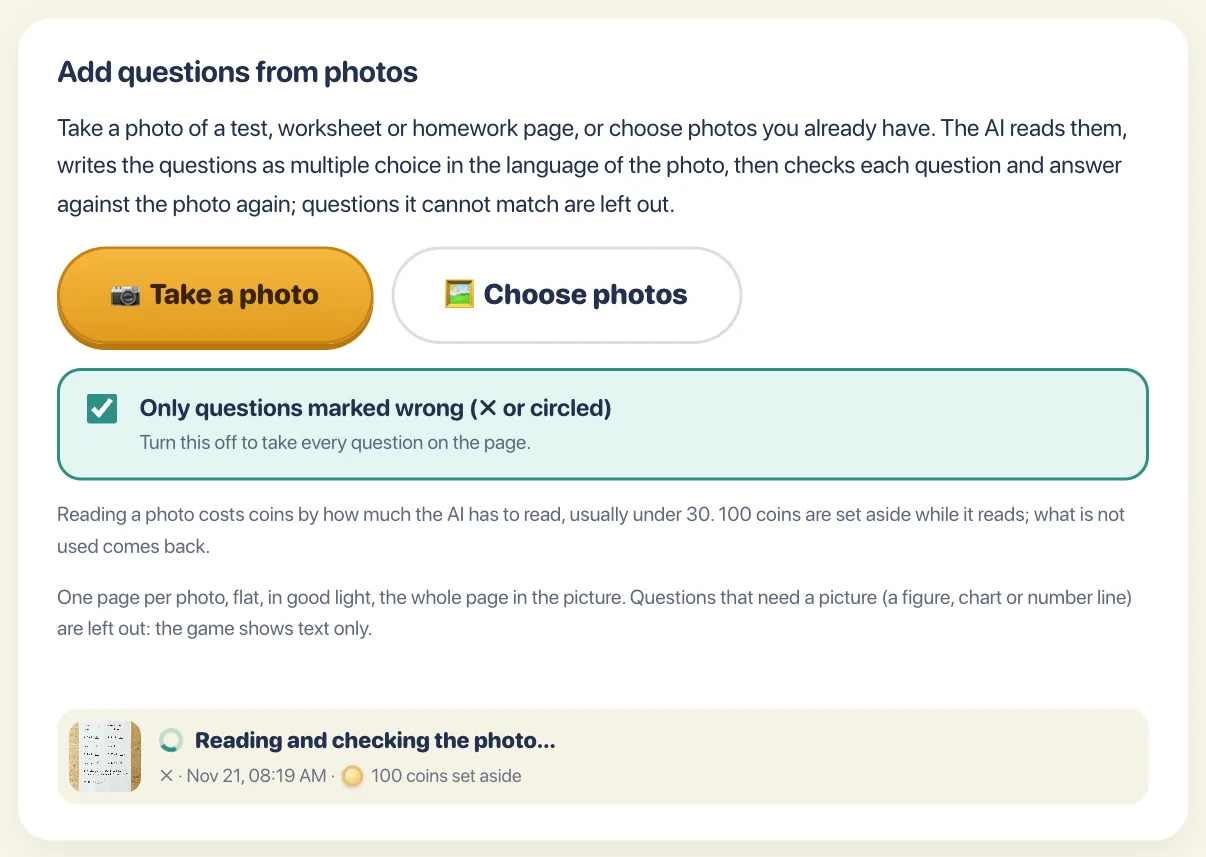
The AI does two things:
- It reads the questions and writes them as multiple choice with 2 to 4 answers, in the language of the photo (nothing is translated).
- It checks every question against the photo again: questions that do not match the photo, or whose answer is wrong, are corrected or left out.
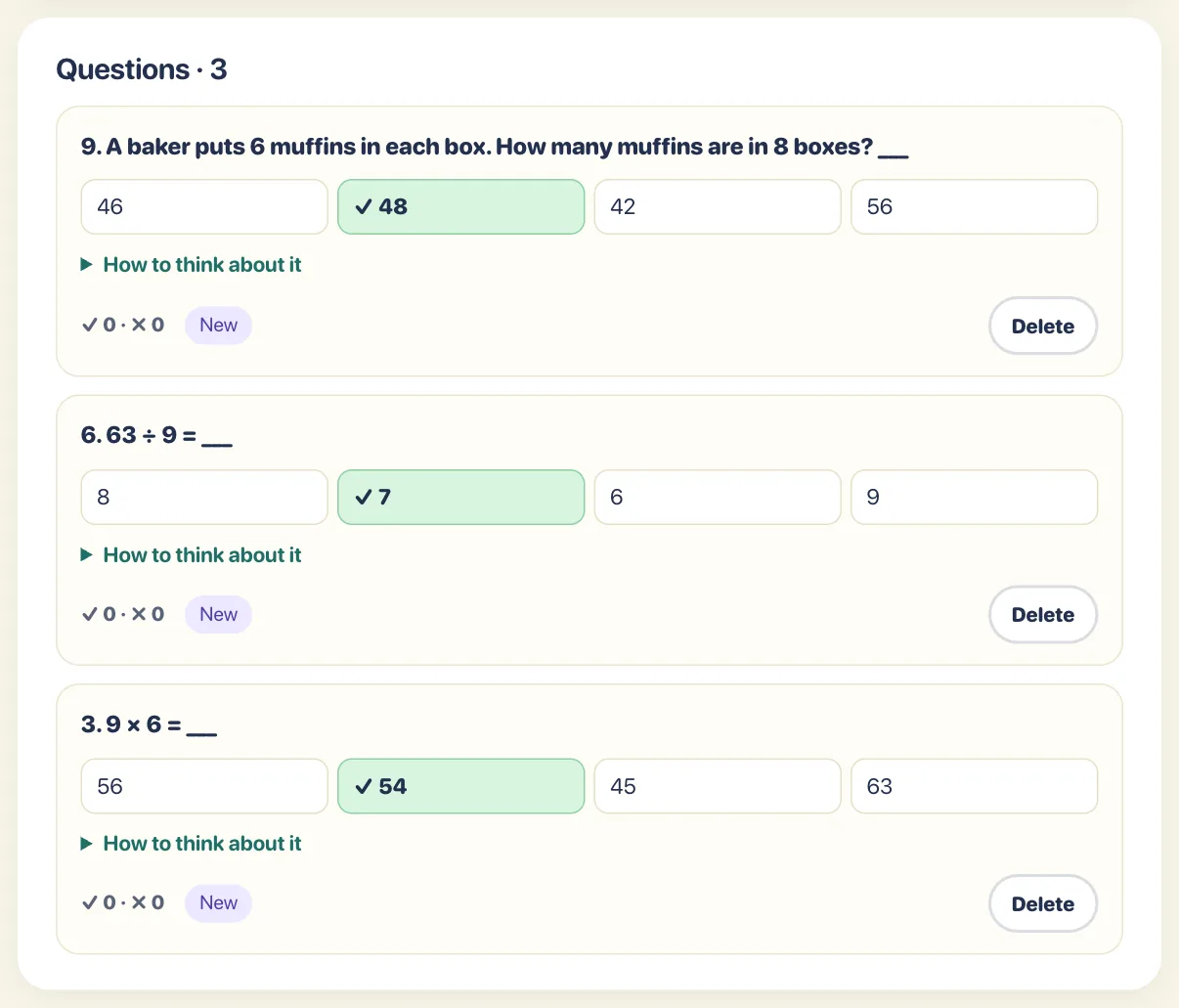
When it is done you see how many questions were added and how many coins it really cost; the rest of the 100 comes back. On the example photo all 3 questions marked wrong were found, for 3 coins.

4. Check the questions
Below, every question of the bank is listed: the right answer is green, and How to think about it opens the explanation. Each question keeps how often it was answered right and wrong and when it comes back; new ones are marked "New". If a question was read wrongly, click Delete.
5. Load it into the stele
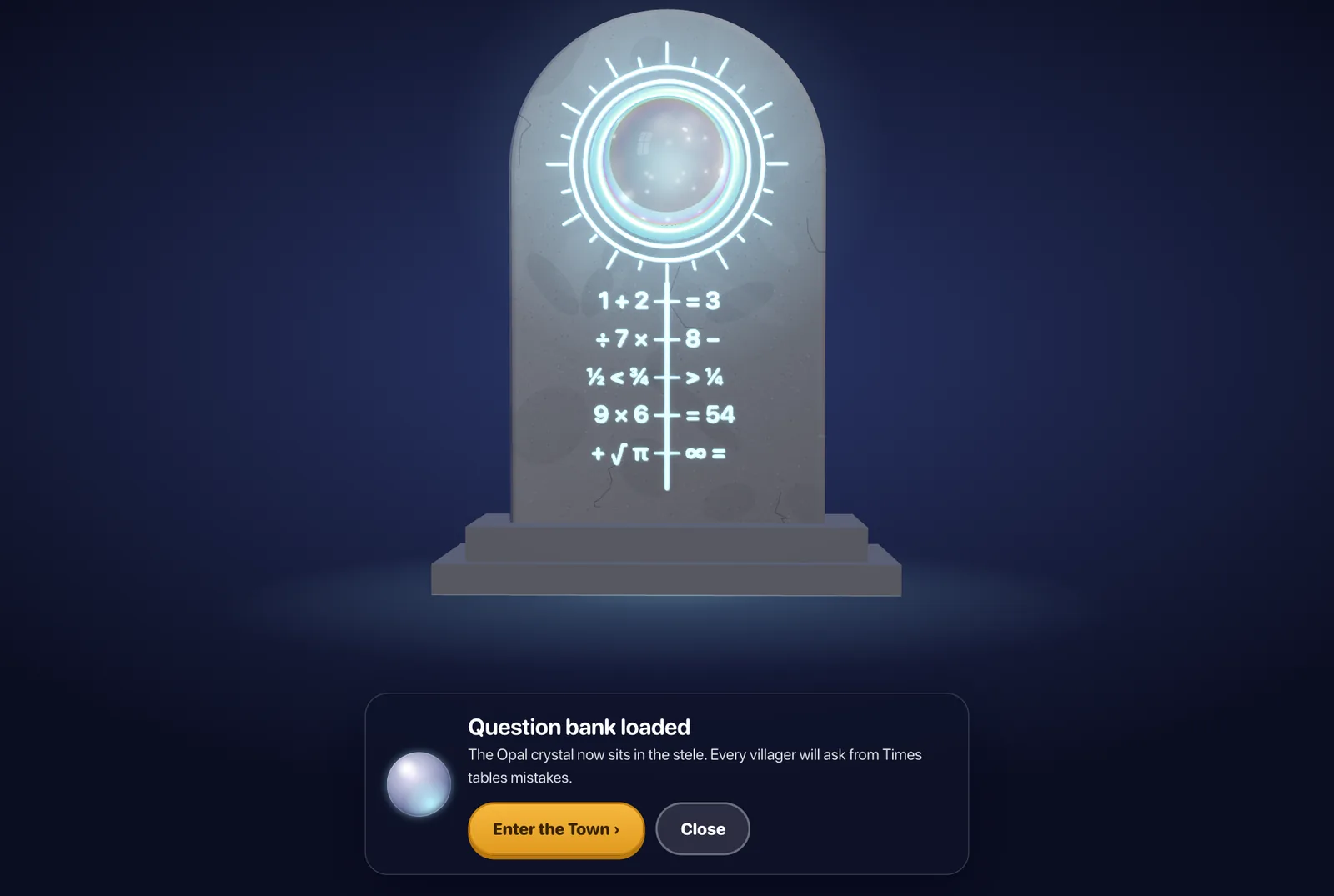
Back at the top of the page, click Load this question bank.
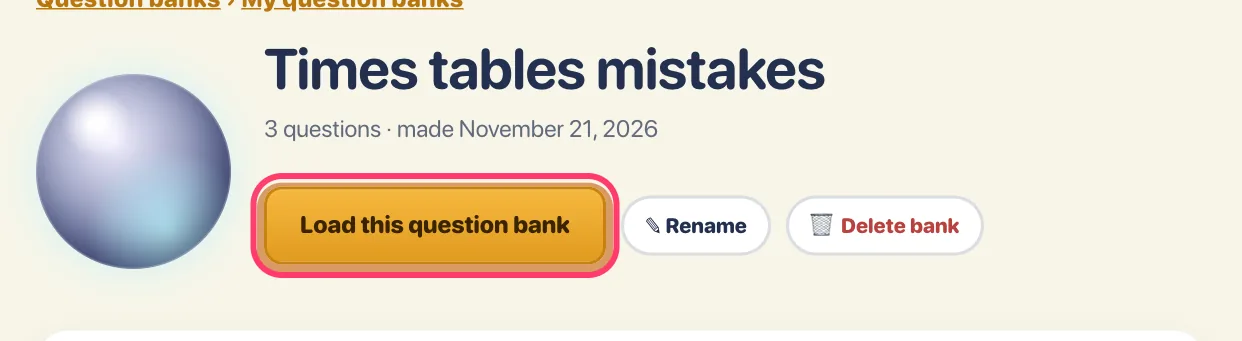
Once the opal crystal sits in the stele, every villager asks from this bank.
6. Practise in the game
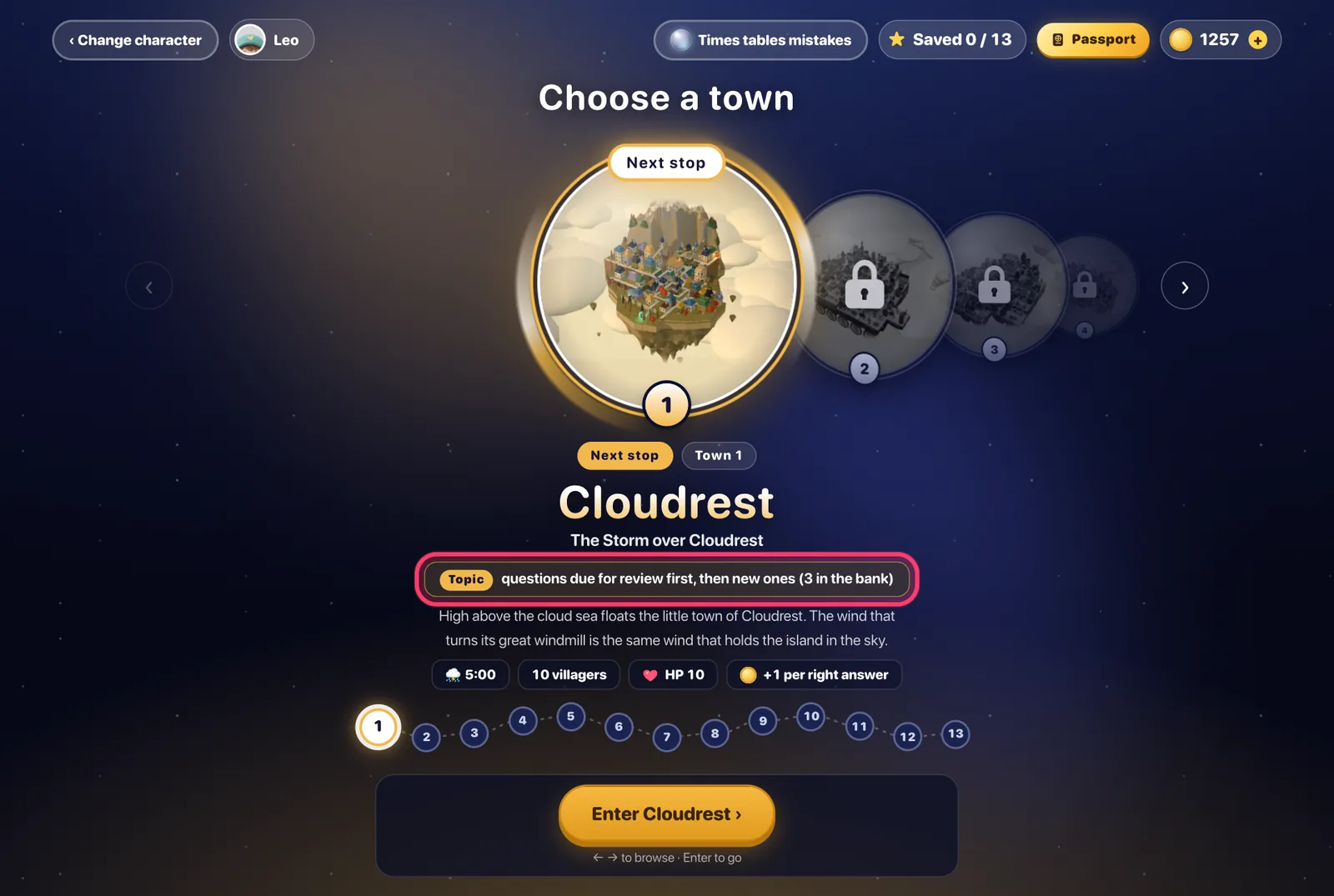
On the town screen the topic now reads "questions due for review first, then new ones", with the number of questions in the bank. With a bank of your own, every town asks from the whole bank.
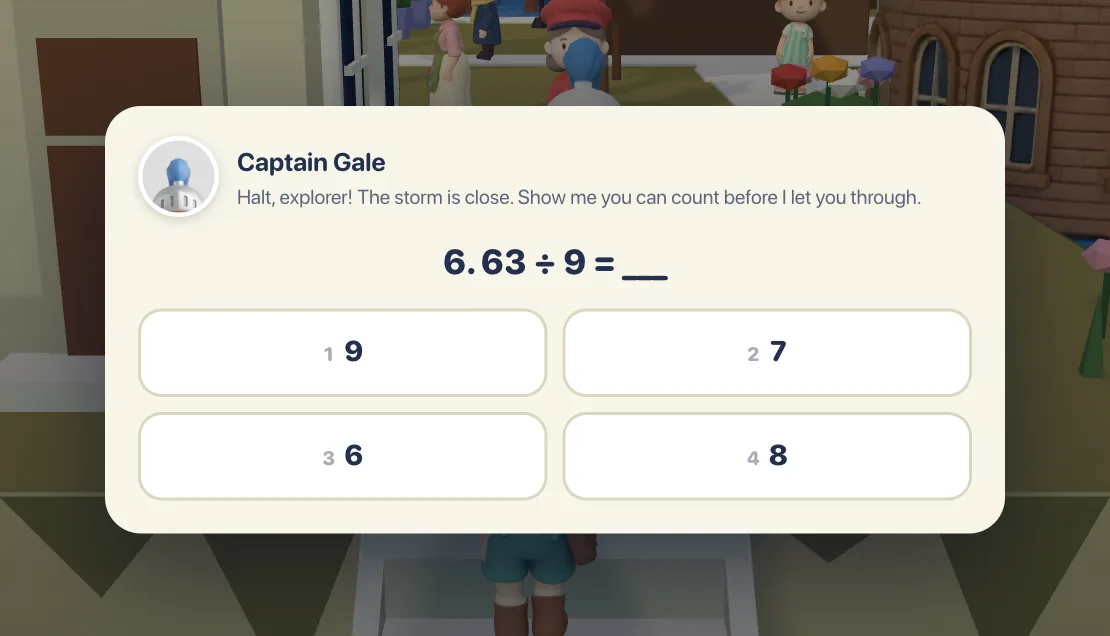
The villagers ask the very questions that were missed on the test:
The order follows spaced repetition:
- First the questions due for review, then new ones, then those due soon and those often missed.
- A missed question goes back to the start and comes back soon; a question answered right when it is due moves up a step, and the gaps grow: 10 minutes, then 1, 3, 7, 14, 30 and 60 days.
- A question answered right in a town is not asked again in that town; with few questions, some repeat.
Every answer is recorded, so the list shows each question's right and wrong answers and when it is due.
Coins and privacy
- Each photo sets 100 coins aside; when it has been read, what the AI really cost is taken (usually under 30 coins) and the rest comes back. If the photo cannot be read or something goes wrong, all of it comes back.
- Photos of tests are used only to read the questions and are deleted within two days.
- When the Passport ends, the banks you made stay: they can still be played, get new photos and lose questions; only making new banks needs the Passport.
More guides
 How-to guidesDaily streak and freeze gems: save a town every daySave any town in Wonder Town on a day and that day counts for your daily streak. Where to see the streak and the week, how freeze gems keep it through a missed day, and where the gems hide.November 24, 2026 · 6 min read
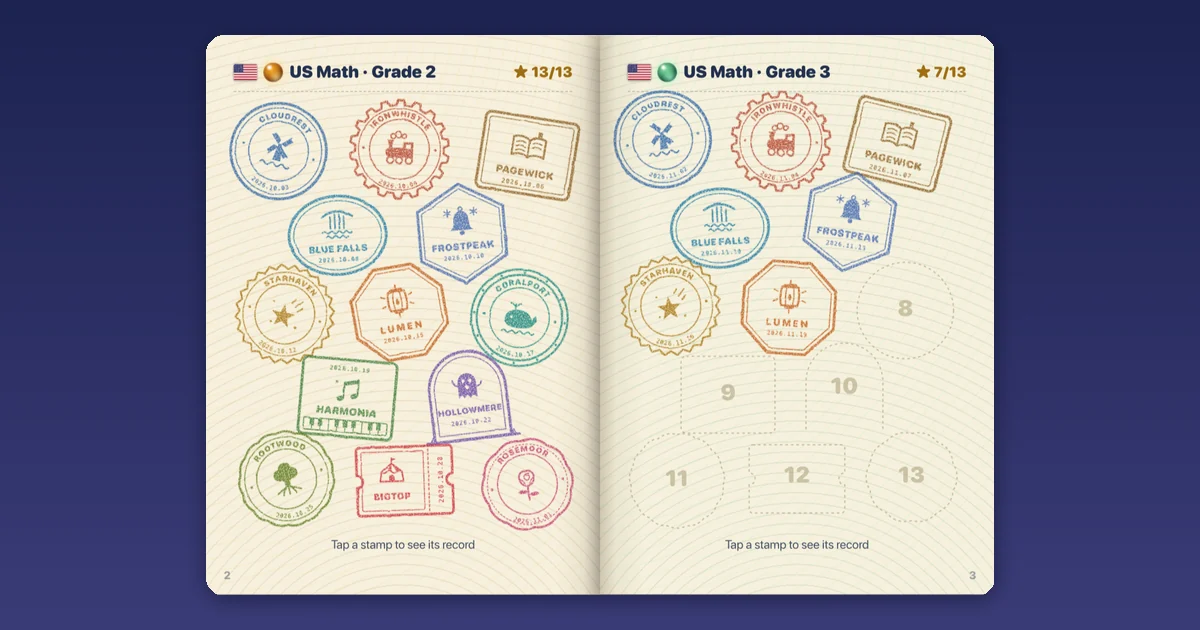 How-to guidesPassport stamps: one for every town you saveEvery town saved in Wonder Town puts a stamp in your Passport, a little book with a page per question bank. How to open it, turn its pages and read each stamp.November 22, 2026 · 6 min read
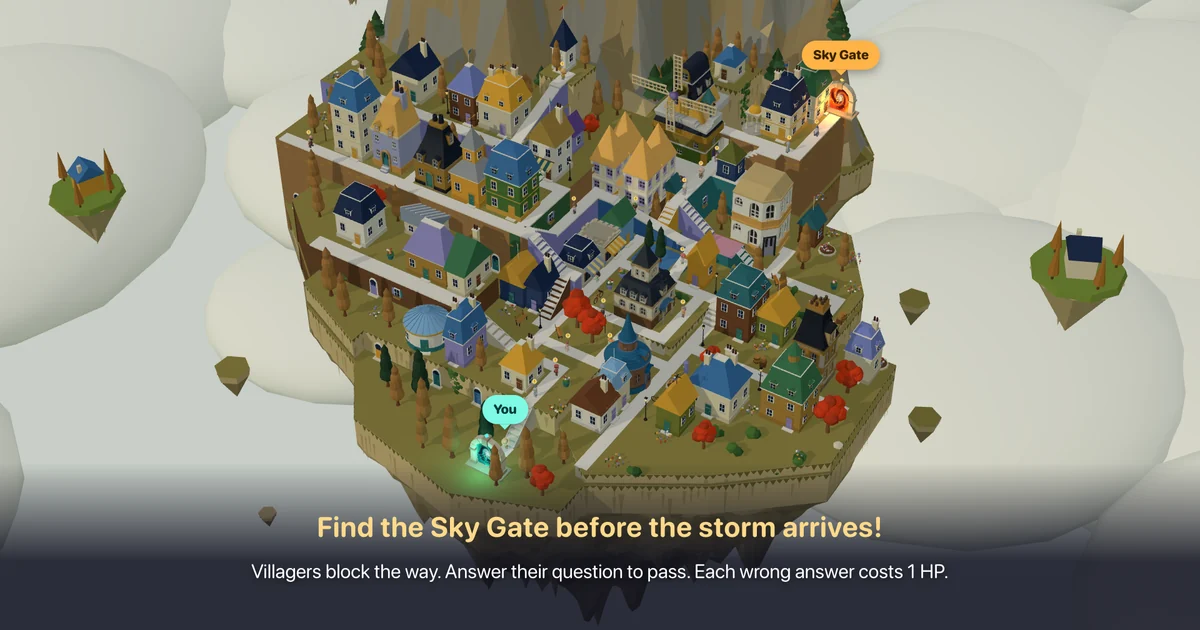 How-to guidesGetting started with Wonder Town: from the free trial to your first saved townNo download and no sign-up needed to start. A step-by-step walk through choosing a question bank, opening a card pack, answering the villagers and reaching the Sky Gate, with screenshots of every step.November 21, 2026 · 4 min read