
Wonder Town › Guides › How-to guides
Getting started with Wonder Town: from the free trial to your first saved town
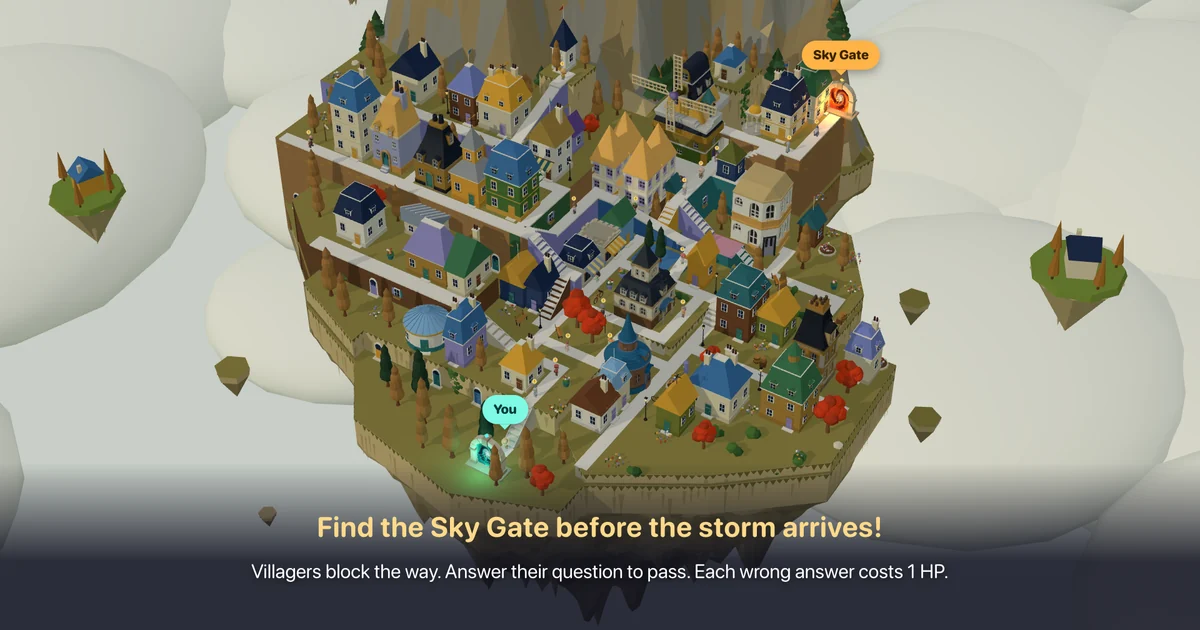
Wonder Town is a math adventure game that runs in the browser. Your child picks a character, walks into a floating town, answers the villagers' math questions and races to the town's gate before disaster strikes. It works in the browser on computers, tablets and phones, with nothing to install.
This guide walks through a first visit in order. Every screenshot comes from the real game.
1. Open the game and try it
Open the Wonder Town home page and click Enter the Town.

You can try it before signing up. A guest gets 100 coins, enough for one character pack, and can play the first town, Cloudrest. The guest's character, coins and progress live only in that browser tab and are gone when it is closed.
2. Pick a crystal (a question bank)
On the first visit a welcome box opens. Each crystal holds a question bank: tap a flag to pick the country, then pick the grade. Every question the villagers ask comes from the bank chosen here.
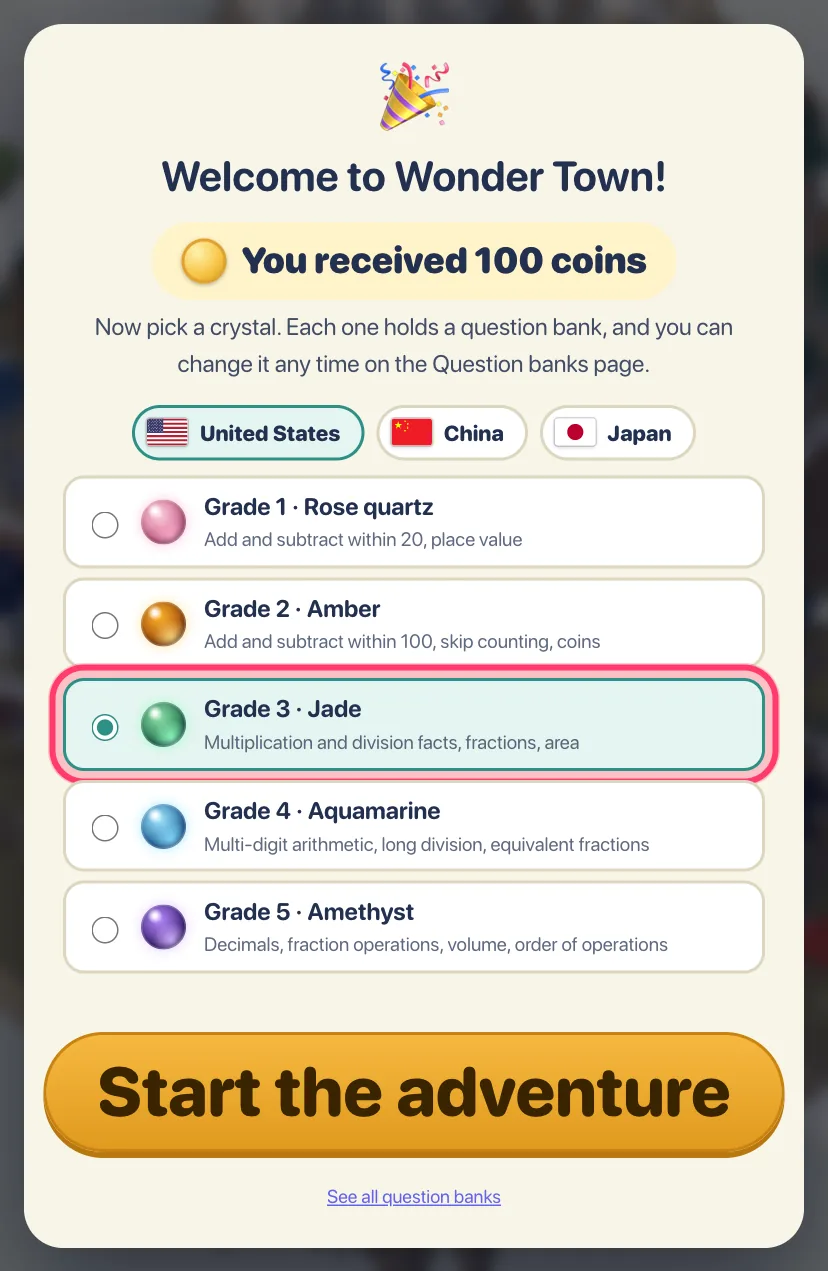
Click Start the adventure. The crystal flies into the stele and locks into place: the question bank is loaded.
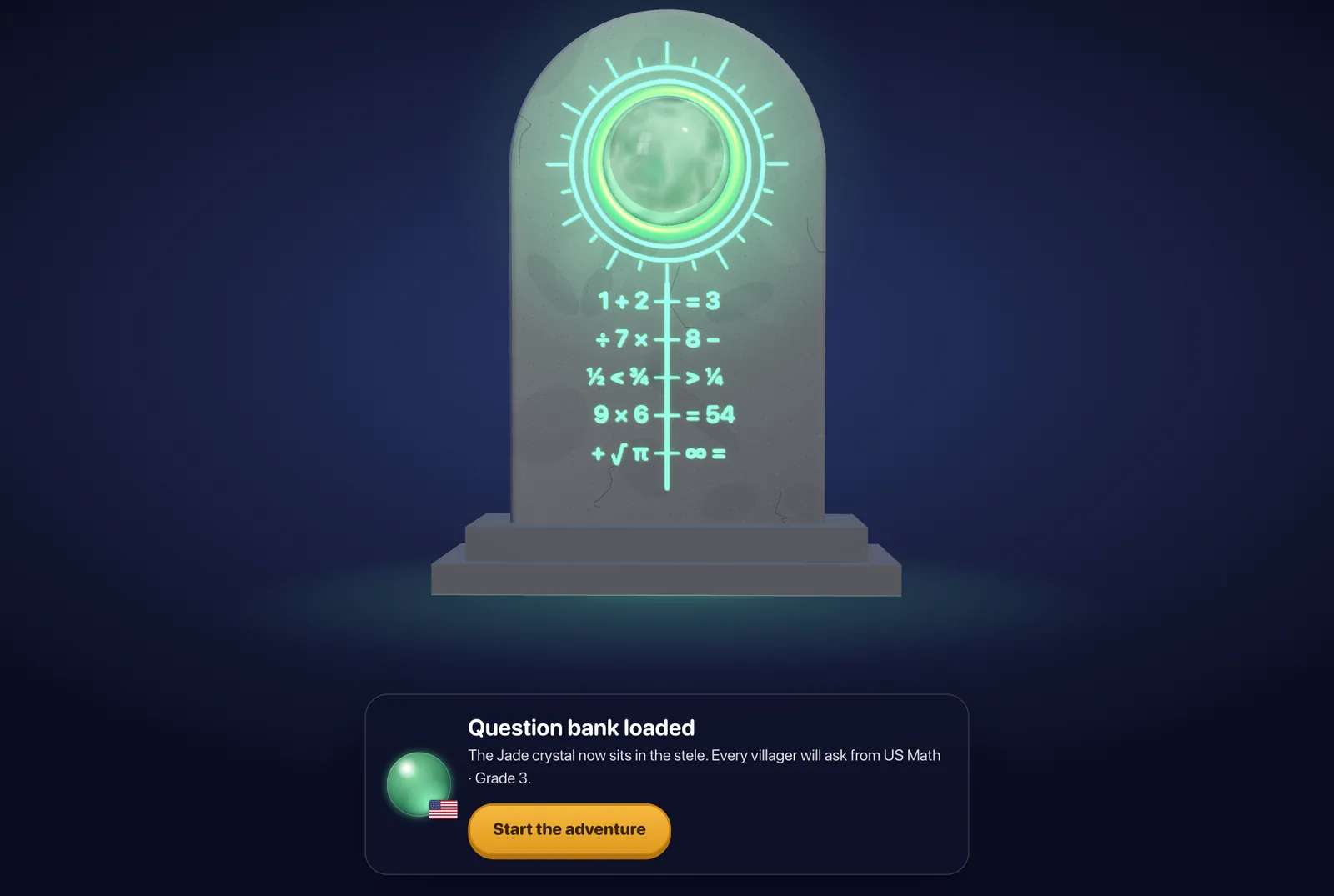
Picked the wrong one? You can change it at any time; see how to choose and change the question bank.
3. Open a pack and draw a character
Next comes the character screen. With no characters yet, click Open a card pack (100 coins).
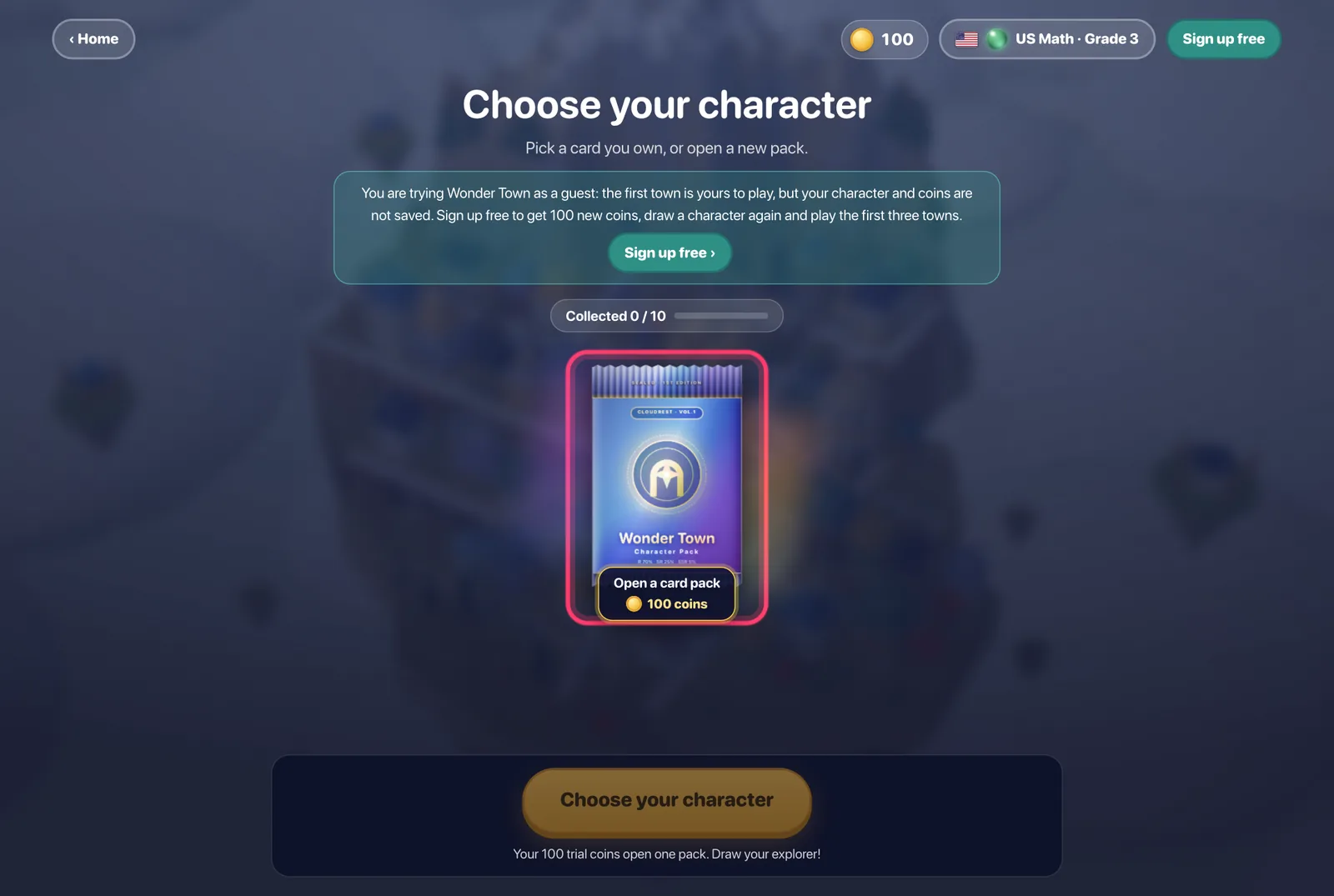
Swipe across the top of the pack to tear it open, or just tap the pack.

There are 10 characters: Rare (R), Super Rare (SR) and Legendary (SSR). A new character goes into your collection; drawing one you already have gives some coins back.
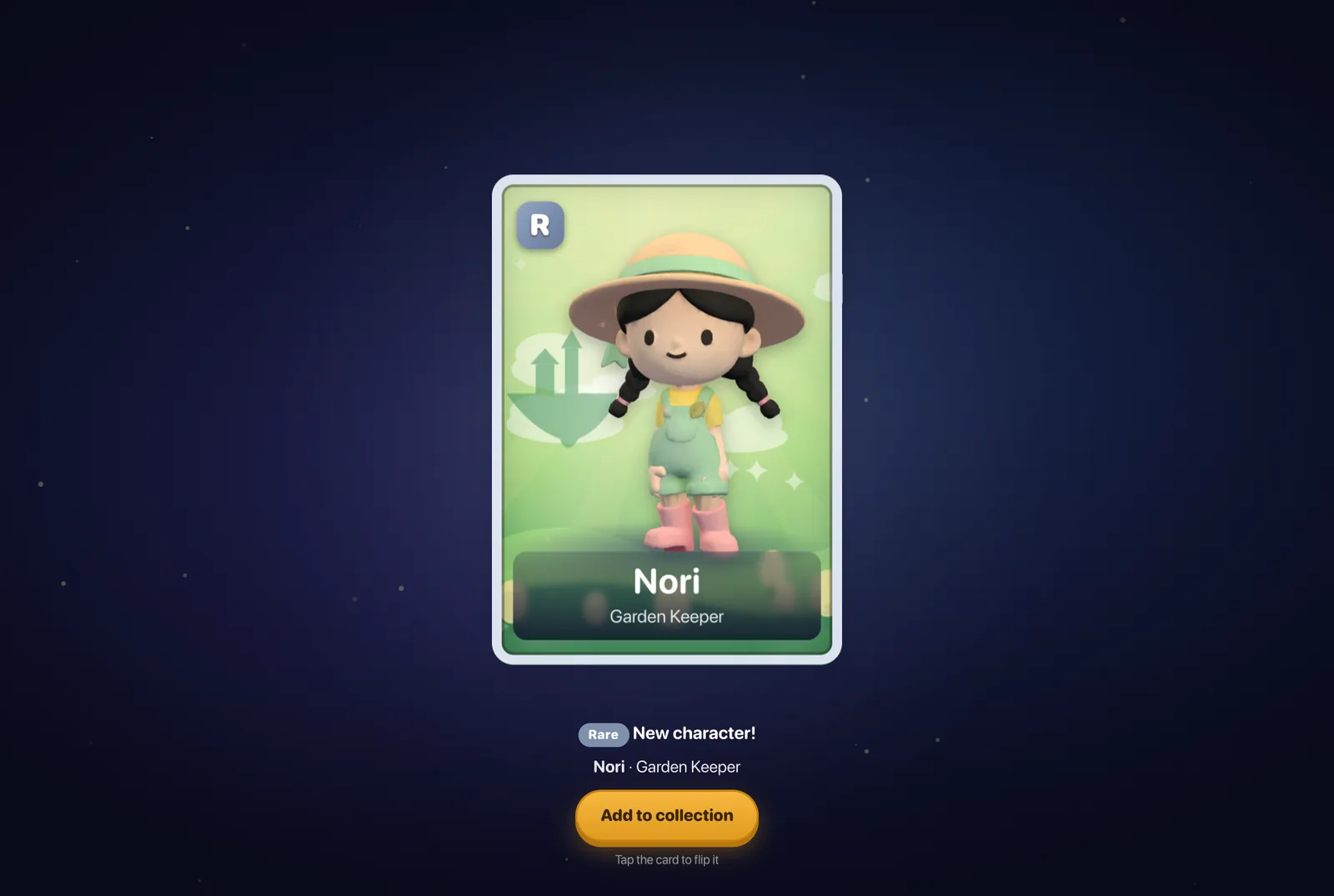
Click Add to collection, then the Play as … button at the bottom to choose a town.
4. Choose a town
There are 13 towns, opened in order: saved towns can be played again, the next one can be entered, and the rest can only be looked at for now. Under each town you see the topic it practises, the time limit (5 minutes), the number of villagers and the HP.
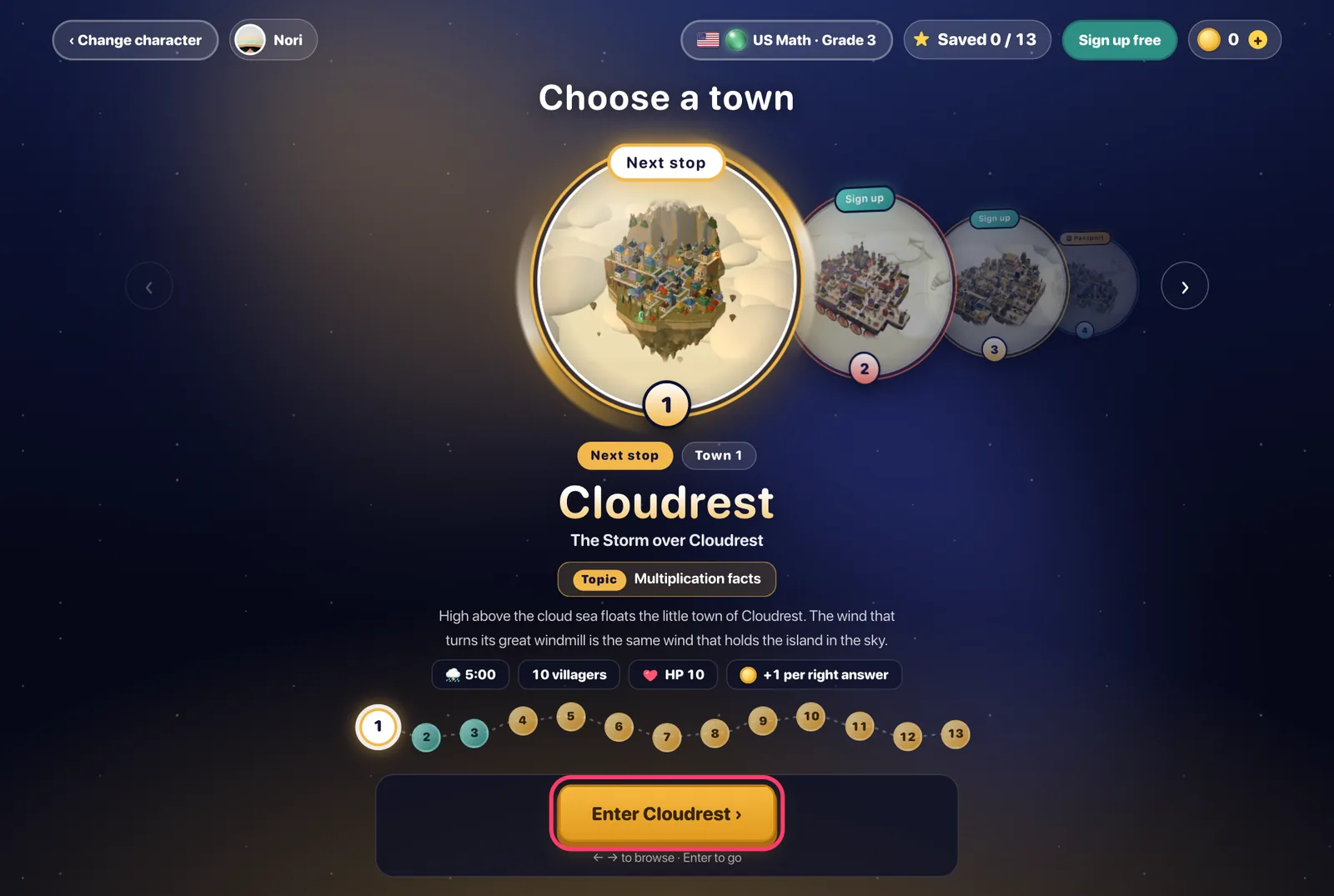
Click Enter Cloudrest.
5. Watch the story and find the gate
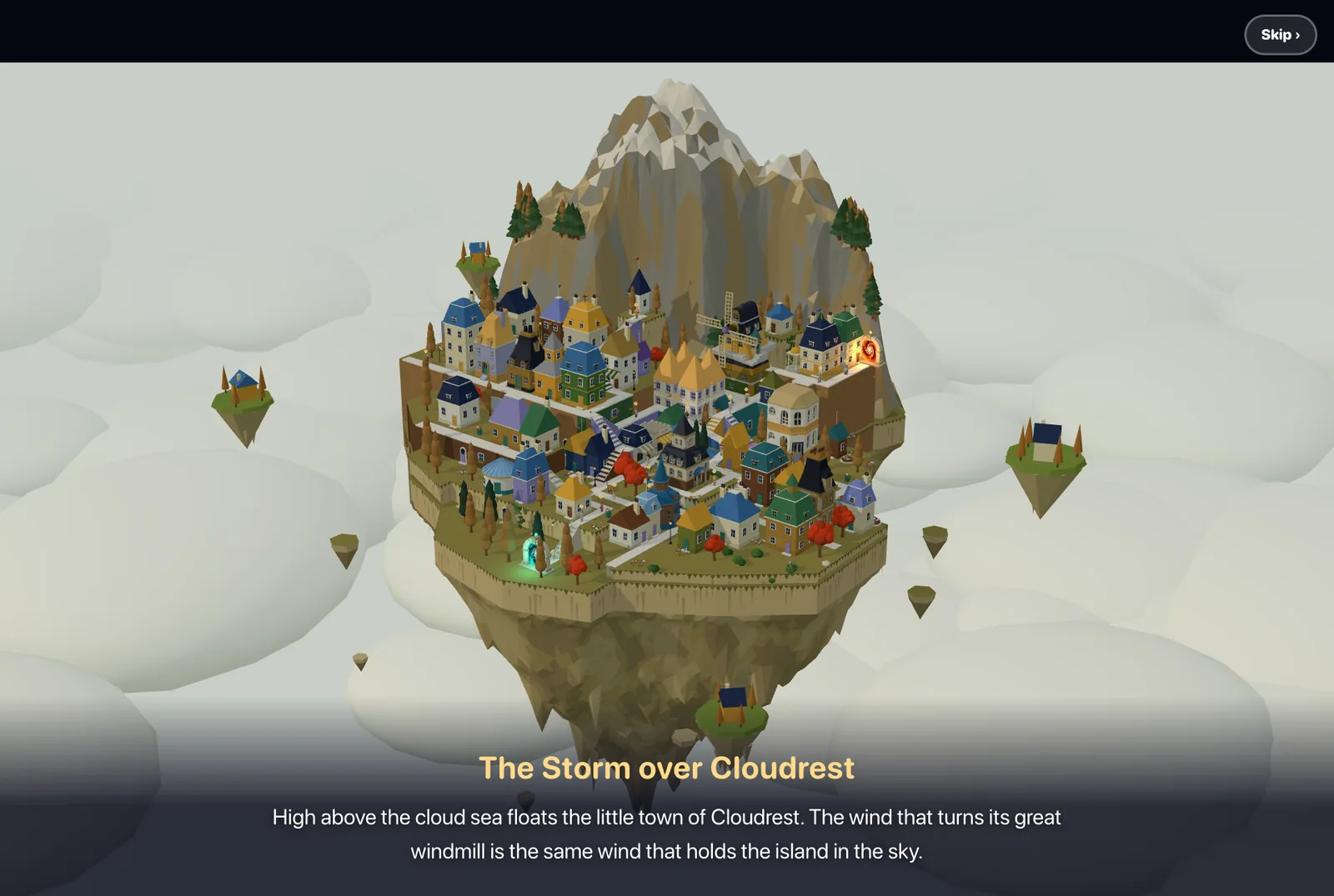
Every town opens with a short story. Skip at the top right jumps past it.
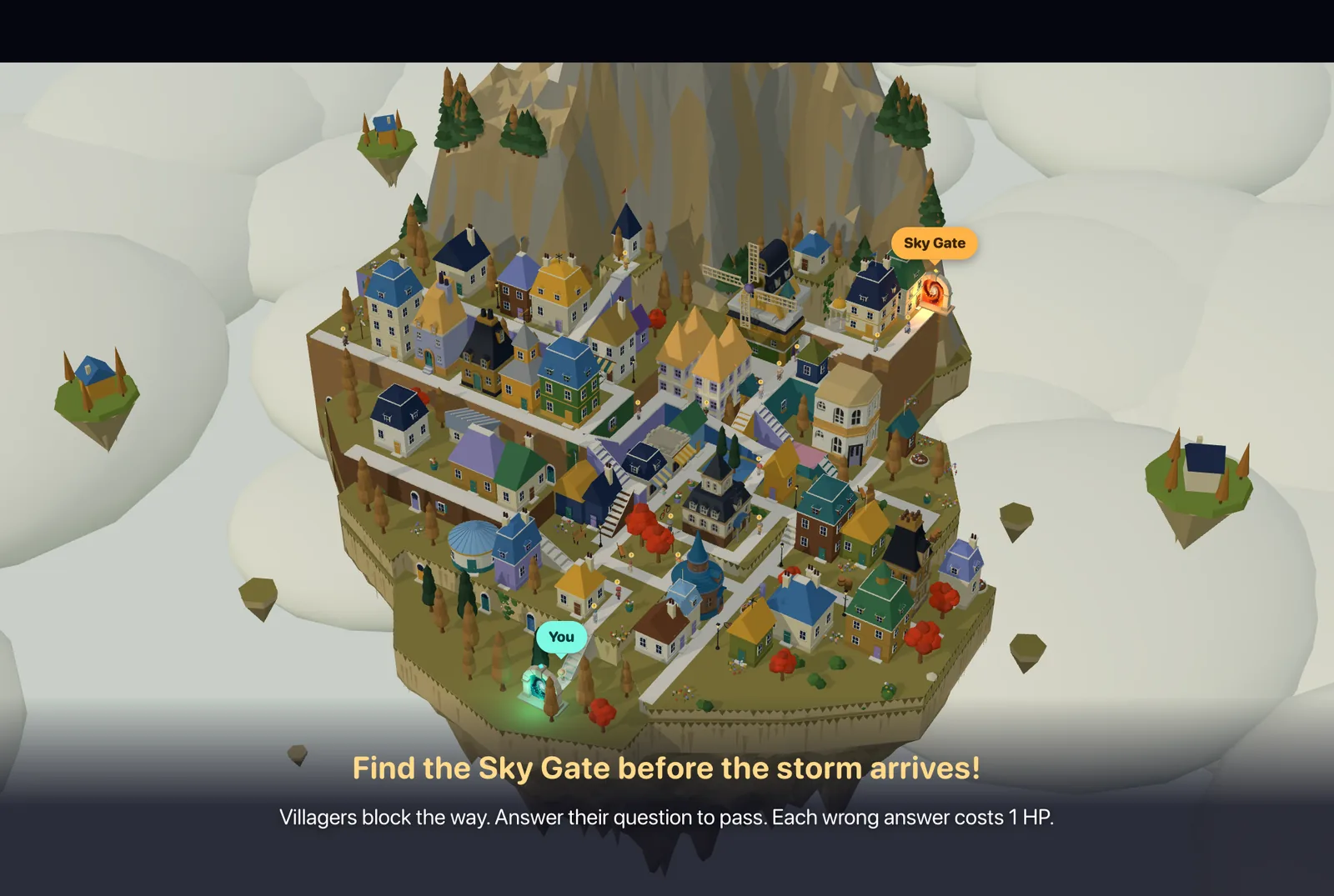
Then the camera shows the whole town from above: "You" marks your character and "Sky Gate" marks the goal. Every town has its own gate and its own disaster.
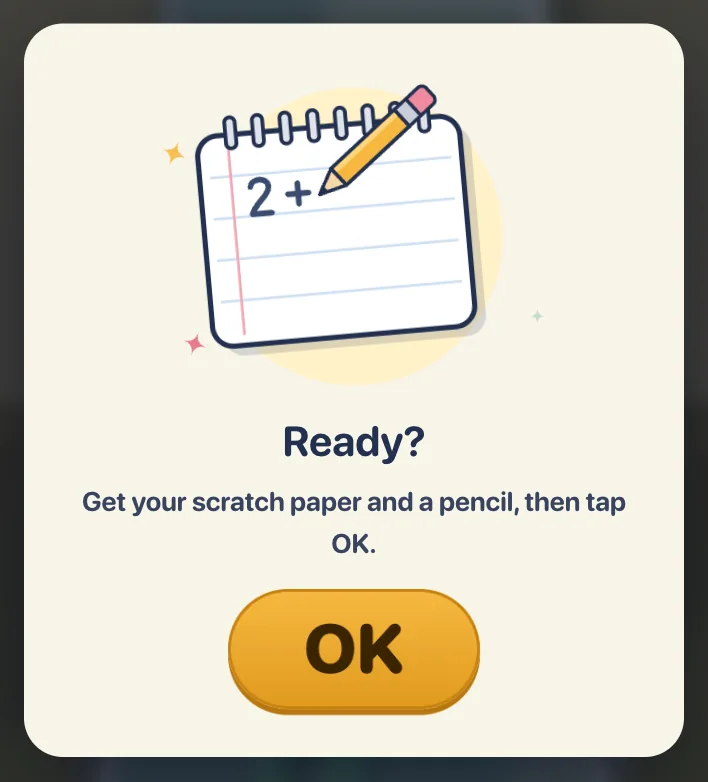
Before the clock starts, the game reminds you to get scratch paper and a pencil: the questions are best worked out on paper. The clock starts when you press OK.
6. Walk and answer
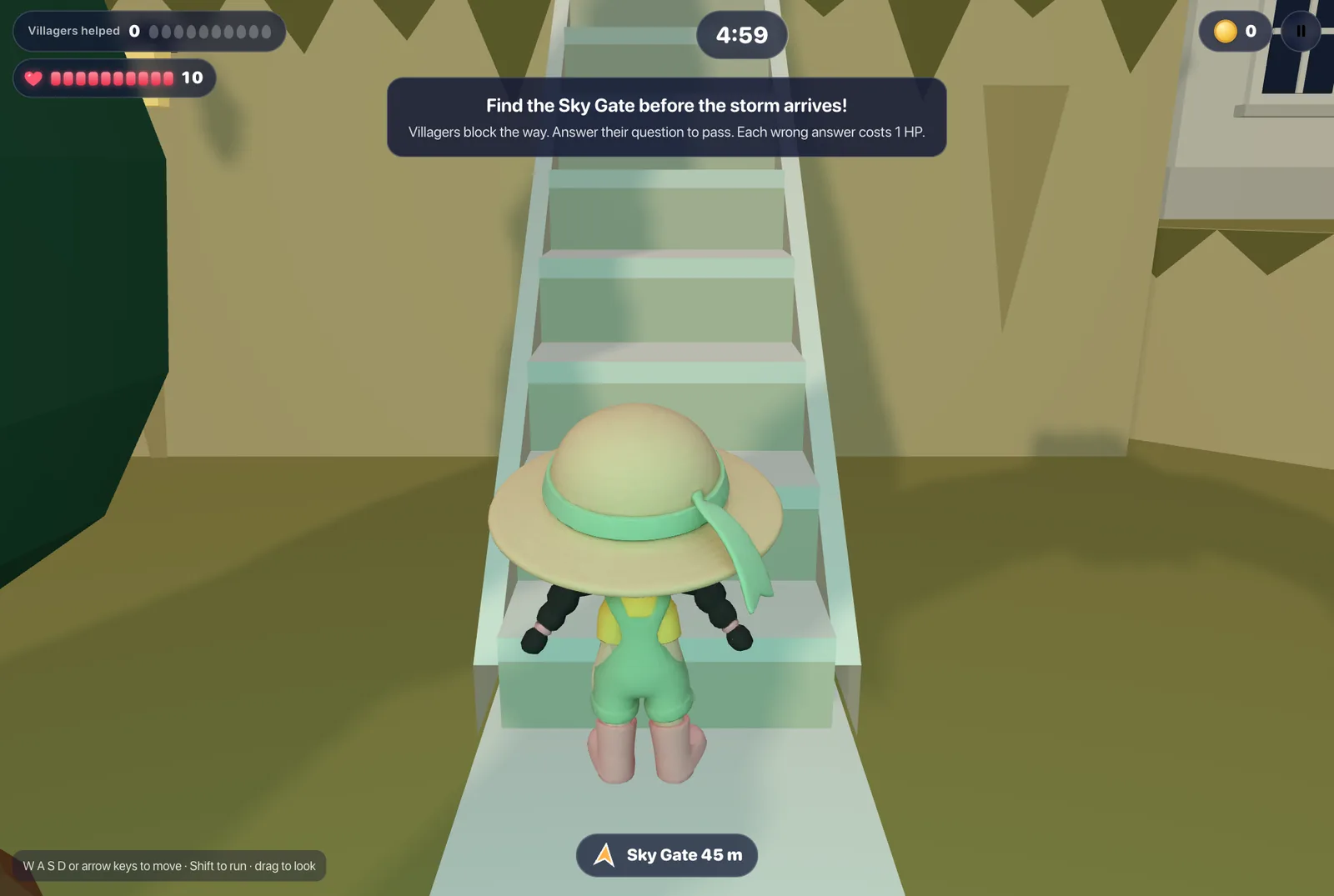
- Computer: W A S D or the arrow keys to move, hold Shift to run, drag with the mouse to look around, scroll to zoom.
- Tablet and phone: left thumb to move, right thumb to look around.
- Top left: villagers helped, and HP (10 hearts in every town).
- Middle: time left. Top right: coins and the pause button. Bottom: an arrow to the gate and how far it is.
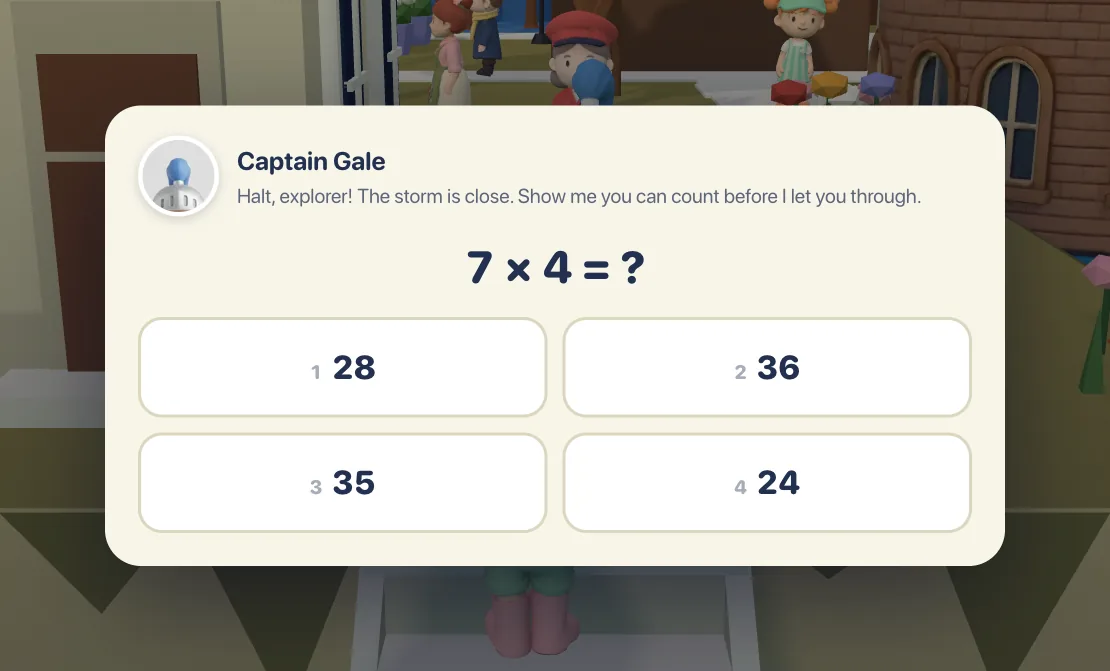
Villagers stop you on the way with a question. Every question is multiple choice: tap an answer, or press 1 to 4 on the keyboard. The clock stops while a question is open.
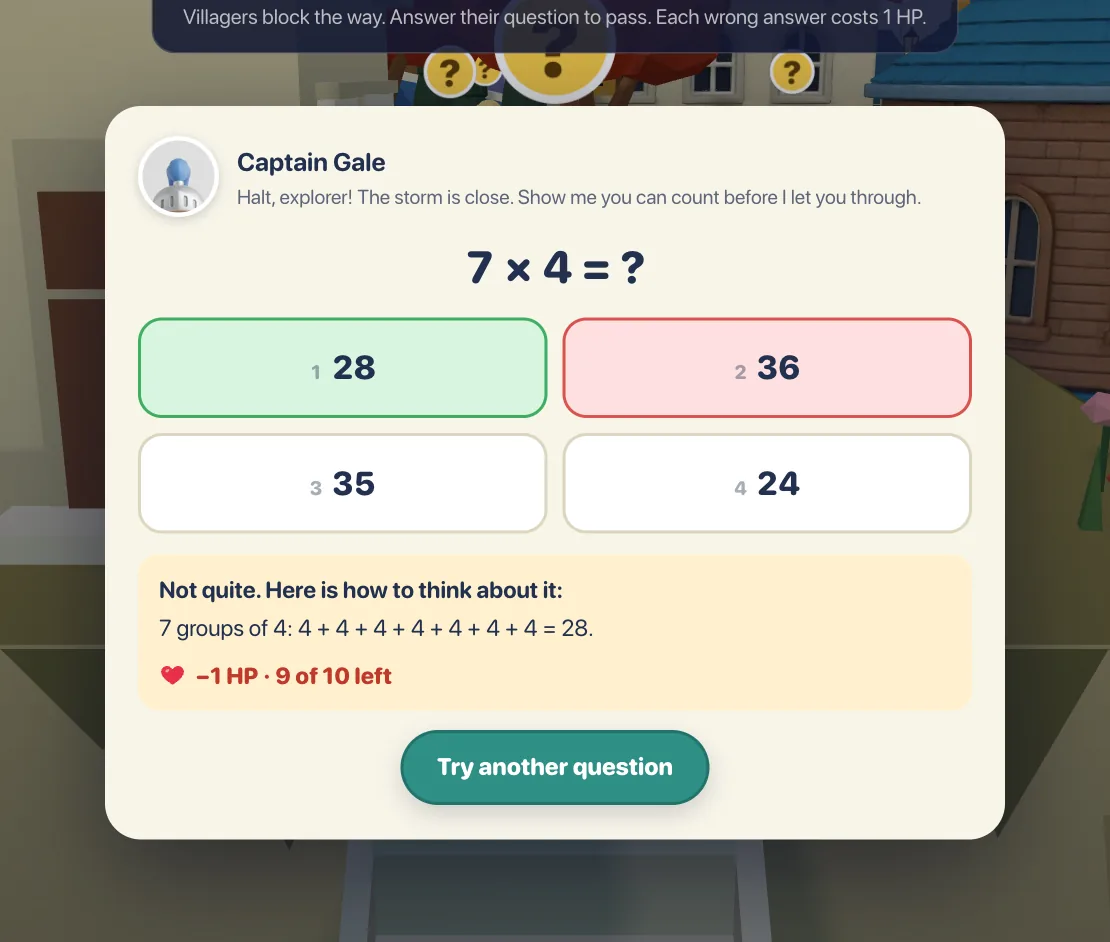
A wrong answer costs 1 heart and shows how to think about it. To get past that villager, click Try another question and answer a new one correctly.
A right answer sends a coin flying from the answer to the top right: 1 coin for every right answer. The villager steps aside; click Keep going.
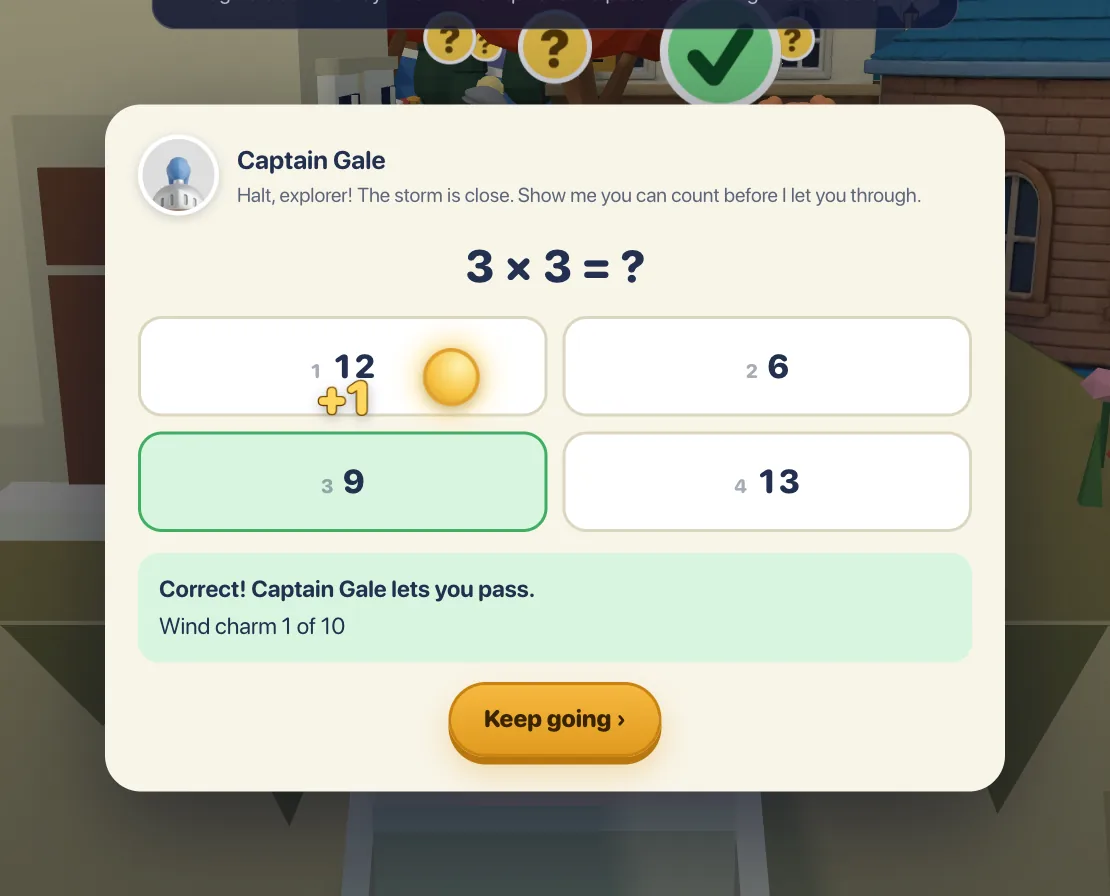
If the hearts or the time run out, the town is lost to its disaster. The coins earned are kept, and Try again starts over at once. Press Esc or the pause button to pause and change the sound, music and language.
7. Reach the gate, then sign up to play on
Reach the Sky Gate and the town is saved. The result shows the time to spare, the villagers helped and the coins earned.
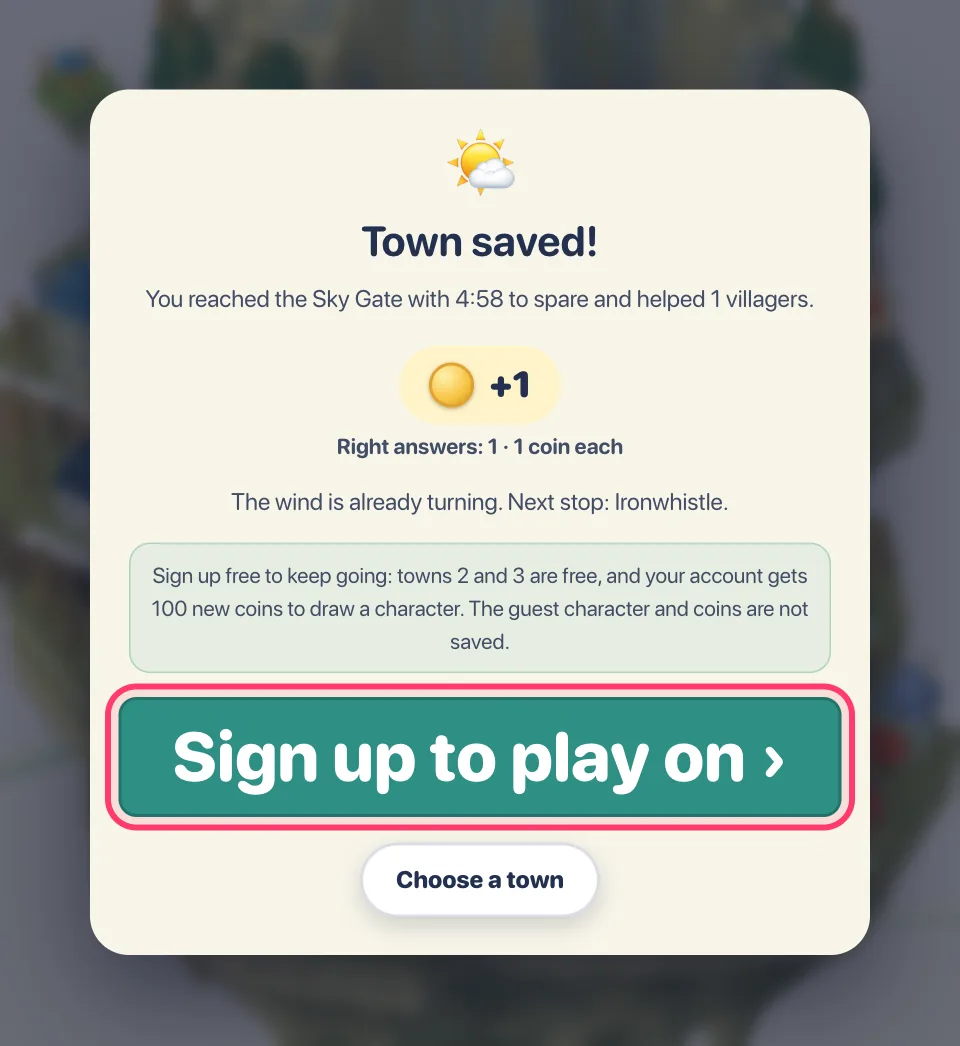
The guest trial ends here. Click Sign up to play on and sign in with an email code or a Google account; signing up and signing in are the same step.
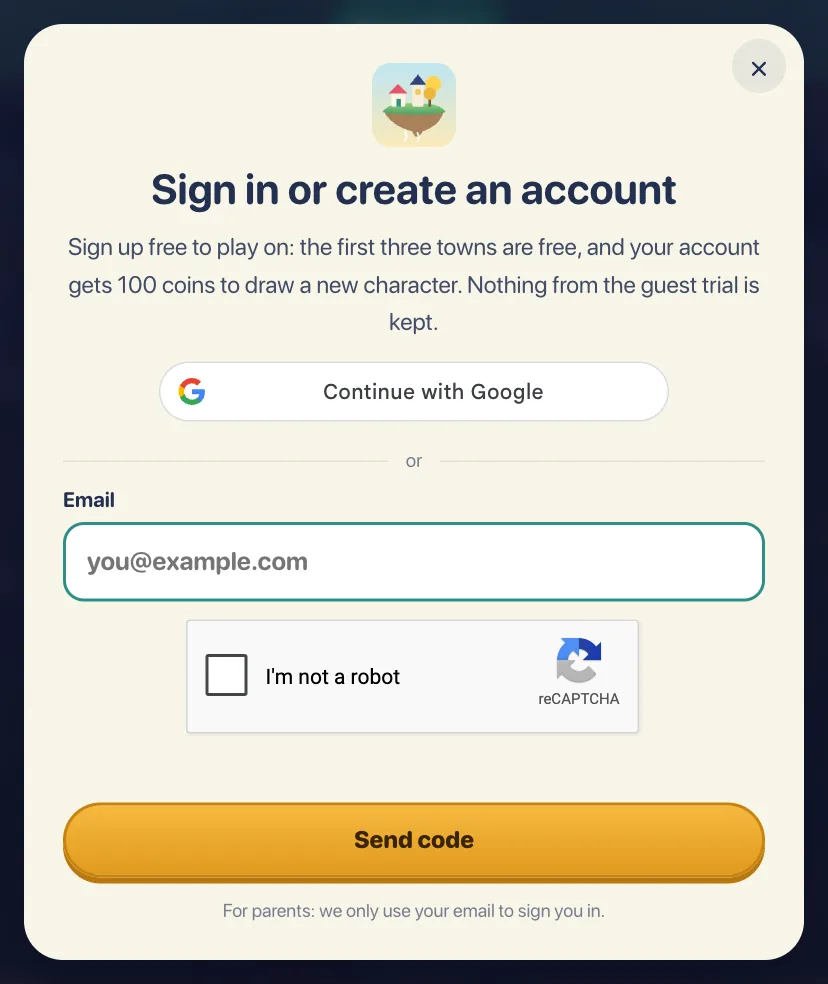
After signing up:
- The account gets 100 coins to draw a character again. The guest character and coins are not kept; the chosen question bank is.
- The first 3 towns are free, and progress is saved in the account, so you can carry on from another device.
- With a Wonder Town Passport all 13 towns open, and you can make question banks of your own from photos of tests; see the Passport, coins and your profile.
What next
- Change the grade or the country: how to choose and change the question bank
- Practise your child's own mistakes: turn photos of tests into a question bank of your own
- Put your child in the game: make a 3D character from one photo
More guides
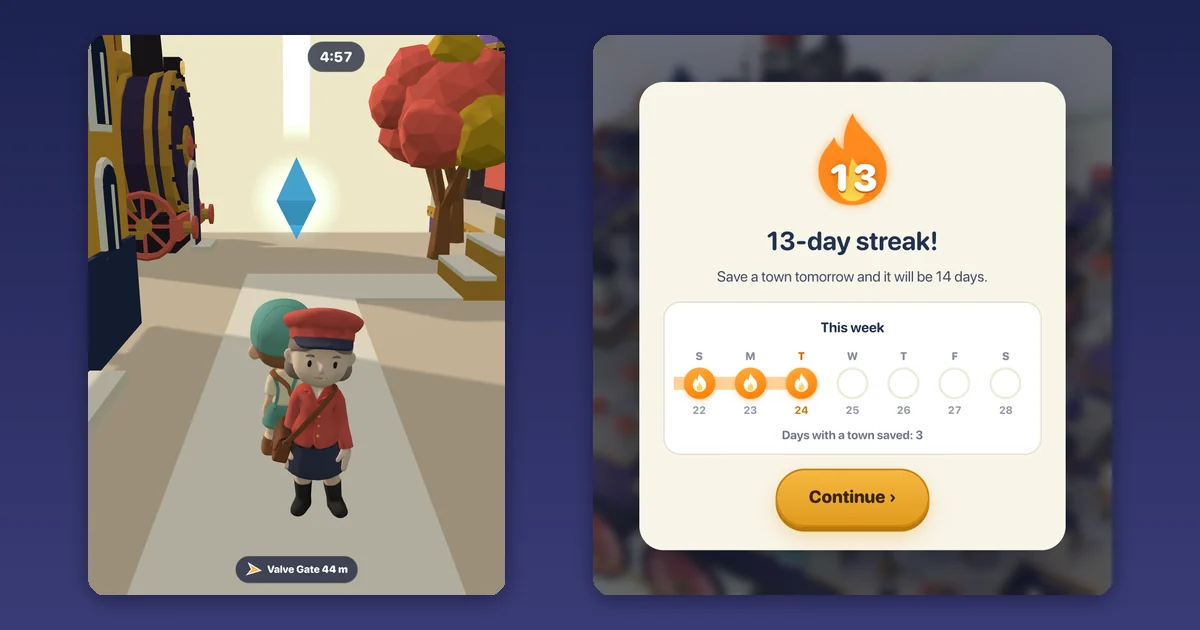 How-to guidesDaily streak and freeze gems: save a town every daySave any town in Wonder Town on a day and that day counts for your daily streak. Where to see the streak and the week, how freeze gems keep it through a missed day, and where the gems hide.November 24, 2026 · 6 min read
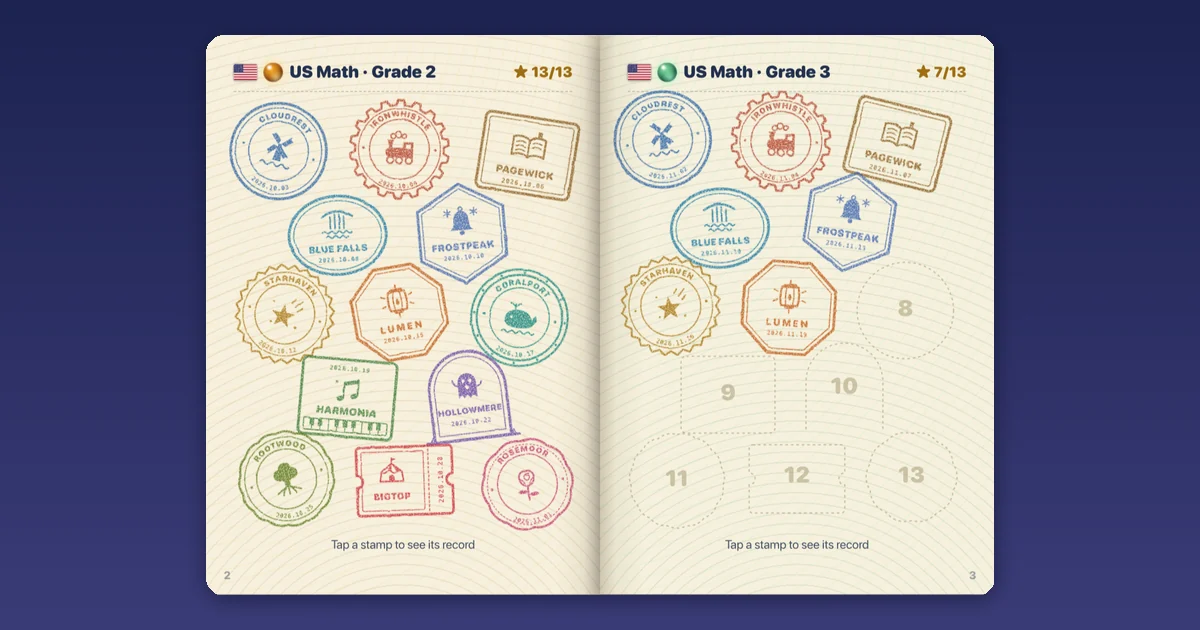 How-to guidesPassport stamps: one for every town you saveEvery town saved in Wonder Town puts a stamp in your Passport, a little book with a page per question bank. How to open it, turn its pages and read each stamp.November 22, 2026 · 6 min read
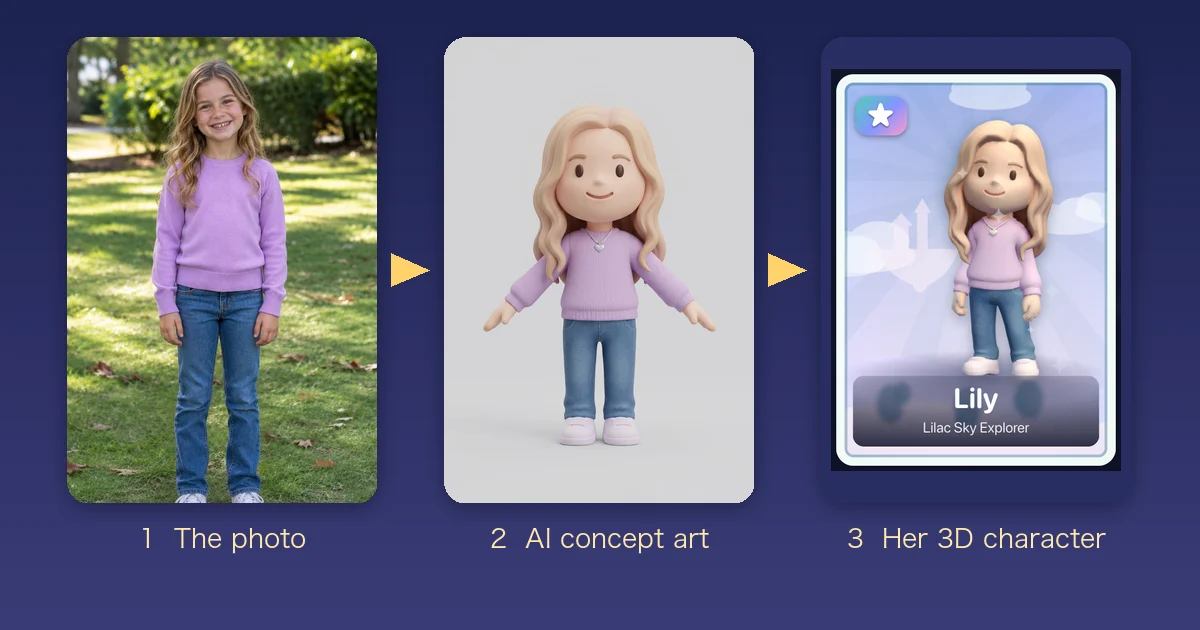 How-to guidesMake a 3D character from one photoUpload a photo of your child, a pet or a toy, and a few minutes later there is a 3D character that walks, runs and jumps, with a card of its own. A complete walk-through with one example photo.November 21, 2026 · 3 min read