
Wonder Town › Guides › How-to guides
How to choose and change the question bank
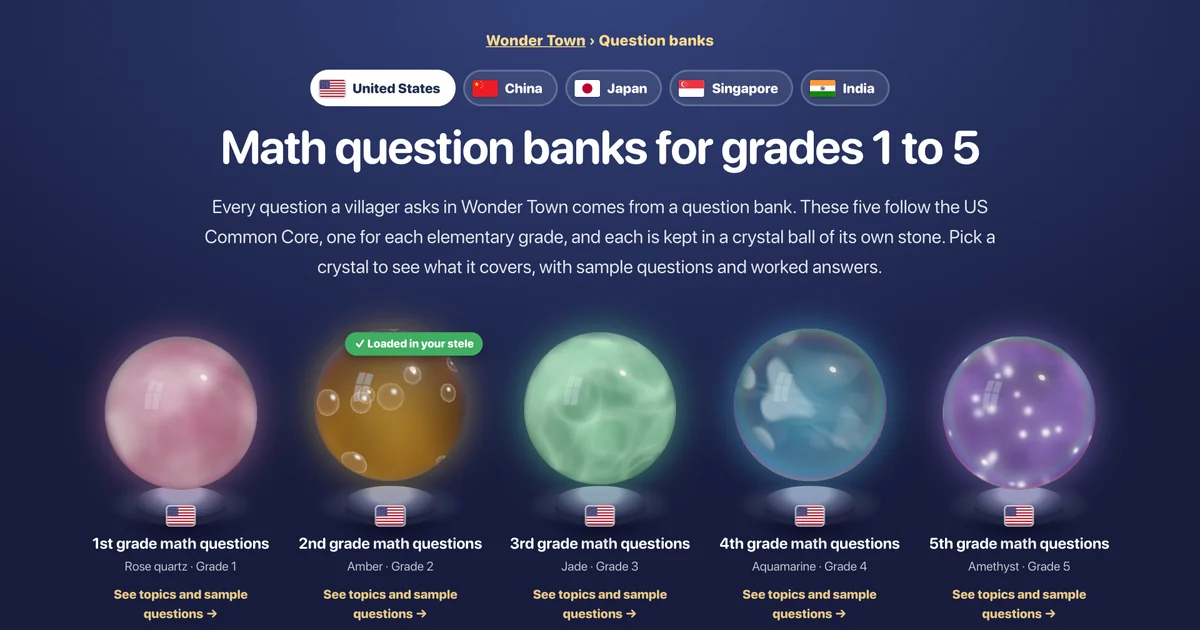
Every question the villagers ask in Wonder Town comes from the question bank that is loaded. The banks go by country and grade: the United States, China, Japan, Singapore and India, grades 1 to 5 each, 25 in all. Each bank is kept in a crystal of its own, and loading a bank means setting its crystal into the stele.
The crystal picked in the welcome box on the first visit is the first bank (see getting started). To change the grade or the country later, follow these steps.
1. Open the question banks page
There are three ways in: the question banks icon in the site's header, the link in every page's footer, and the button showing the current bank at the top of the game's character screen. Or open the question banks page directly.
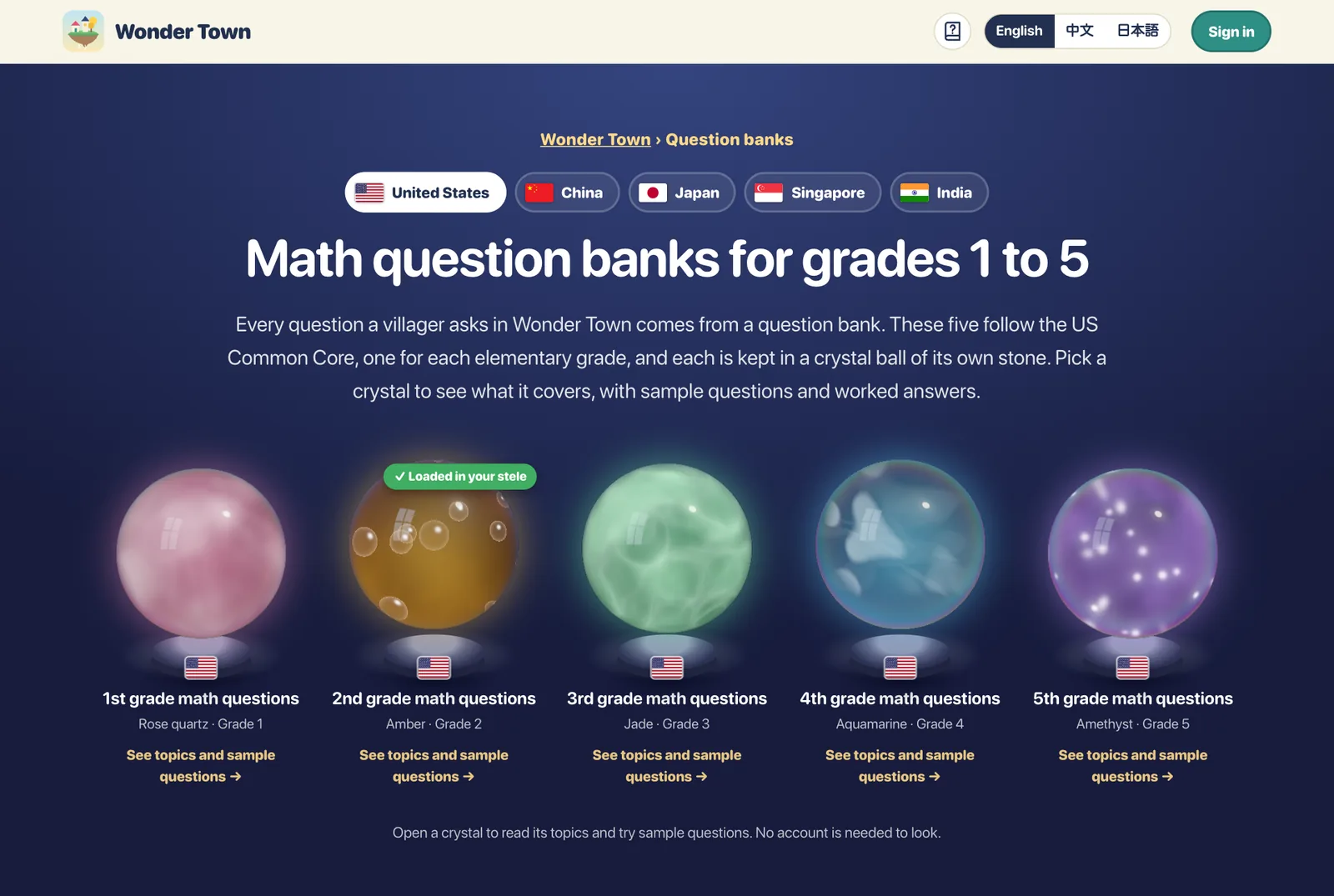
Tap a flag to switch the country, and a crystal to open that grade's page. Looking around needs no account.
2. See what is in a bank
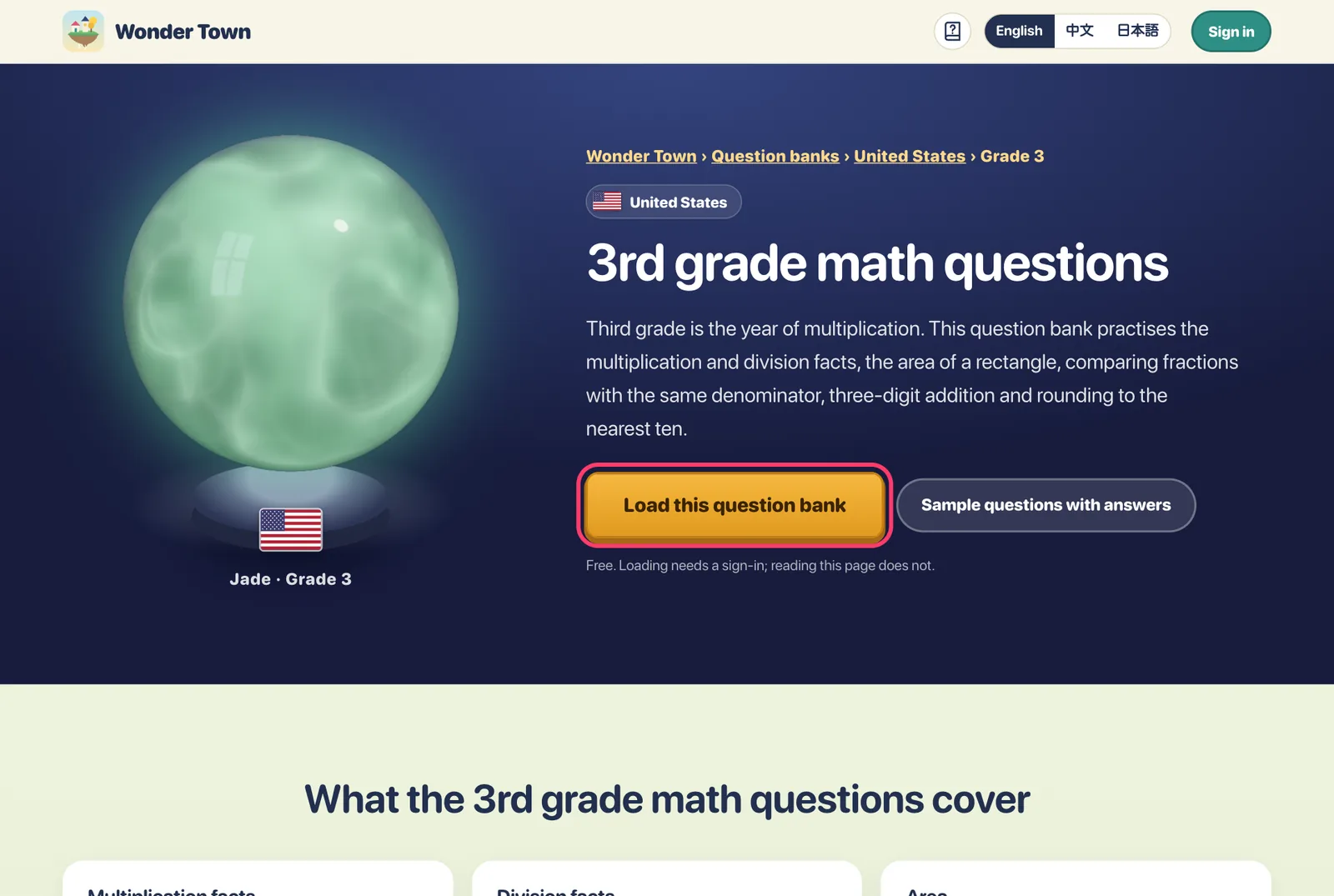
At the top of a bank's page are its summary and the Load this question bank button.
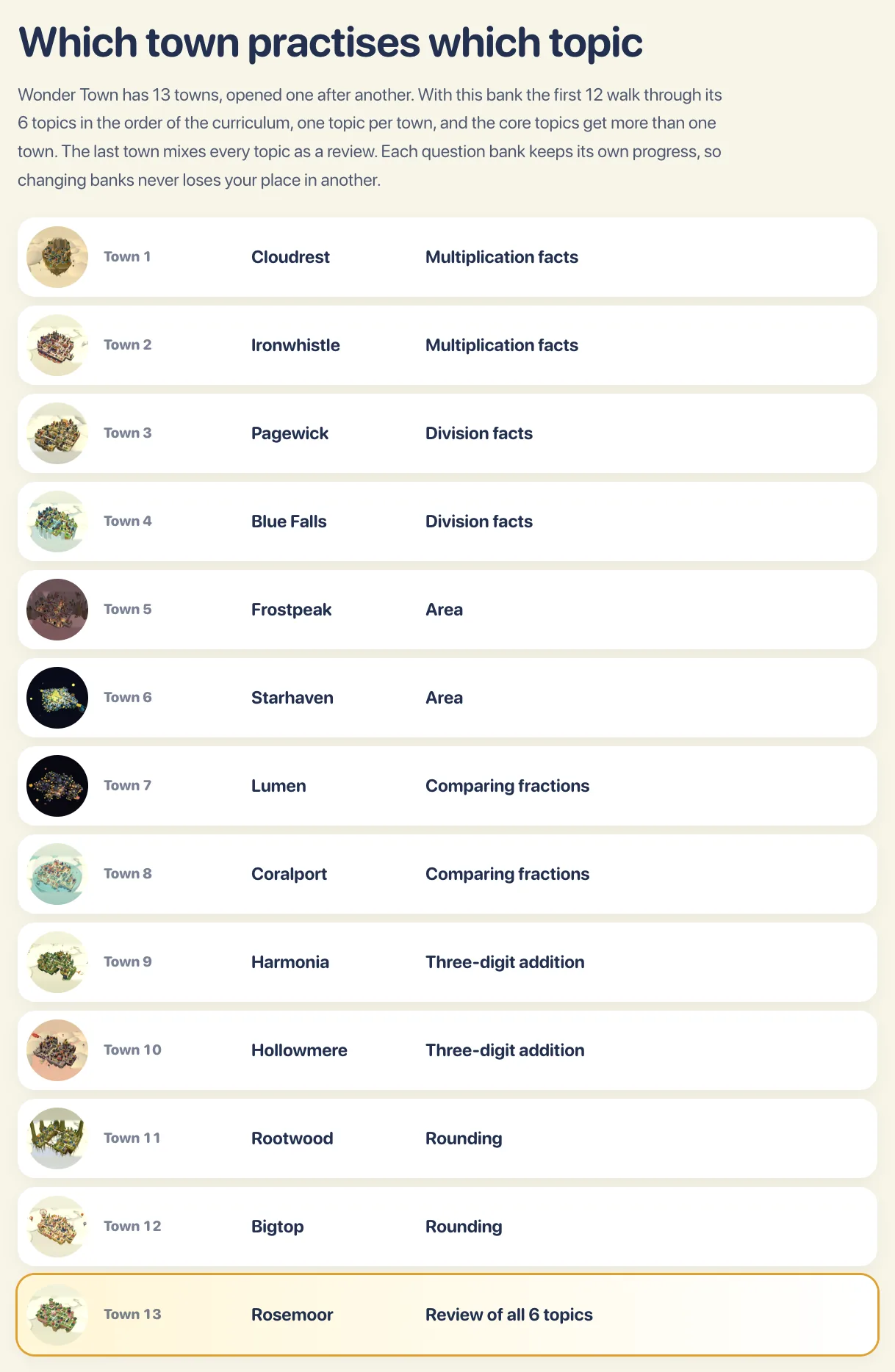
Further down, "which topic each town practises": the first 12 towns each practise one topic in the order of the curriculum, with the big topics taking a few towns, and the 13th town reviews them all.
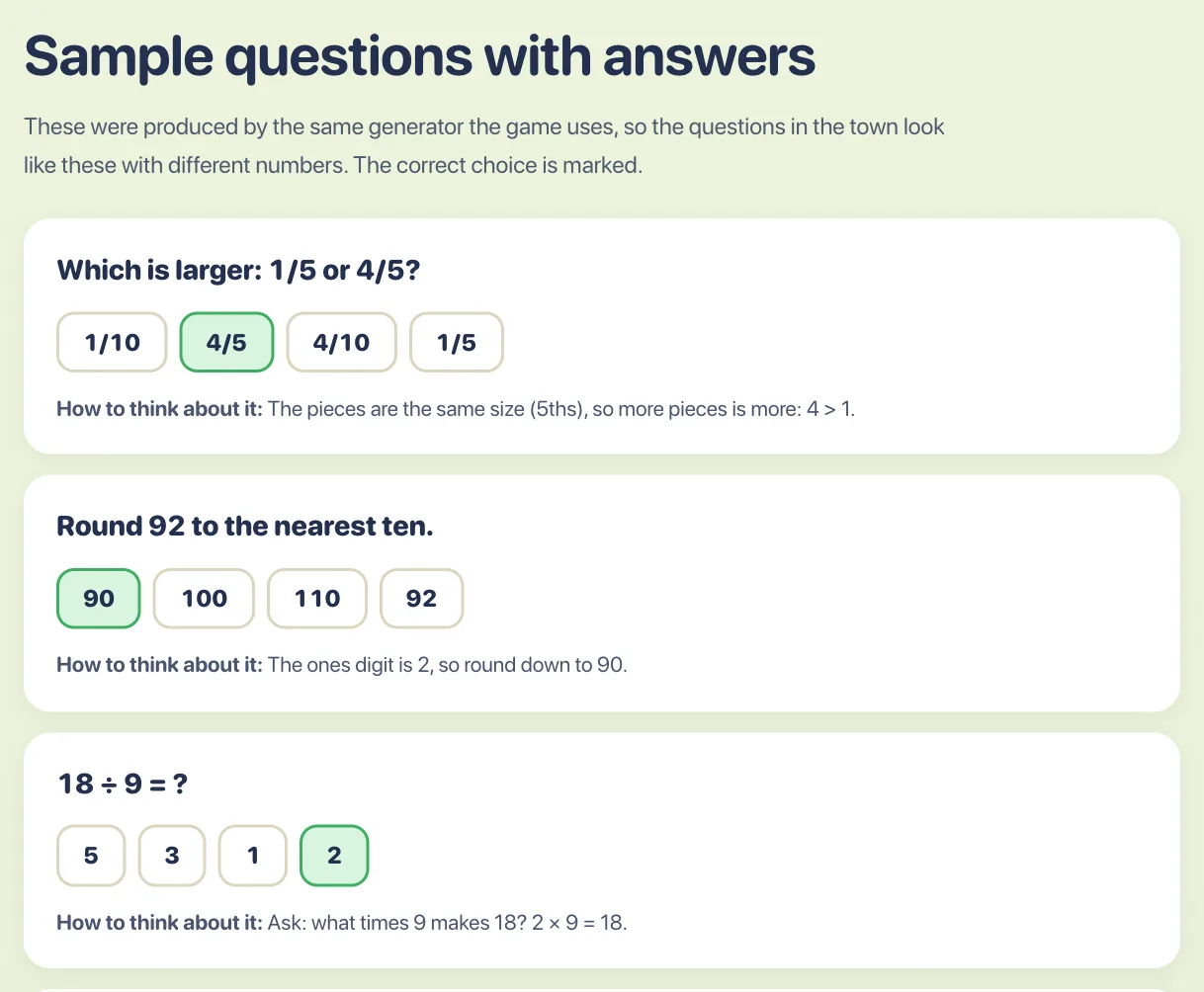
Below that are sample questions with answers. They come from the same question maker as the game, so the questions in the towns look just like these with different numbers, and each one has a short explanation.
3. Load the bank
Click Load this question bank. Loading a bank needs a free account; if you are not signed in, the sign-in box opens first.
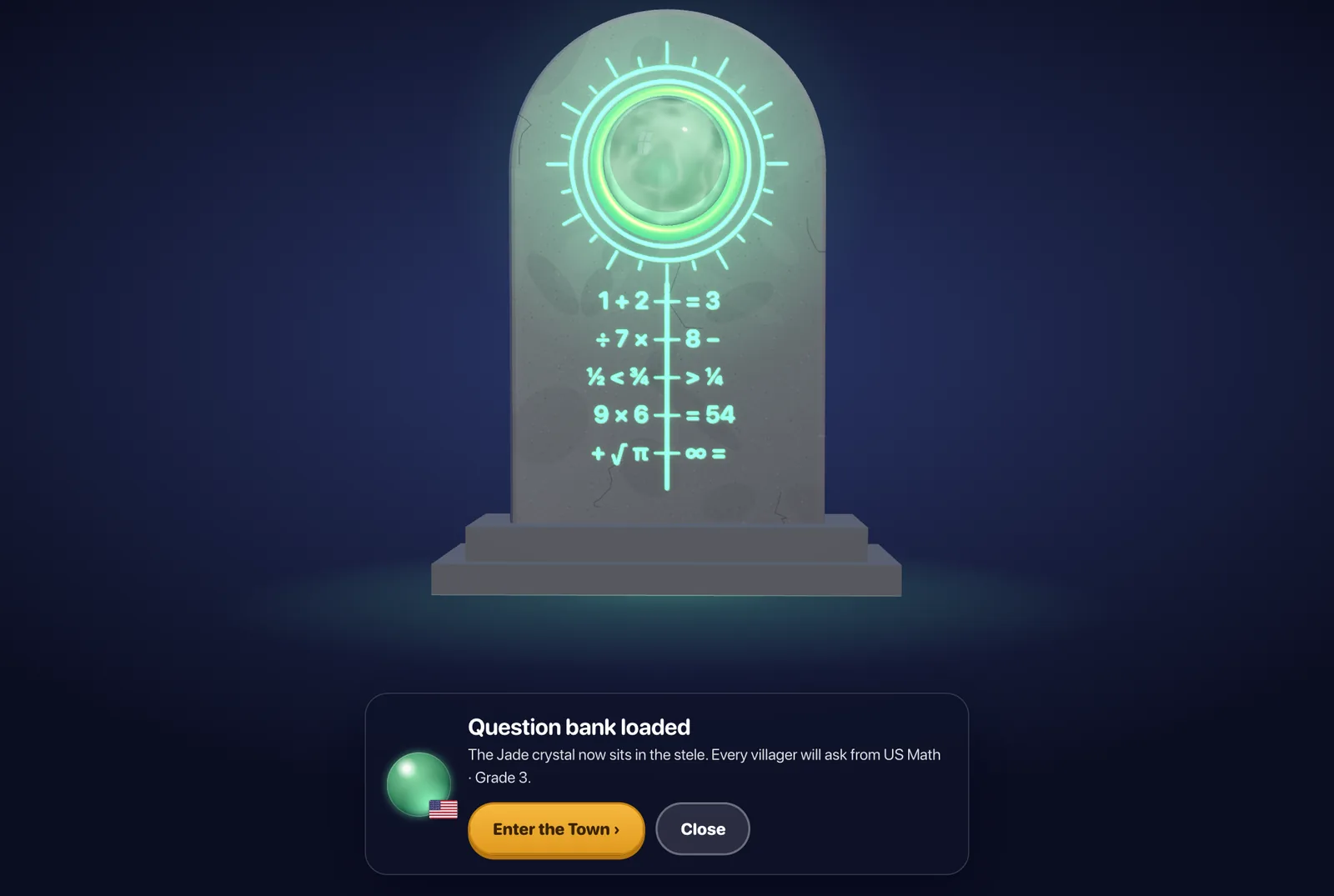
The crystal flies into the stele and locks into place. From now on every villager asks from this bank.
4. Check it in the game
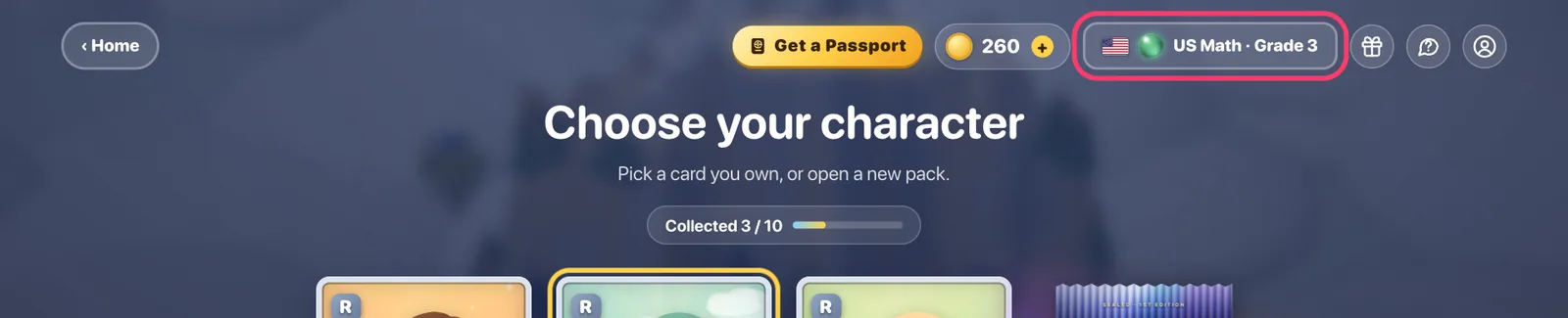
The top of the character screen shows the current bank (flag and grade). Click it to go back to the question banks page.
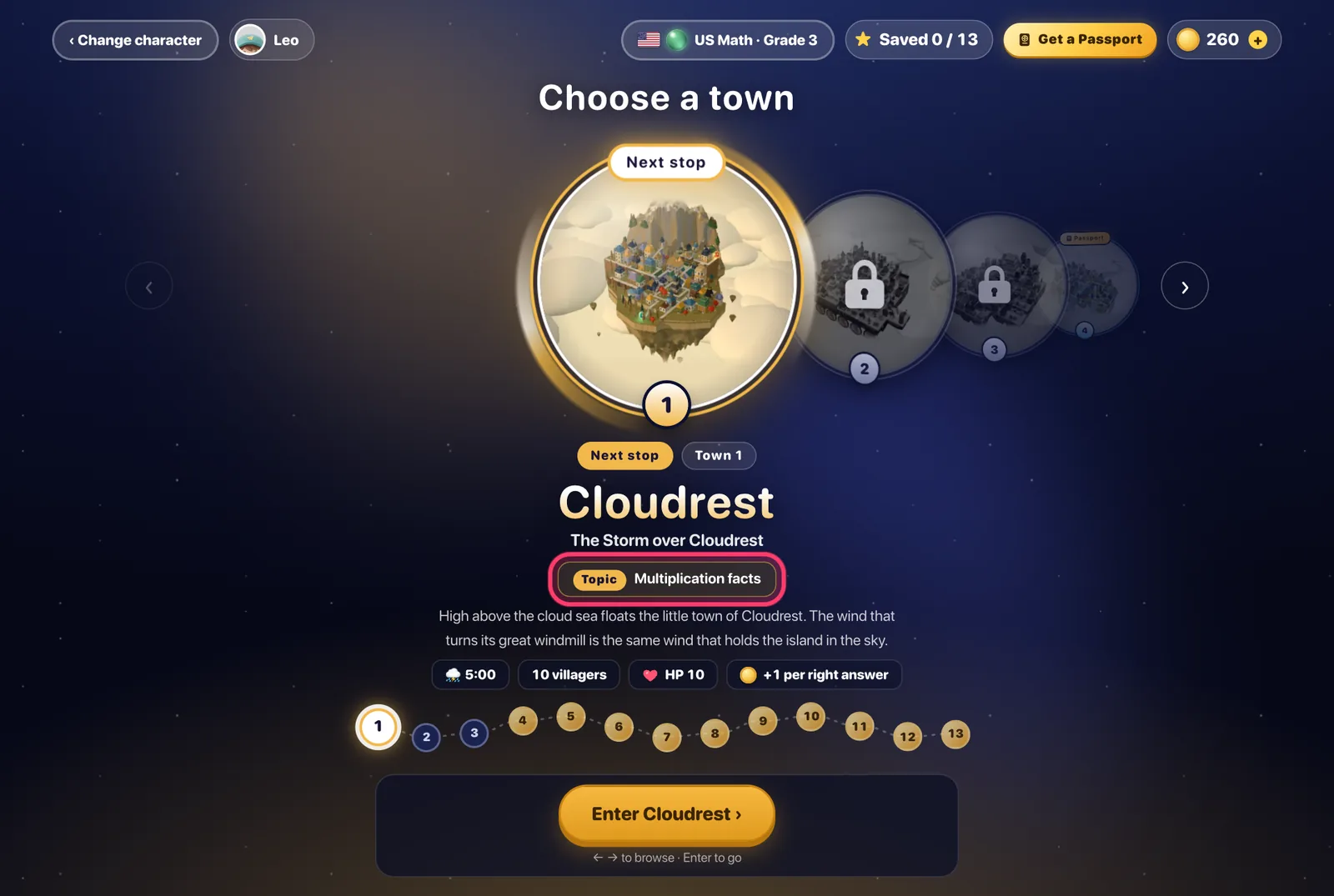
On the town screen, the "Topic" under each town is what this bank practises in that town.
Questions parents ask
Do we lose progress when we change banks? No. Every bank keeps its own progress: a new bank starts at town 1, and switching back to an earlier bank carries on where you left it.
Why does the welcome box only show three countries? It shows the countries that go with the site's language. The Singapore and India banks are chosen with the flags on the question banks page.
What language are the questions in? Every question exists in English, Chinese and Japanese and follows the game's language, so you can, for example, practise the Japanese bank in English.
Can the villagers ask my child's own mistakes? With a Wonder Town Passport you can make a question bank from photos of tests; see turn photos of tests into a question bank of your own.
More guides
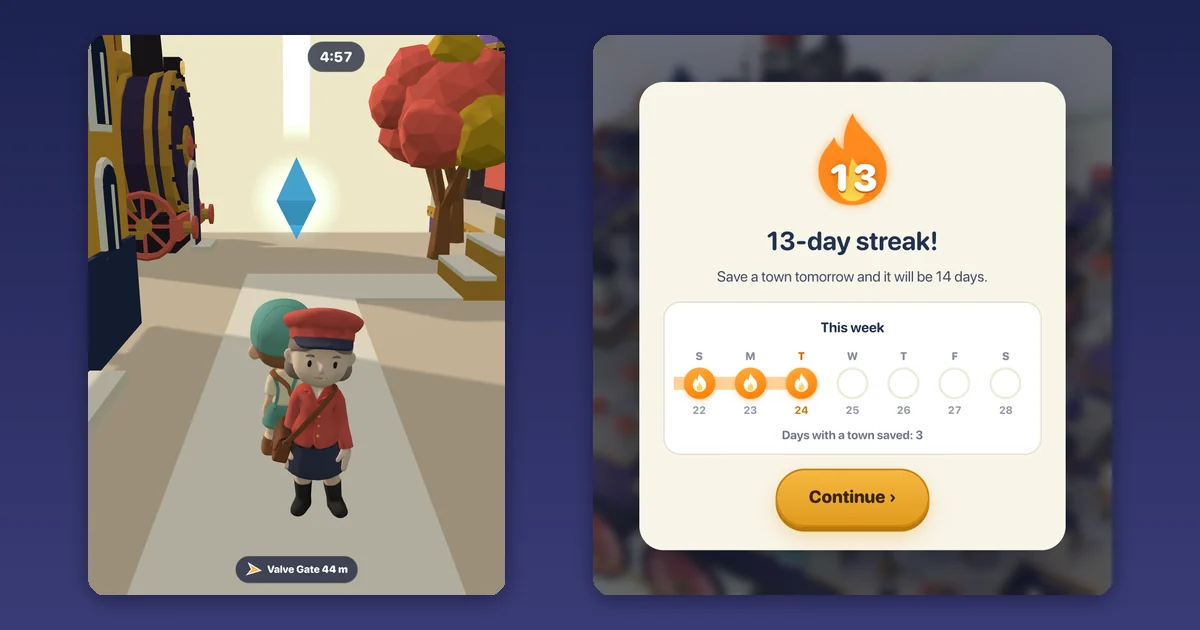 How-to guidesDaily streak and freeze gems: save a town every daySave any town in Wonder Town on a day and that day counts for your daily streak. Where to see the streak and the week, how freeze gems keep it through a missed day, and where the gems hide.November 24, 2026 · 6 min read
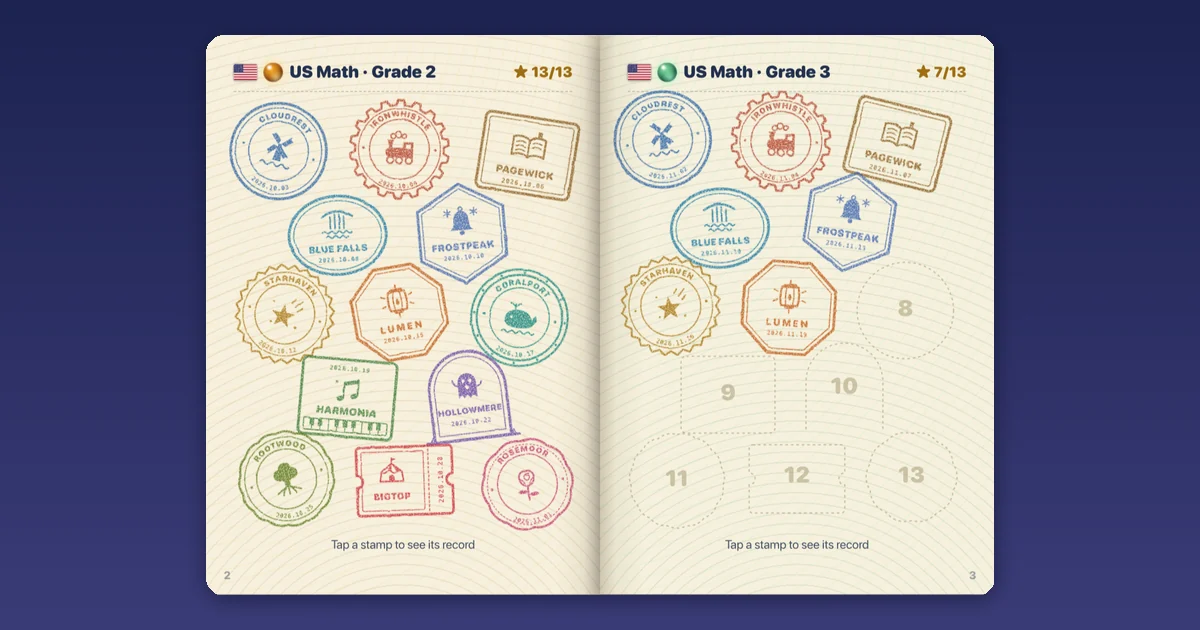 How-to guidesPassport stamps: one for every town you saveEvery town saved in Wonder Town puts a stamp in your Passport, a little book with a page per question bank. How to open it, turn its pages and read each stamp.November 22, 2026 · 6 min read
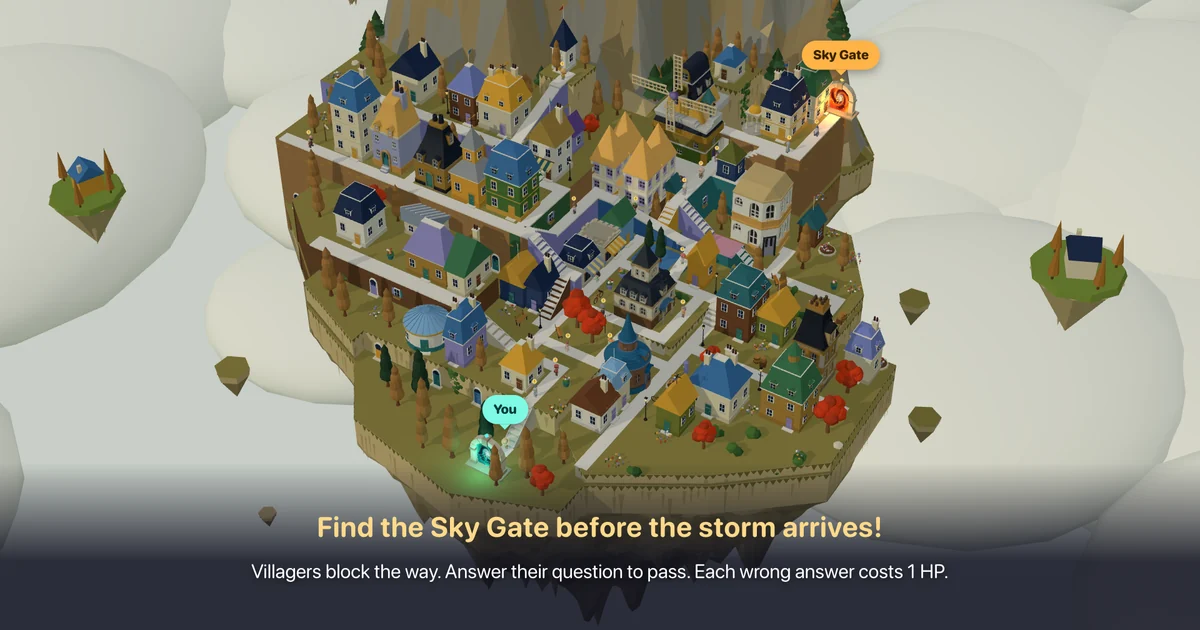 How-to guidesGetting started with Wonder Town: from the free trial to your first saved townNo download and no sign-up needed to start. A step-by-step walk through choosing a question bank, opening a card pack, answering the villagers and reaching the Sky Gate, with screenshots of every step.November 21, 2026 · 4 min read