
Wonder Town › Guides › How-to guides
Make a 3D character from one photo
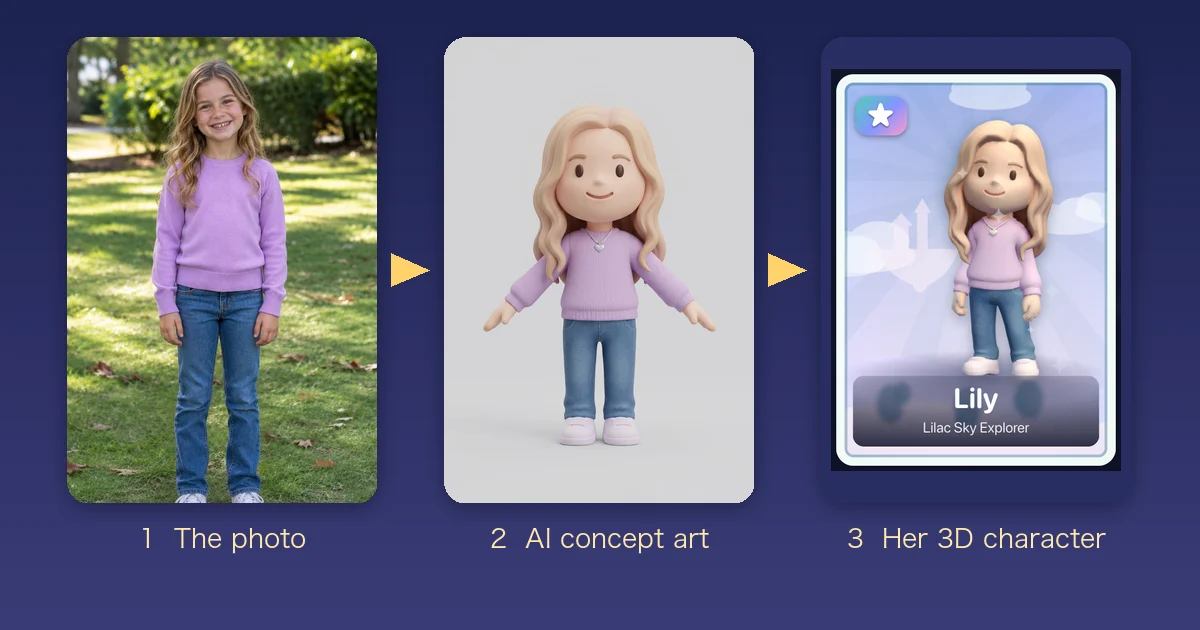
Besides the 10 characters in the card packs, you can make a character of your very own from one photo: your child, the family pet or a favourite toy. The server turns the photo into a 3D toy-figure character that walks, runs and jumps, with a card of its own, and it goes into every town like the others.
Here is the whole thing with a photo of a girl. The picture at the top shows it all: on the left the photo uploaded, in the middle the concept art the AI drew, on the right the finished 3D character and its card. The photo is an AI-made example, and Lily, the character in the screenshots, was really made from it.
What you need
- 5000 coins. Every right answer in a town earns 1 coin, and coins can be topped up ($1 = 1000 coins); see the Passport, coins and your profile.
- One photo with a single person, pet or toy, seen from the front in good light, whole body or from the waist up, up to 10 MB.
- An account. The guest trial cannot make characters.
1. Create a character
On the game's character screen, scroll down to Your own character and click Create a character.
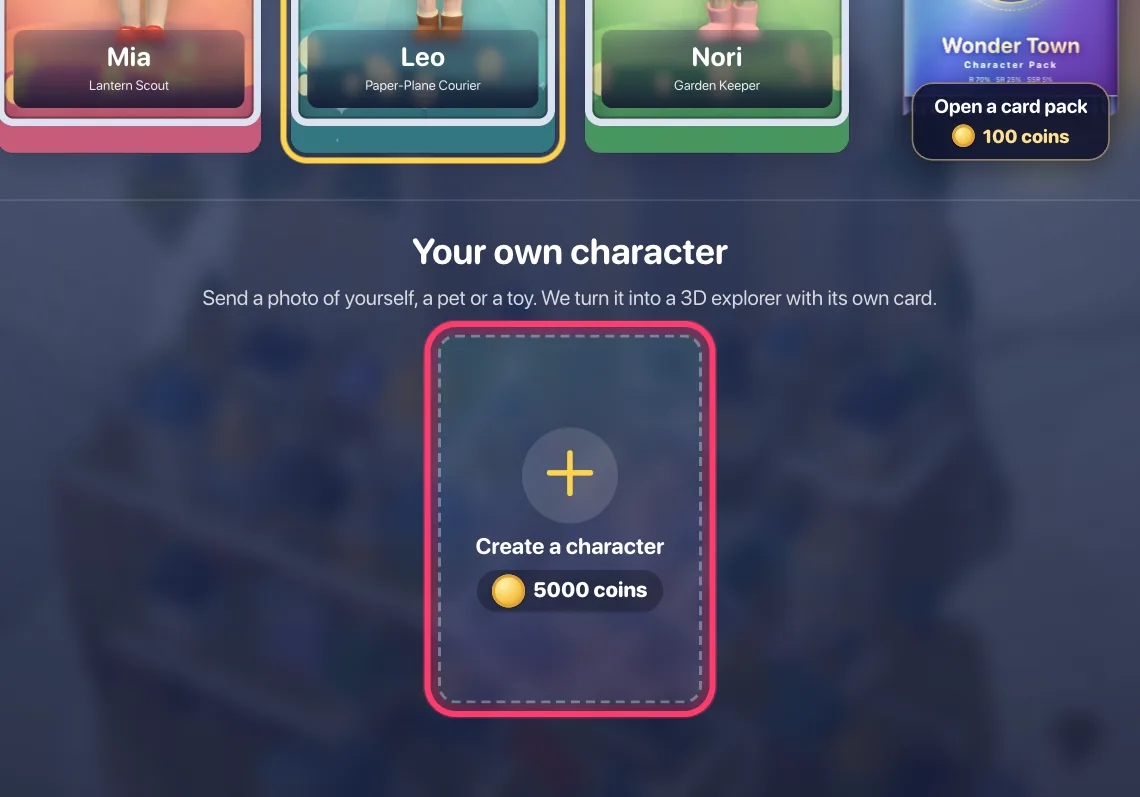
Check the price and click Pay 5000 coins.
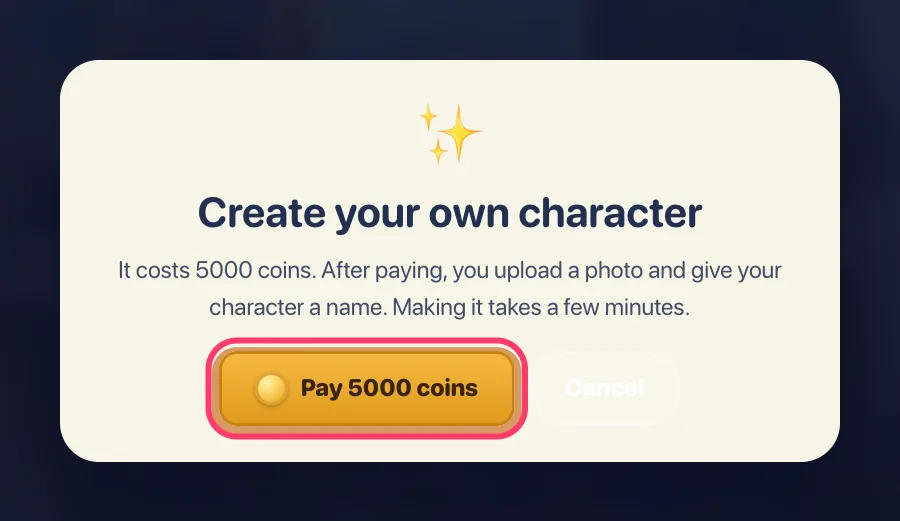
2. Upload the photo and give it a name
After paying, "Photo and name" opens. Click Choose a photo.
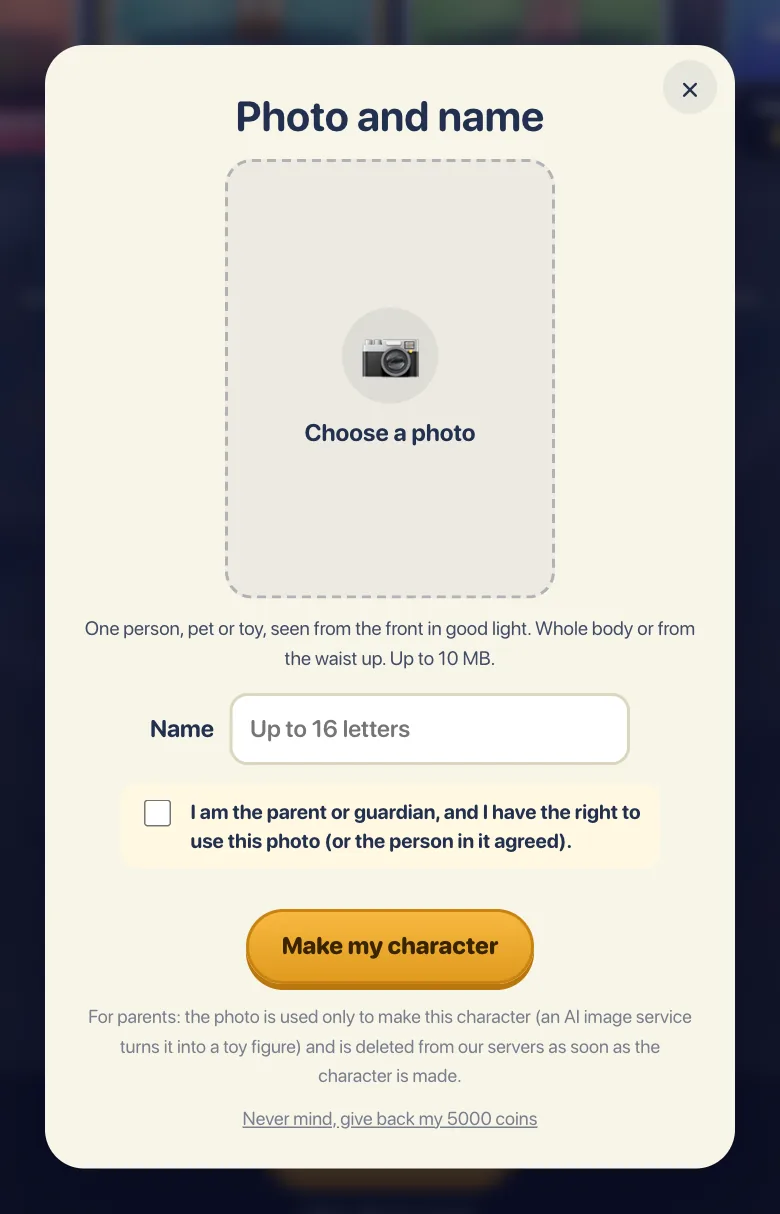
Pick the photo, type a name (up to 16 letters), let a parent tick the consent box, and click Make my character.
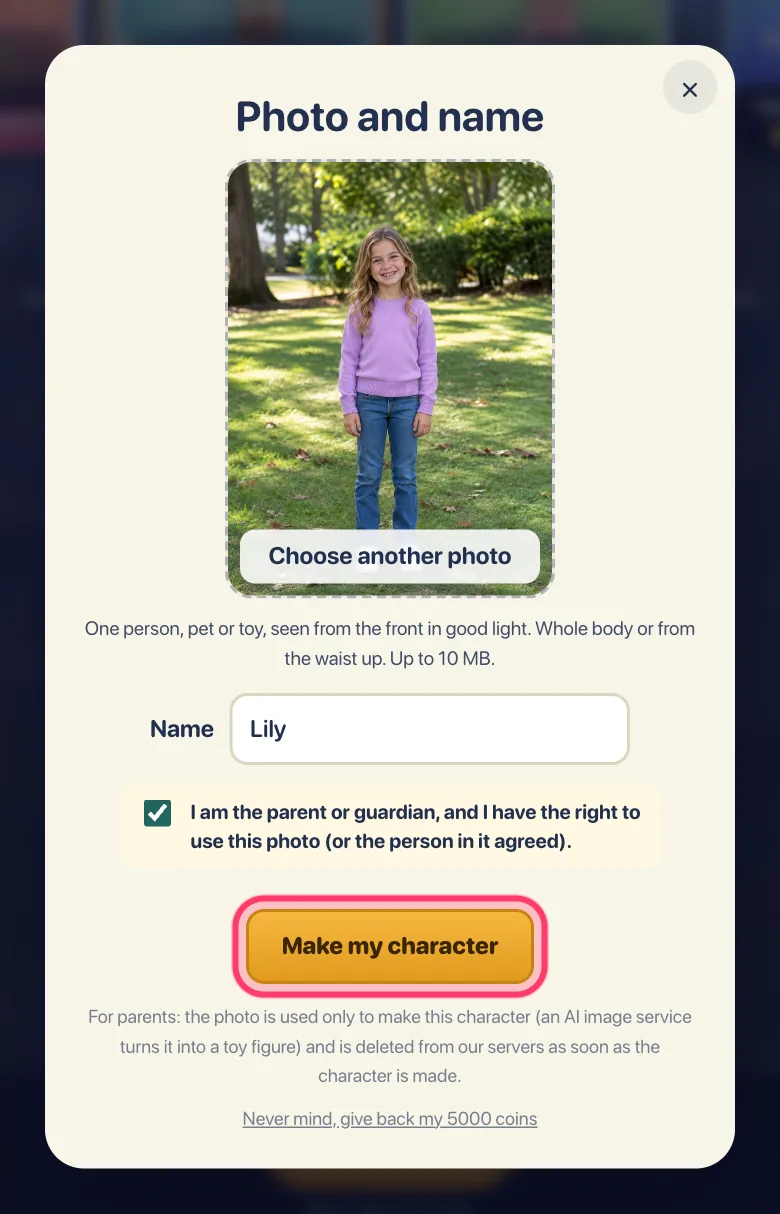
The photo is made smaller in the browser before it is sent. It is used only to make this character (an AI image service turns it into a toy figure) and is deleted from our servers as soon as the character is made.
Changed your mind before sending a photo? Never mind, give back my 5000 coins at the bottom of the box returns the coins.
3. Wait a few minutes
The character goes through 5 steps: designing the look, building the 3D model, adding bones, learning to walk and jump, and painting the card. Lily took under 3 minutes. You can play with another character meanwhile; the finished character appears under "Your own character", and if you are on the character screen at that moment, its card pops up.
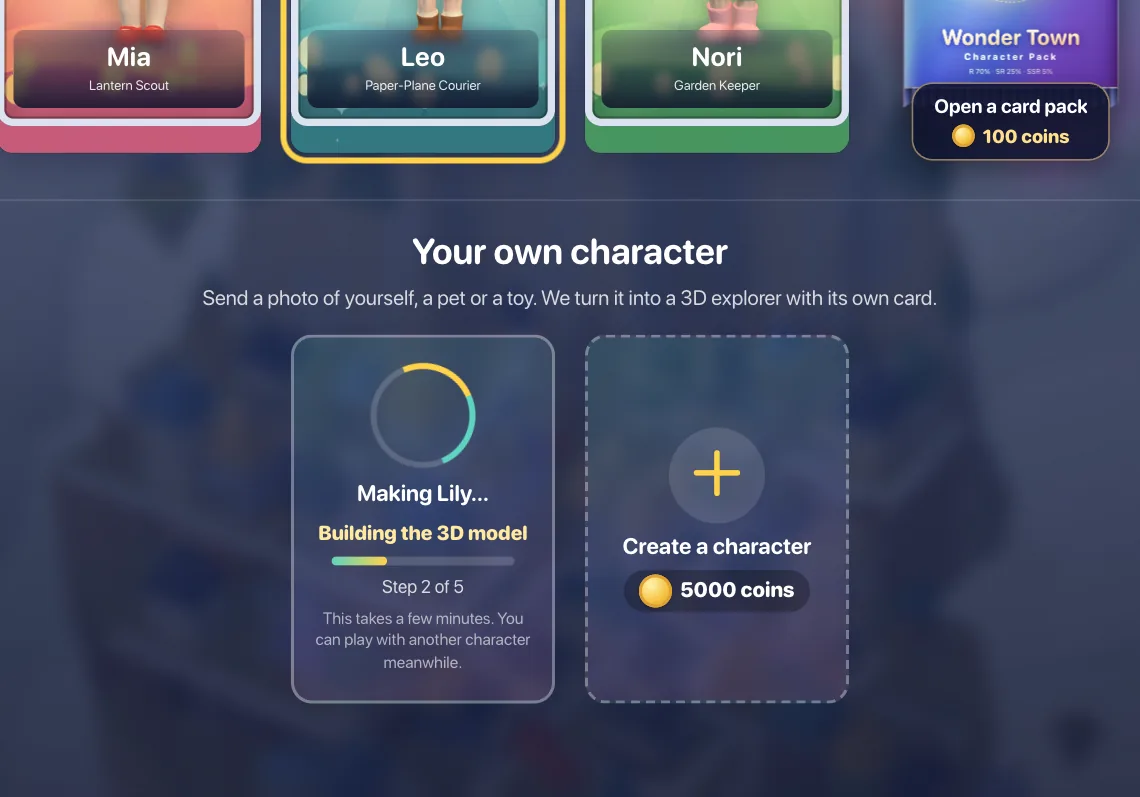
What the server does in those minutes:
- An AI draws concept art in the toy-figure style from the photo, keeping features such as the hair and the colours of the clothes, with the arms out and empty hands so it can become a 3D model.
- A textured 3D model is built from the concept art.
- The model gets a skeleton and five moves, idle, walk, run, jump and hurt, like every other character.
- An avatar is cut from the concept art, and an AI looks at the character and writes the title and short story on its card, in English, Chinese and Japanese.
4. The character is ready
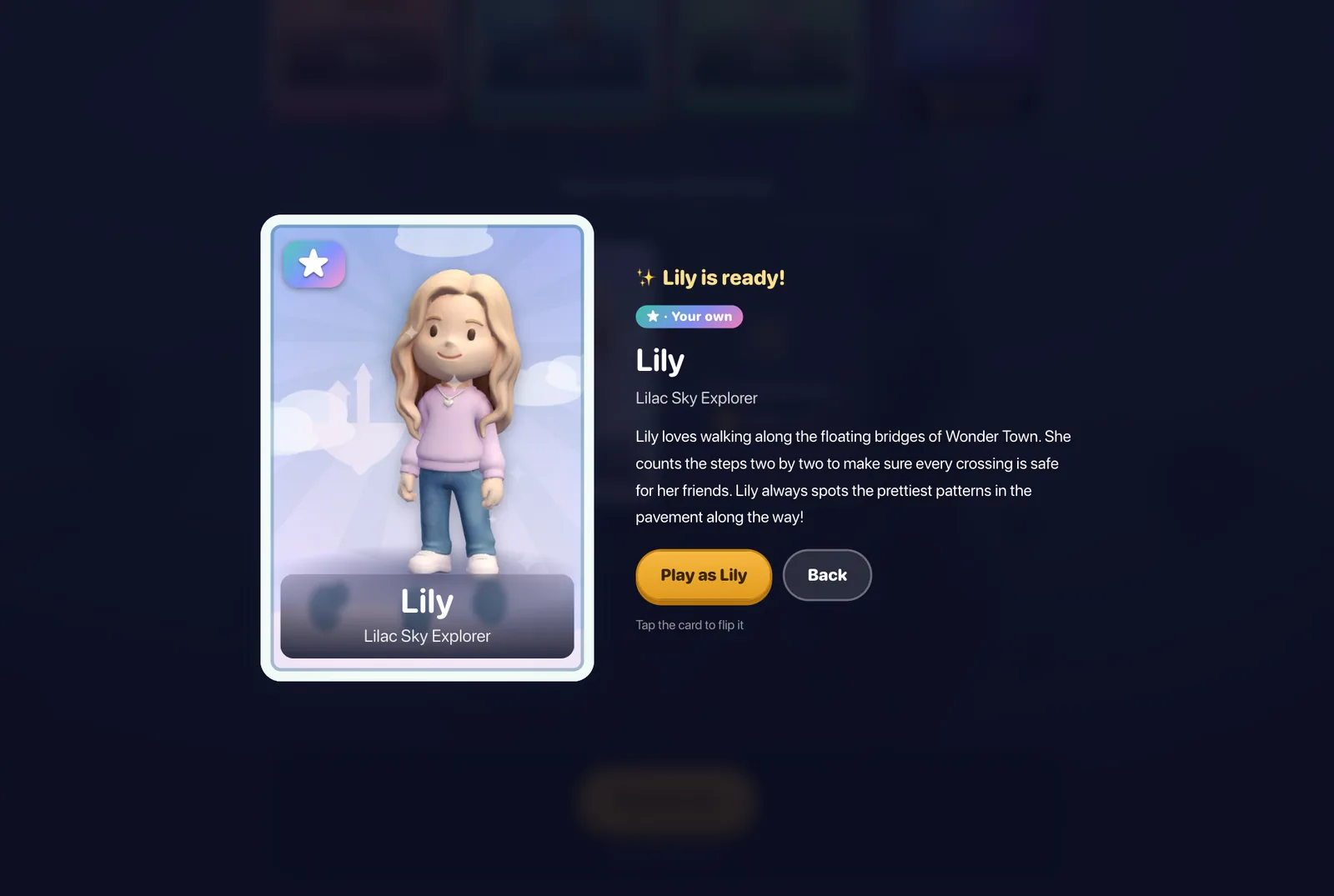
When it is done, the character's card opens. Lily's title is "Lilac Sky Explorer", with a short story the AI wrote. The figure on the card is the 3D model itself; tap the card to flip it.
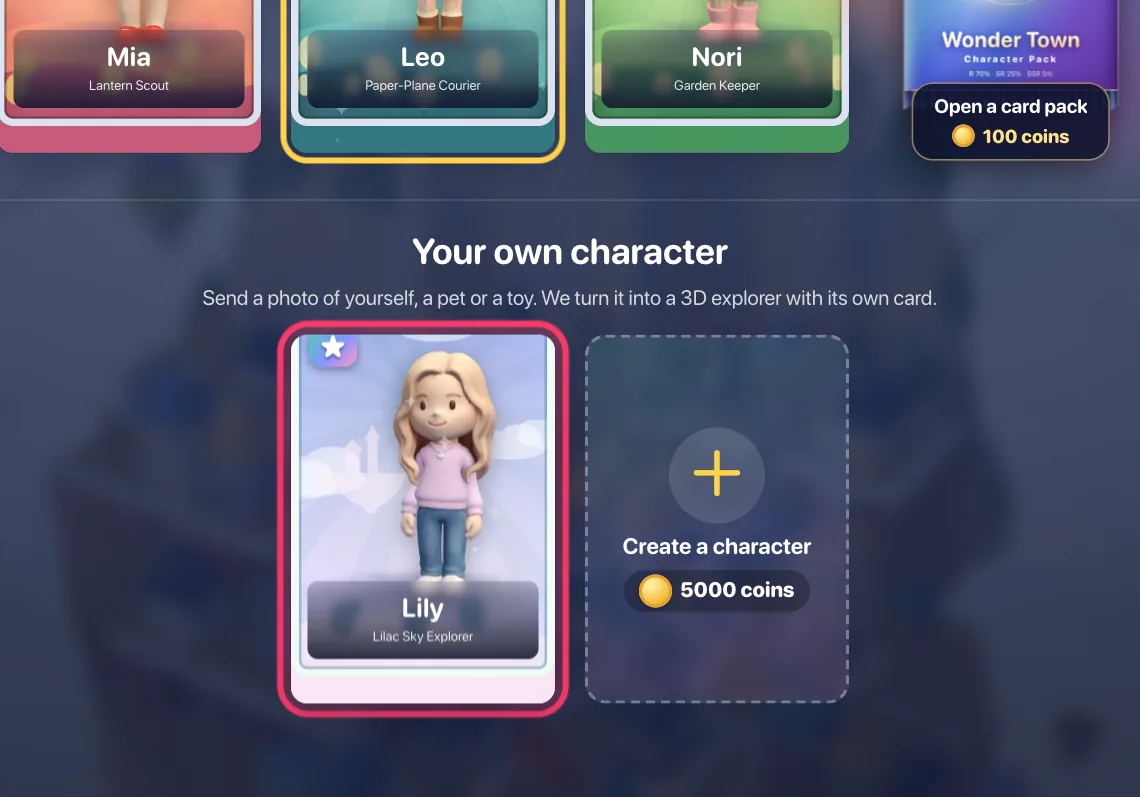
The new character appears under "Your own character", and the star on the card shows it is one you made. It is also listed on your profile page under "My own characters".
5. Take it on an adventure
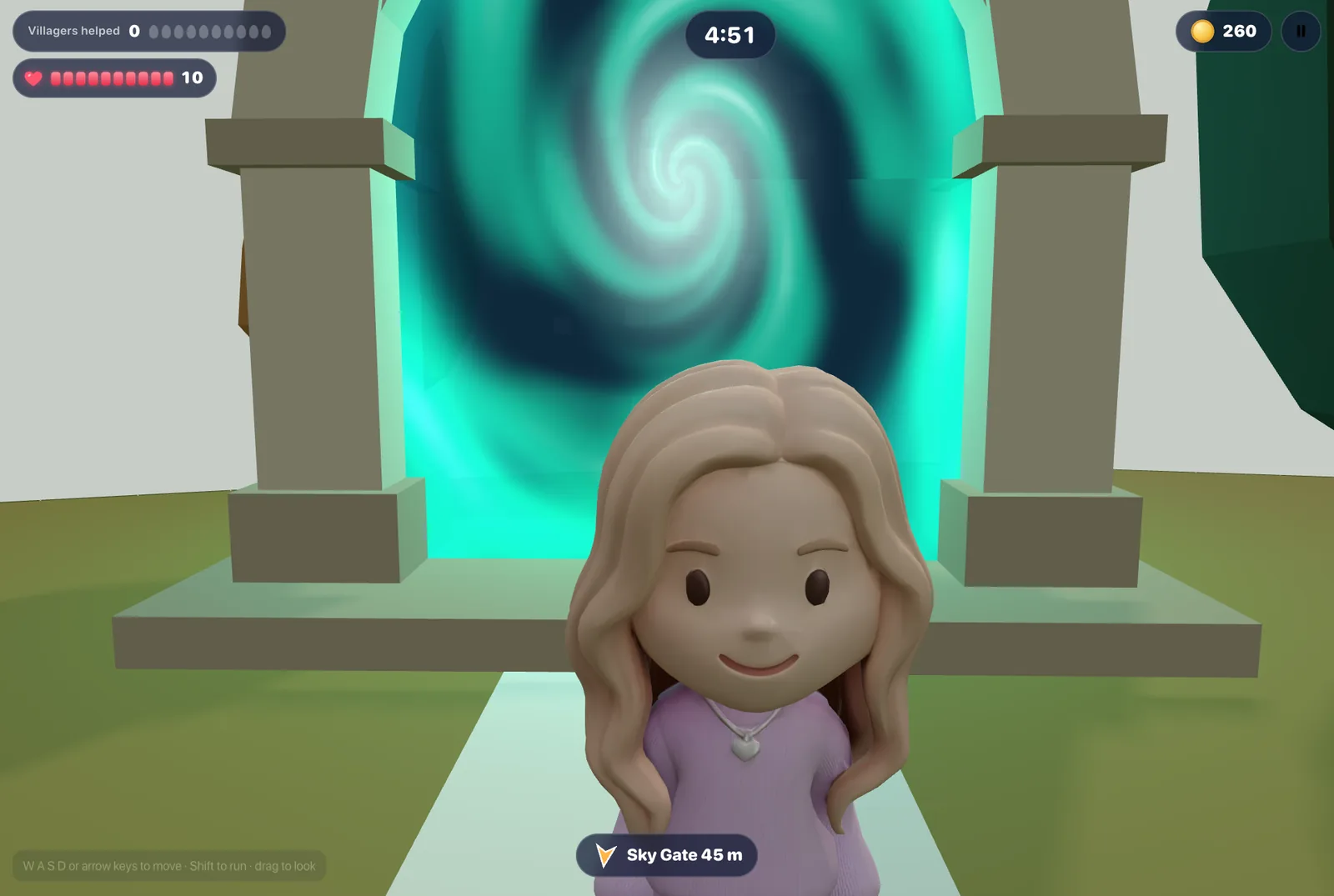
Click the card, then Play as Lily, choose a town, and walk in as your own character.
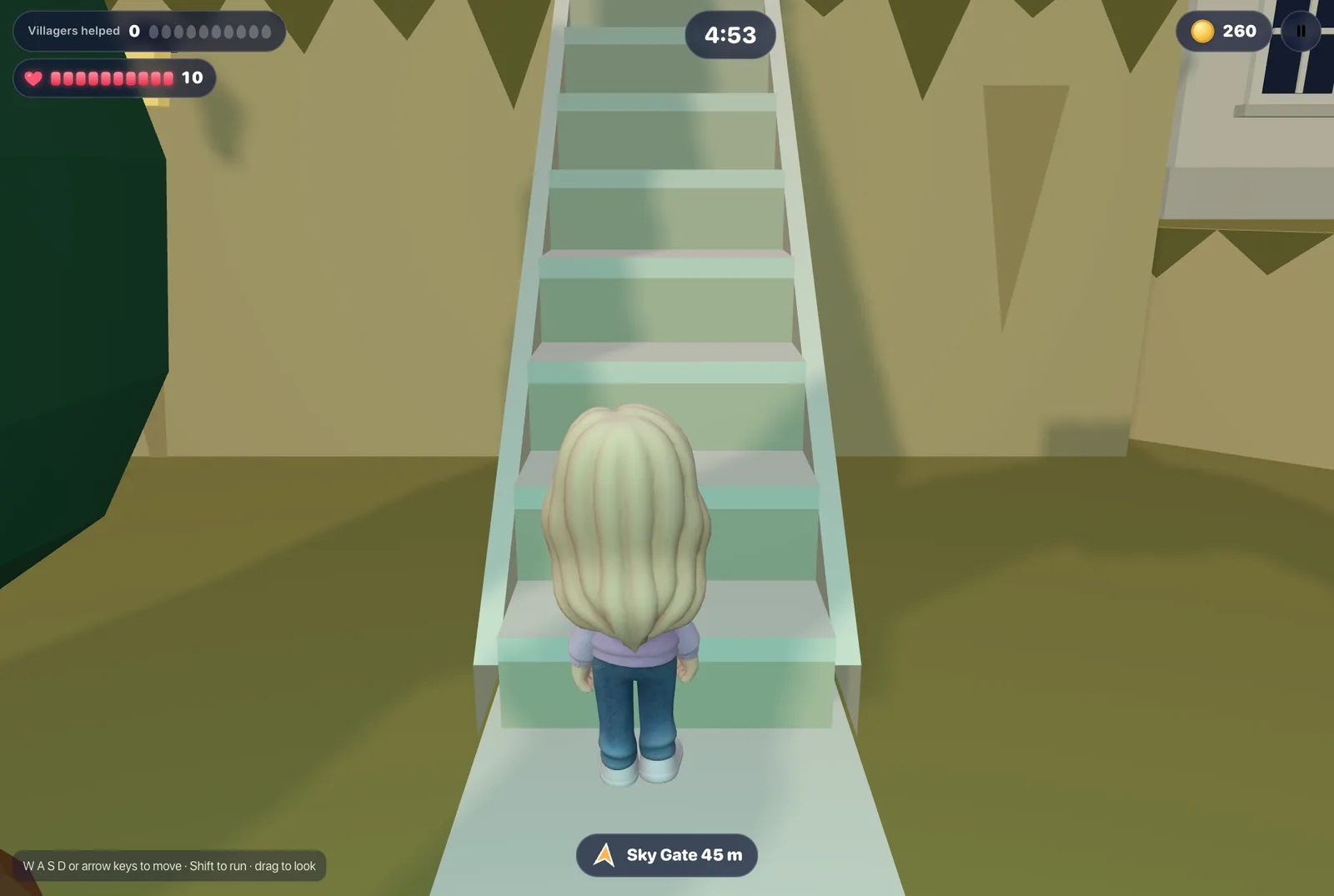
Drag to turn the camera around and see her from the front:
If it does not work out
- If a photo does not work (several people in it, too dark or too blurry), that try fails and you can send another photo. Each character gets 3 tries; if all 3 fail, the 5000 coins come back.
- One character can be made at a time.
- To make another one, click Create a character again.
More guides
 How-to guidesDaily streak and freeze gems: save a town every daySave any town in Wonder Town on a day and that day counts for your daily streak. Where to see the streak and the week, how freeze gems keep it through a missed day, and where the gems hide.November 24, 2026 · 6 min read
 How-to guidesPassport stamps: one for every town you saveEvery town saved in Wonder Town puts a stamp in your Passport, a little book with a page per question bank. How to open it, turn its pages and read each stamp.November 22, 2026 · 6 min read
 How-to guidesGetting started with Wonder Town: from the free trial to your first saved townNo download and no sign-up needed to start. A step-by-step walk through choosing a question bank, opening a card pack, answering the villagers and reaching the Sky Gate, with screenshots of every step.November 21, 2026 · 4 min read